

Trezor Customer Data Breach 2026: What Hardware Wallet Owners Should Do Now

Security Guide · Updated August 2026
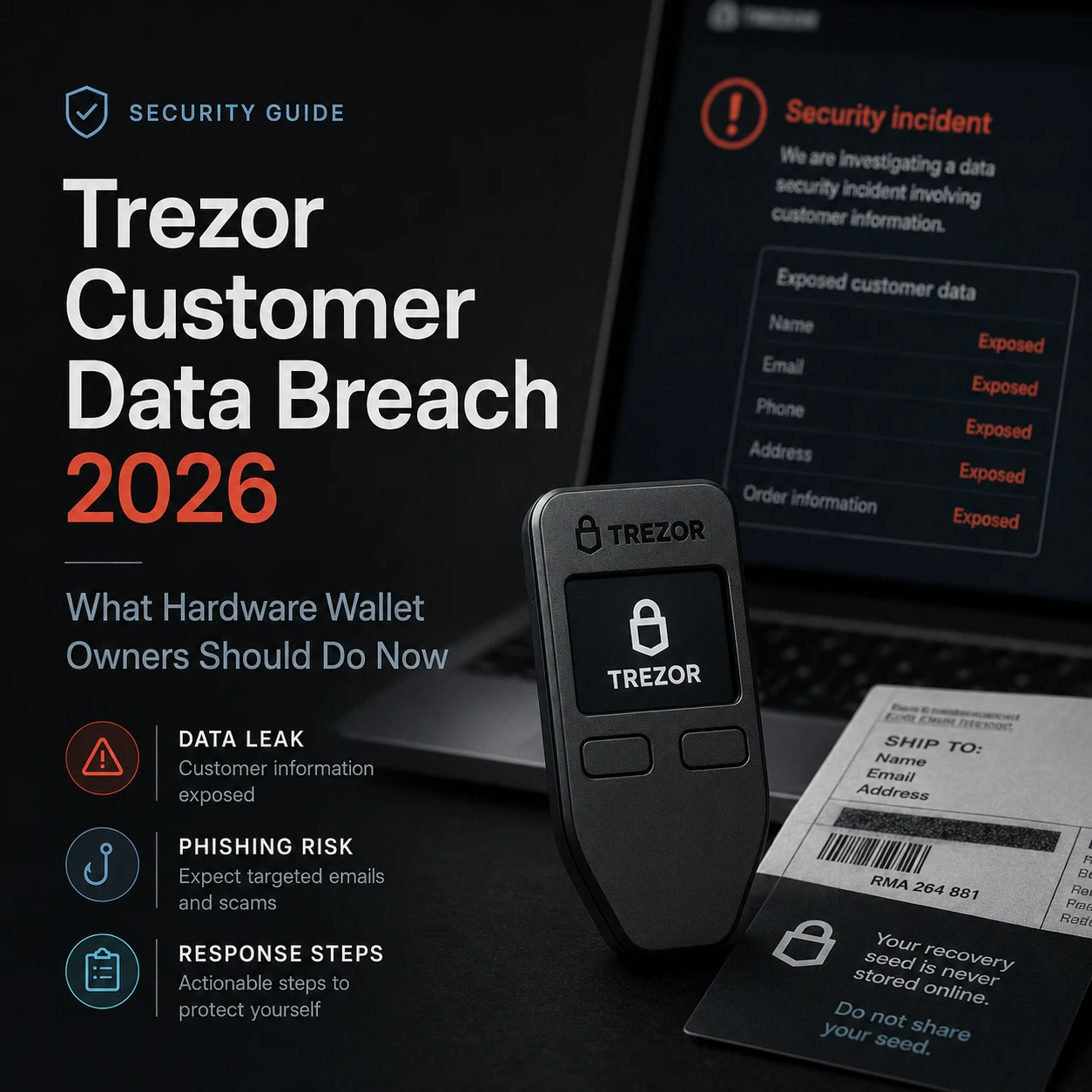
The 2026 Trezor customer data breach did not expose wallet backups or compromise Trezor devices. It did expose enough personal information to make targeted phishing—and, for some customers, physical-security concerns—more credible.
If you received Trezor’s breach notification, the right response is not to panic, reset your device, or move funds because of an unsolicited message. Your priority is to harden the human and physical layers around your wallet: verify communications, protect your wallet backup, review your home-security exposure, and treat unexpected “Trezor support” contact as hostile until independently verified.
What Happened in the Trezor Customer Data Breach?
In August 2026, Trezor disclosed that one of its shipping providers, ShipMonk, had experienced unauthorized access to systems containing Trezor customer order data. Trezor says ShipMonk notified the company on August 10, and Trezor subsequently contacted affected customers directly.
This is an important distinction: the incident was a customer-data breach at a fulfillment partner, not a compromise of the hardware wallet firmware, Trezor Suite, private keys, or the cryptographic security of customers’ devices.
The distinction matters because the correct security response depends on what was actually breached. A stolen wallet backup requires key migration. A leaked shipping record requires a different response: identity-aware phishing defense, communication verification, and potentially stronger physical privacy.
What Customer Data Was Exposed?
According to Trezor’s current incident notice, approximately 13,689 customers were affected.
| Exposure group | Approx. customers | Data Trezor says was exposed |
|---|---|---|
| Full exposure | 11,742 | Name, email, phone number, shipping address |
| Partial exposure | 1,947 | Name, city, email address |
Trezor also says order numbers were present in ShipMonk’s delivery data, while the contents of the parcels were not exposed. The company’s latest update notes that some of the 1,947 partial-exposure records may relate to older orders and that it is still verifying the exact timeframe with ShipMonk.
For new orders in the primary affected window, Trezor identified customers who received shipments in the United States, United Kingdom, Sweden, Colombia, Brazil, Italy, and Portugal between May 10 and August 8, 2026.
What Was Not Compromised?
Based on Trezor’s disclosure, the incident did not compromise the private keys inside Trezor devices, wallet backups, PINs, Trezor firmware, or Trezor Suite.
That means an affected customer should not assume that an attacker can immediately spend their crypto simply because their name, email, phone number, or address appeared in the breached dataset.
The real danger is what happens next.
Personal information can make a scam far more believable. A phishing email that knows your full name is more convincing than a generic spam message. A caller who knows your city, phone number, or shipping address can sound like a real support agent. A physical letter carrying authentic-looking order details can bypass the skepticism users normally apply to random crypto messages.
CryptoSafeKit’s guide to private-key and seed-phrase scams explains why attackers often target the recovery process rather than trying to break the hardware itself.
How Do You Know If Your Trezor Customer Data Was Affected?
Trezor says it sent a separate notification to affected customers from help@trezor.io. Its current incident page states that customers who did not receive that notification are not affected by this specific breach.
Do not click links in a message simply because the sender address looks correct. Email sender information can be spoofed, forwarded, or imitated.
Use a safer verification process:
- Open a new browser tab yourself.
- Navigate manually to Trezor’s official website.
- Find the incident notice through Trezor’s own News or Support pages.
- Compare the wording with the notification you received.
- If you still need help, initiate support through Trezor’s official site rather than replying to an unsolicited contact.
This habit is useful beyond this incident. Security alerts are precisely the moment when users are most likely to click first and verify later.
What Hardware Wallet Owners Should Do Now
If you were affected, focus on the security layers that actually changed. Your customer identity information may now be less private; your wallet keys are not automatically compromised.
Treat unsolicited Trezor contact as suspicious
Do not trust a phone call, email, letter, SMS, social-media message, or chat request merely because it contains correct personal details.
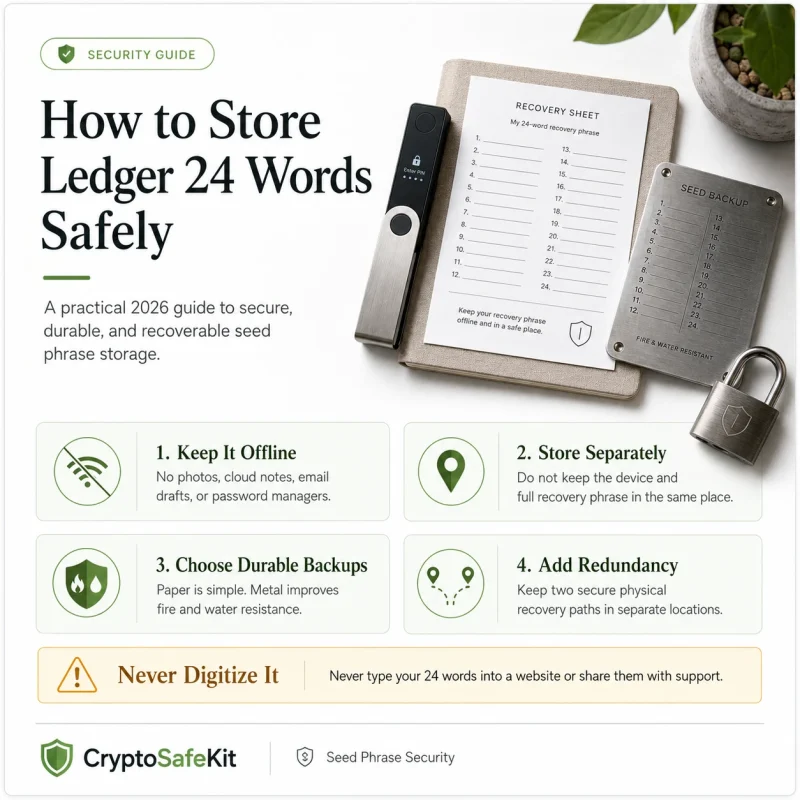
Never reveal your wallet backup
Trezor explicitly says never to type your wallet backup into a website or share it with anyone. A legitimate support interaction does not require your recovery words.
Do not follow unsolicited “migration” instructions
A scammer may claim the breach requires a new wallet, firmware recovery, emergency synchronization, or seed verification. Do not migrate based on an inbound message.
Review physical security if your address was exposed
Consider whether your wallet device, backup, safe, or storage routine is visible or accessible at the address associated with the order.
Separate your device and recovery backup
A data breach does not directly reveal where your seed phrase is stored, but exposed address data makes single-location storage a more important risk to review.
Review account security outside Trezor
If the exposed email or phone number is also used for exchanges, email accounts, or other financial services, strengthen those accounts against impersonation and account-recovery abuse.
How the Leaked Data Can Be Weaponized Against Hardware Wallet Owners
Customer information becomes dangerous when an attacker combines several ordinary facts into a convincing story.
Scenario 1: The “urgent wallet migration” email
The attacker knows your name and email address and claims Trezor is migrating affected devices after the breach. The message directs you to a realistic-looking website where you are asked to enter your wallet backup.
The breach itself becomes the credibility mechanism.
Scenario 2: A convincing support phone call
A caller knows your name, phone number, city, and possibly shipping address. They claim they are calling from Trezor or a delivery/security partner and ask you to “verify ownership.”
Trezor’s current security guidance is especially useful here: the company says it will not contact users first to ask for a wallet backup, and its support documentation warns that unsolicited phone contact should be treated as suspicious.
Scenario 3: Fake physical mail
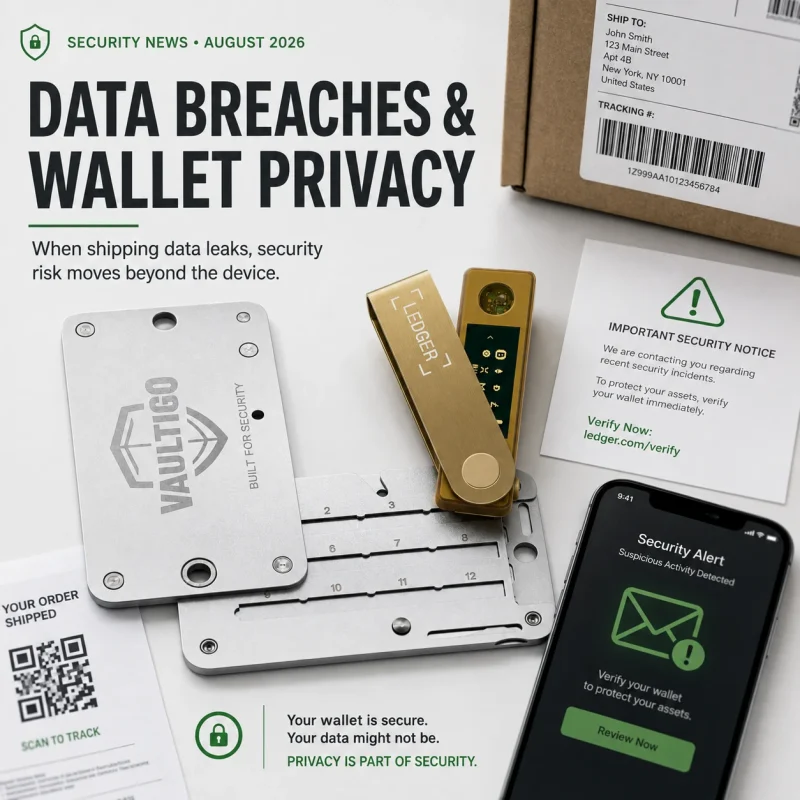
Address exposure makes postal phishing more credible. A professionally printed letter can claim that your Trezor is affected and include a QR code leading to a fraudulent recovery page.
Never treat physical mail as more trustworthy simply because it arrived at the correct address.
Scenario 4: Exchange or bank impersonation
Trezor warns that leaked contact information can also be used to impersonate other institutions—not only Trezor. A criminal may claim that your exchange account, bank card, or crypto purchase needs verification.
The defensive rule remains the same: end the inbound conversation and independently open the institution’s official app or website.
Why Shipping-Address Exposure Matters More for Hardware Wallet Owners
An email leak primarily increases digital targeting. A shipping-address leak can add a physical dimension.
It does not prove that an attacker knows how much crypto you own. It does not prove that your hardware wallet is stored at that address. And Trezor says parcel contents were not exposed.
Still, the combination of a customer identity and a delivery address can justify reviewing your physical-security assumptions.
Ask yourself:
- Is the hardware wallet stored at the same address?
- Is the complete wallet backup stored there too?
- Could both be taken in the same burglary?
- Is the safe visible to visitors, contractors, or housemates?
- Does anyone outside the household know what the device protects?
- Would a delivery label, product box, or discarded packaging reveal that hardware wallets are used in the home?
The goal is not to create fear. It is to remove obvious single points of failure.
For a more complete physical-security model, use CryptoSafeKit’s hardware wallet cold-storage security guide. It covers device storage, backup separation, travel exposure, safe placement, and long-term recovery planning.
Should You Move Funds or Rotate Your Seed Phrase?
Not solely because of this customer-data breach.
Trezor’s incident notice says its systems and devices were not compromised. The exposed dataset did not contain wallet backups. On that basis, the breach by itself is not evidence that your seed phrase or private keys need to be replaced.
You should consider a fresh wallet if, separately from the ShipMonk incident:
- You entered your recovery words into a website or ordinary software application.
- You shared the backup with someone claiming to be Trezor support.
- The seed was photographed or stored in cloud services.
- You used a prewritten or seller-supplied wallet backup.
- You no longer trust who had physical access to the backup.
- You notice unauthorized transactions that indicate key compromise.
If any of those conditions apply, the problem is no longer merely a customer-data leak. Follow a deliberate migration process to a fresh wallet rather than responding to an unsolicited “security upgrade” message.
Do You Need to Replace Your Trezor Device?
There is no technical reason in Trezor’s disclosure to replace a genuine, correctly initialized device solely because your shipping details were exposed.
If you are concerned about device authenticity for a separate reason, check Trezor’s model-specific packaging and device-verification guidance. Trezor says new devices are distributed without firmware installed; the normal setup flow installs signed firmware and generates a new wallet backup on the device.
CryptoSafeKit’s hardware wallet tamper-check guide explains how to distinguish cosmetic packaging issues from more serious warning signs such as preinstalled firmware, prewritten recovery words, or a supplied PIN.
How to Reduce Privacy Exposure When Buying Hardware Wallets in the Future
Physical products must be shipped somewhere, so hardware-wallet purchases inevitably create some logistics data. The objective is to minimize unnecessary linkage rather than pretend it can always be eliminated.
Trezor says its normal order data is retained for 90 days to cover delivery, returns, refunds, and replacements, after which completed-order data is deleted or anonymized under its policy. The company says the same 90-day requirement applies to fulfillment partners.
Trezor’s current privacy suggestions include:
- Using a dedicated email address that is not closely tied to your public identity.
- Considering a P.O. Box where practical and permitted.
- Reducing unnecessary reuse of the same phone number across high-value financial accounts.
- Reviewing payment privacy and the data required by the chosen payment method.
Trezor has also announced an anonymous-delivery initiative intended to use dedicated checkout, locker pickup, neutral packaging, generic sender details, and automatic deletion of shipping identifiers. Availability is still being rolled out, so verify the current regions and terms before relying on it.
Privacy measures should not interfere with recoverability. Do not use an email account, mailbox, or identity arrangement that you cannot reliably access if a legitimate order problem occurs.
The Broader Lesson: Hardware Security and Customer Privacy Are Different Layers
This incident illustrates a concept that is easy to miss in self-custody:
A hardware wallet can remain cryptographically secure while the owner becomes easier to target.
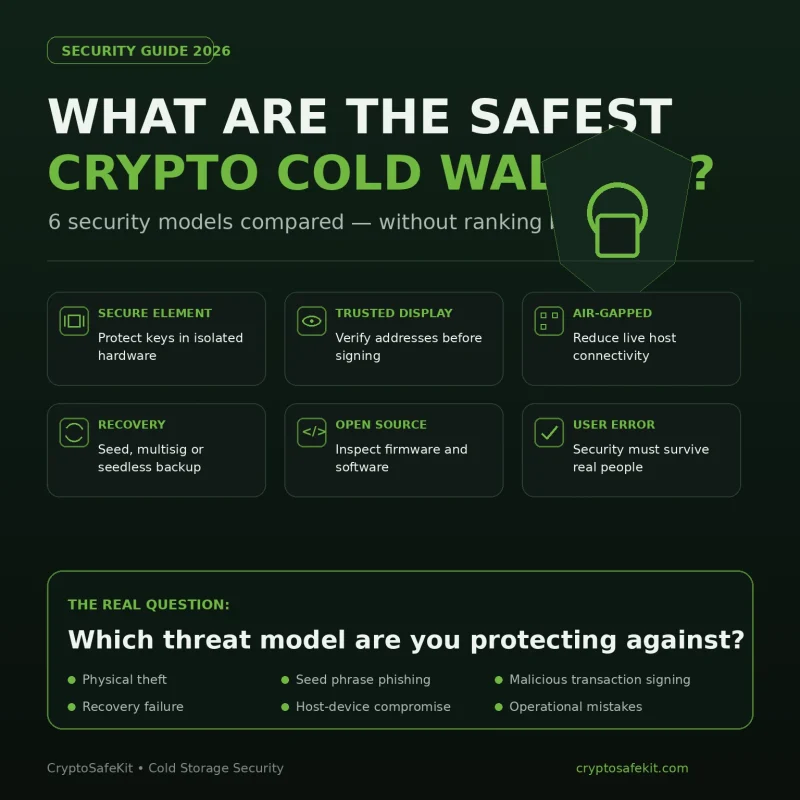
Hardware-wallet security has several independent layers:
No single product solves all five.
If you are comparing hardware-wallet architectures after this incident, avoid treating a customer-data breach as evidence that one device’s cryptography is weaker than another’s. CryptoSafeKit’s Ledger vs Trezor vs Tangem comparison separates security architecture, recovery model, usability, and privacy rather than reducing the decision to one headline.
Trezor Data Breach Security Checklist
- Check whether you received Trezor’s official breach notification.
- Verify the incident through Trezor’s website rather than clicking an inbound link.
- Do not share or type your wallet backup online.
- Do not follow unsolicited wallet-migration or seed-verification instructions.
- Assume future phishing may contain your real name, email, phone number, or address.
- Do not trust caller ID or sender names by themselves.
- Review the security of the email account associated with your purchase.
- Review the security of any exchange or financial account using the same email or phone number.
- If your shipping address was exposed, review where the hardware wallet and backup are physically stored.
- Do not store the device and complete recovery backup together by default.
- Remove obvious hardware-wallet packaging from areas where it can reveal what you own.
- Do not rotate a healthy seed solely because customer contact data was leaked.
- Generate a fresh wallet only if the recovery material itself may have been compromised.
- Keep recovery backups offline.
- Review your security plan periodically rather than only after a breach headline appears.
Frequently Asked Questions
Was Trezor itself hacked in the 2026 customer data breach?
Trezor says the breach occurred at ShipMonk, a third-party shipping provider. According to Trezor, its own systems, products, and services were not compromised.
How many Trezor customers were affected?
Trezor currently reports approximately 13,689 affected customers: 11,742 with full exposure and 1,947 with partial exposure.
What information was leaked?
Trezor says the full-exposure group included name, email, phone number, and shipping address. The partial-exposure group included name, city, and email address. Trezor says parcel contents were not exposed.
Were Trezor seed phrases or private keys leaked?
Trezor says no. The incident involved shipping-provider customer data, not wallet backups, private keys, firmware, or Trezor devices.
Do I need to move my crypto after the Trezor breach?
Not solely because your contact details were exposed. The more immediate risk is targeted phishing. Move to a fresh wallet only if you have separate reason to believe your wallet backup or keys were compromised.
How do I know if I was affected?
Trezor says affected customers were contacted directly from help@trezor.io. Verify any message independently through Trezor’s official website rather than trusting links or phone numbers contained in the message.
Could scammers use my home address against me?
Address exposure can make physical mail, phone impersonation, and other targeted attacks more credible. It does not prove an attacker knows where your hardware wallet is stored or how much crypto you hold, but it is a reasonable trigger to review physical storage and privacy.
Should I replace my Trezor hardware wallet?
The breach itself is not evidence that a genuine Trezor device is compromised. Trezor says the hardware remains secure. Replace or retire a device only when there is a separate authenticity, tampering, hardware, or recovery concern.
Final Takeaway
The Trezor customer data breach is serious, but the correct response starts by separating identity exposure from wallet-key compromise.
Trezor says the breach occurred at a shipping provider and did not compromise its devices, services, private keys, or wallet backups. The most immediate risk is that attackers can use real customer information to make phishing, impersonation, and social-engineering attempts far more believable.
For affected hardware-wallet owners, the priority is therefore not panic-driven wallet migration. It is disciplined verification: never disclose the wallet backup, distrust unsolicited “support,” independently verify security messages, review the physical implications of address exposure, and keep the hardware wallet separated from its complete recovery backup.
Self-custody does not eliminate risk. It changes which risks you control. A resilient setup protects not only the private key inside the device, but also the person, the recovery phrase, the communications around the wallet, and the physical environment in which it is stored.
For more practical security articles, browse CryptoSafeKit’s Security Guides.