

Ledger Passphrase vs Seed Phrase: What’s the Difference?

Ledger Security Guide
A seed phrase and a passphrase are not two passwords for the same Ledger wallet. They solve different security problems, and confusing them can leave a perfectly valid recovery attempt pointing to the wrong accounts.
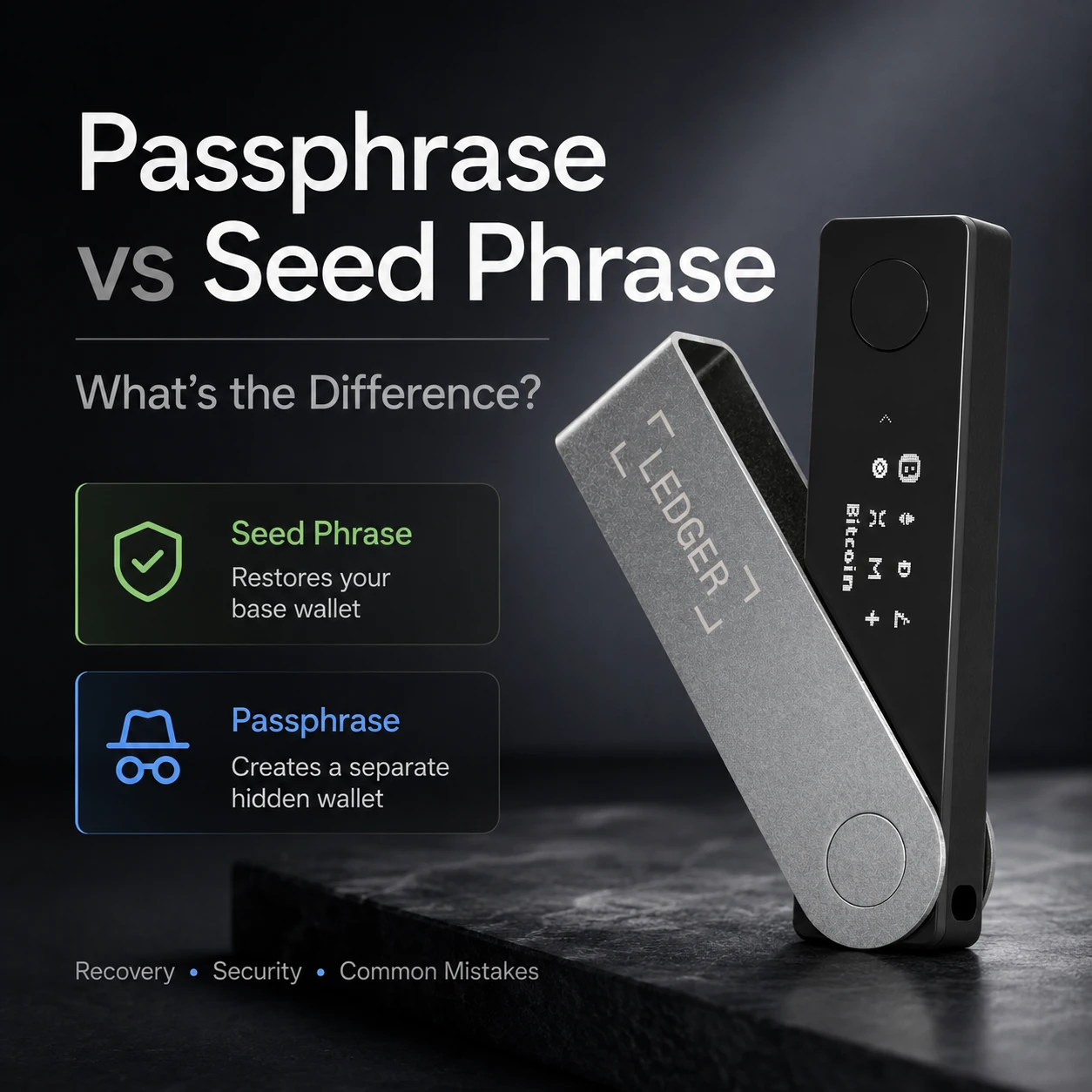
Your Secret Recovery Phrase is the backup that can recreate your standard Ledger wallet. A BIP39 passphrase is an additional secret that changes the wallet derived from that recovery phrase. If you use a passphrase, recovering the protected accounts normally requires both the original recovery phrase and the exact passphrase.
Ledger Passphrase vs Seed Phrase: The Practical Difference
The easiest way to understand the two is to stop thinking of the passphrase as an ordinary password.
A password usually unlocks an account that already exists. A Ledger passphrase does something more fundamental: it changes the cryptographic input used to derive the wallet. Ledger’s current documentation describes passphrase accounts as a separate set of accounts that cannot be reached from the standard 24-word Secret Recovery Phrase alone.
| Security element | Seed phrase | Passphrase | Device PIN |
|---|---|---|---|
| Main purpose | Restore the wallet and standard accounts | Derive an additional, separate wallet | Control access to the physical Ledger |
| Required? | Core recovery method for a conventional Ledger seed-based setup | Optional advanced feature | Required for normal device access |
| Generated or chosen? | Generated during wallet setup | Chosen by the user | Chosen by the user |
| Changes wallet addresses? | Defines the base wallet | Yes. A different passphrase derives different accounts | No |
| Can Ledger recover it? | Ledger cannot recreate an unknown recovery phrase for you | No. There is no passphrase reset or recovery service | A forgotten PIN can require device recovery using your backup |
| If exposed | Standard accounts may be at risk | Risk depends on whether the attacker also has the seed phrase | Creates a physical-access risk, but is not the wallet backup |
| If lost | Standard wallet may become unrecoverable after device loss or reset | Passphrase-protected wallet may become permanently inaccessible | The device may need to be reset or recovered |
This comparison reflects Ledger’s current passphrase and recovery documentation as reviewed in August 2026. Product menus and supported workflows can change, so verify the current official instructions before modifying a funded wallet.
What Is a Ledger Seed Phrase?
Ledger calls the wallet backup a Secret Recovery Phrase. “Seed phrase,” “recovery phrase,” and “mnemonic phrase” are commonly used for the same general concept.
In a conventional Ledger setup, the device generates a 24-word Secret Recovery Phrase. Those words are a human-readable representation of recovery information used to recreate the wallet’s private keys and blockchain accounts. Ledger states that the phrase should never be typed into a computer or smartphone and should never be shared with anyone.
The phrase does not contain your Bitcoin, Ethereum, or tokens. Your assets remain recorded on their blockchains. The phrase lets a compatible wallet reconstruct the private keys that control the relevant addresses.
Why 24 words matter
Ledger’s seed-based setup follows BIP39-style recovery principles. BIP39 converts cryptographic entropy into a mnemonic word sequence that humans can record and later use for deterministic wallet recovery.
The important security property is not that the words look random. It is that the underlying entropy was generated securely and that the completed backup remains private and accurate.
For a deeper technical explanation of entropy, word order, checksums, and why the first four letters identify words in the English BIP39 list, read Understanding BIP39 and Your Mnemonic Phrase.
What Is a Ledger Passphrase?
A Ledger passphrase is an optional BIP39 feature that adds user-selected text to the wallet derivation process. Ledger commonly describes it as a “25th word,” but that shorthand can be misleading: the passphrase does not have to be one word, and Ledger currently allows up to 100 characters.
It is case-sensitive. Spaces, punctuation, capitalization, numbers, and every other character matter. A one-character change does not produce an “incorrect password” warning. It produces a different valid wallet.
That behavior is what makes passphrases powerful—and unforgiving.
Ledger currently supports two common passphrase workflows
- Temporary passphrase: entered when you want to access the passphrase wallet and active only for that session.
- Passphrase attached to a secondary PIN: lets a compatible Ledger load the passphrase wallet when the secondary PIN is used.
Both approaches still depend on knowing the actual passphrase. A secondary PIN is a convenience for accessing a configured device; it is not a replacement backup for the passphrase.
CryptoSafeKit already has a separate hardware wallet passphrase setup and recovery guide. This article deliberately focuses on the difference between the seed phrase and passphrase so the two pages answer different search intents.
Seed Phrase vs Passphrase During Recovery
The safest way to understand recovery is to ask which wallet you are trying to reconstruct.
Recovering the standard wallet
- Use a legitimate compatible hardware recovery process.
- Restore the original Secret Recovery Phrase.
- Add the expected blockchain accounts.
- Verify known addresses or transaction history.
Recovering a passphrase wallet
- Restore the original Secret Recovery Phrase.
- Configure the passphrase feature on the Ledger.
- Enter the exact original passphrase.
- Open the passphrase wallet and add the expected accounts.
Ledger’s current recovery documentation states that passphrase accounts can be restored on a new or reset Ledger by first restoring the Secret Recovery Phrase and then reconfiguring the same passphrase. Ledger Wallet can then be used to add the associated accounts.
What happens if you lose only one component?
- Device lost, seed and passphrase available: the passphrase wallet can generally be reconstructed through the documented compatible recovery workflow.
- Seed available, passphrase lost: the standard wallet can be recovered, but the passphrase wallet may remain permanently inaccessible.
- Passphrase available, seed lost: the passphrase alone cannot reconstruct the wallet.
- PIN lost, recovery information available: the physical device may need to be reset or replaced, but the wallet can be recovered if the required recovery material is complete.
How Should You Store the Seed Phrase and Passphrase?
The seed phrase and passphrase have different roles, but both can become high-consequence secrets.
If the reason for using a passphrase is to reduce the damage caused by seed theft, storing the passphrase directly beside the seed removes much of that separation.
A practical long-term structure can look like this:
Recovery phrase
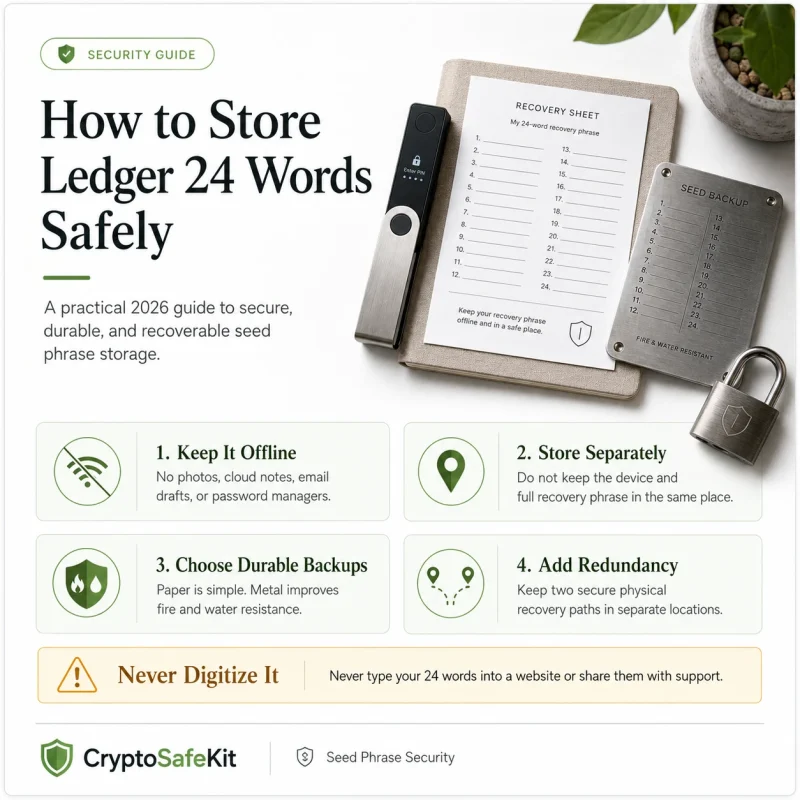
Verified offline backup in a controlled physical location. Avoid screenshots, cloud documents, email, browser tools, and ordinary digital notes.
Passphrase
Recorded exactly and protected separately when the threat model calls for separation. Do not rely exclusively on memory when permanent loss would be unacceptable.
Recovery instructions
Document how the system works without placing all secrets in the same document. This is especially important for inheritance or emergency recovery.
Paper vs metal for the seed phrase
Paper remains a valid offline medium when handled carefully. Its weakness is physical durability. A metal backup can improve resistance to several forms of environmental damage, but it does not make the secret safe from theft or unauthorized reading.
CryptoSafeKit’s seed phrase storage best-practices guide compares paper, metal, multiple copies, threshold backup, and multisig without treating any one method as universally correct.
Do You Actually Need a Ledger Passphrase?
Not every Ledger owner should use one.
A passphrase is useful when it addresses a specific threat and the owner can manage the added recovery complexity reliably. It is not automatically an “upgrade” from a normal wallet.
A passphrase may make sense when:
- You understand BIP39 recovery and have already tested standard wallet recovery.
- You want the seed phrase alone to be insufficient for accessing a separate set of assets.
- You can preserve the exact passphrase for years without storing it carelessly.
- You have an inheritance or emergency-recovery plan that accounts for the additional secret.
- You are prepared to verify that you are in the correct passphrase wallet before receiving significant funds.
Keep the standard setup when:
- You are still learning how hardware-wallet recovery works.
- You have never tested your existing seed backup.
- You are likely to forget where a separate passphrase record is stored.
- Your heirs would be unable to reconstruct a multi-part recovery process.
- The extra complexity does not solve a threat you actually face.
A simple recovery system that you can execute confidently is safer than an advanced system that depends on perfect memory.
If you are still building your first self-custody setup, start with CryptoSafeKit’s hardware wallet beginner guide before adding passphrase-protected accounts.
Common Ledger Passphrase and Seed Phrase Mistakes
Calling the passphrase “just another password”
It does not merely unlock the same wallet. It helps derive another wallet with different addresses.
Assuming existing assets become protected automatically
Enabling a passphrase creates new accounts. Existing standard-wallet assets stay where they are until you transfer them.
Relying entirely on memory
A forgotten passphrase can make the protected wallet permanently inaccessible even when the 24-word recovery phrase is correct.
Storing seed and passphrase side by side
If an attacker finds both together, the passphrase provides little additional separation against physical discovery.
Typing the seed into ordinary software to “check” it
A recovery phrase intended for hardware-based cold storage should not be copied into websites, cloud tools, chat support, or unknown software.
Confusing the secondary PIN with the passphrase
The secondary PIN can provide convenient access to a configured passphrase wallet, but the exact passphrase is still required for full recovery on a new or reset device.
Funding the wrong wallet
Before moving meaningful assets, confirm that the Ledger is in the intended standard or passphrase wallet, verify the receiving address, and use a small test transaction.
Ledger Seed Phrase and Passphrase Security Checklist
- The Secret Recovery Phrase was generated through the intended Ledger setup process.
- Every recovery word and its order have been verified.
- The recovery phrase is stored offline.
- No photo, screenshot, cloud document, email, or online seed checker contains the phrase.
- If a passphrase is used, its exact characters are recoverable.
- The passphrase is not confused with the device PIN or secondary PIN.
- The standard wallet and passphrase wallet addresses have been clearly distinguished.
- A small test transaction has confirmed the intended passphrase wallet before larger transfers.
- The seed and passphrase are not automatically stored together.
- Emergency or inheritance instructions explain that a passphrase exists.
- The owner can recover the wallet without relying on Ledger customer support to recreate a secret.
- The recovery plan has been reviewed after any change to the seed, passphrase, or hardware device.
Frequently Asked Questions
Is a Ledger passphrase the same as a seed phrase?
No. The seed phrase is the recovery backup for the base wallet. A passphrase is an optional additional secret that combines with that seed to derive a separate wallet with different accounts and addresses.
Do I need both the seed phrase and passphrase to recover a hidden Ledger wallet?
Yes, for a passphrase-protected wallet you normally need the original Secret Recovery Phrase and the exact passphrase. Restoring only the seed phrase opens the standard wallet derived without that passphrase.
What happens if I forget my Ledger passphrase?
Ledger cannot reset or recover a forgotten passphrase. If the exact passphrase cannot be reconstructed, the accounts derived from it may become permanently inaccessible even when the recovery phrase is still available.
Does adding a passphrase protect the crypto already in my standard wallet?
No. Enabling a passphrase creates a different wallet and new addresses. Assets in the original standard accounts remain there until you deliberately transfer them to addresses generated by the passphrase wallet.
Is the Ledger secondary PIN my passphrase backup?
No. A secondary PIN can be linked to a passphrase for convenient device access, but it does not replace the passphrase for recovery. On a new or reset Ledger, you still need the original seed phrase and the exact passphrase.
Should I store my passphrase with my seed phrase?
Keeping both together can reduce the security benefit of having a separate passphrase. Separation is usually preferable when seed theft is part of your threat model, but the recovery plan must still ensure that you or an authorized successor can eventually find both.
Can I use a metal backup for my Ledger recovery phrase?
Yes, if the backup format is compatible with your recovery standard and is recorded accurately. Metal can improve physical durability compared with ordinary paper, but it does not prevent theft, photography, or unauthorized reading.
Should a beginner use a Ledger passphrase?
Usually only after mastering standard wallet recovery. A passphrase can improve security for some threat models, but it introduces another secret that can permanently lock the legitimate owner out if lost or entered incorrectly.
Final Verdict: The Seed Phrase Restores; the Passphrase Separates
The difference between a Ledger passphrase and seed phrase is not cosmetic.
The seed phrase is the foundation of recovery for the standard wallet. The passphrase modifies that foundation to derive a different wallet. The PIN protects access to the physical device.
For most users, the priority should be a correctly generated, verified, offline seed backup. A passphrase should be added only when the security benefit is clear and the owner has a reliable way to recover it years later.
If your seed phrase is safe but your passphrase is forgotten, the passphrase wallet may be lost. If your passphrase is known but your seed is gone, the passphrase cannot rebuild the wallet. Both pieces matter.
That is why good self-custody is not about adding the maximum number of security features. It is about building the simplest system that protects against your realistic threats and that you can still recover under pressure.