

5 Crypto Theft Cases I Have Personally Seen — Every One of Them Was Painful

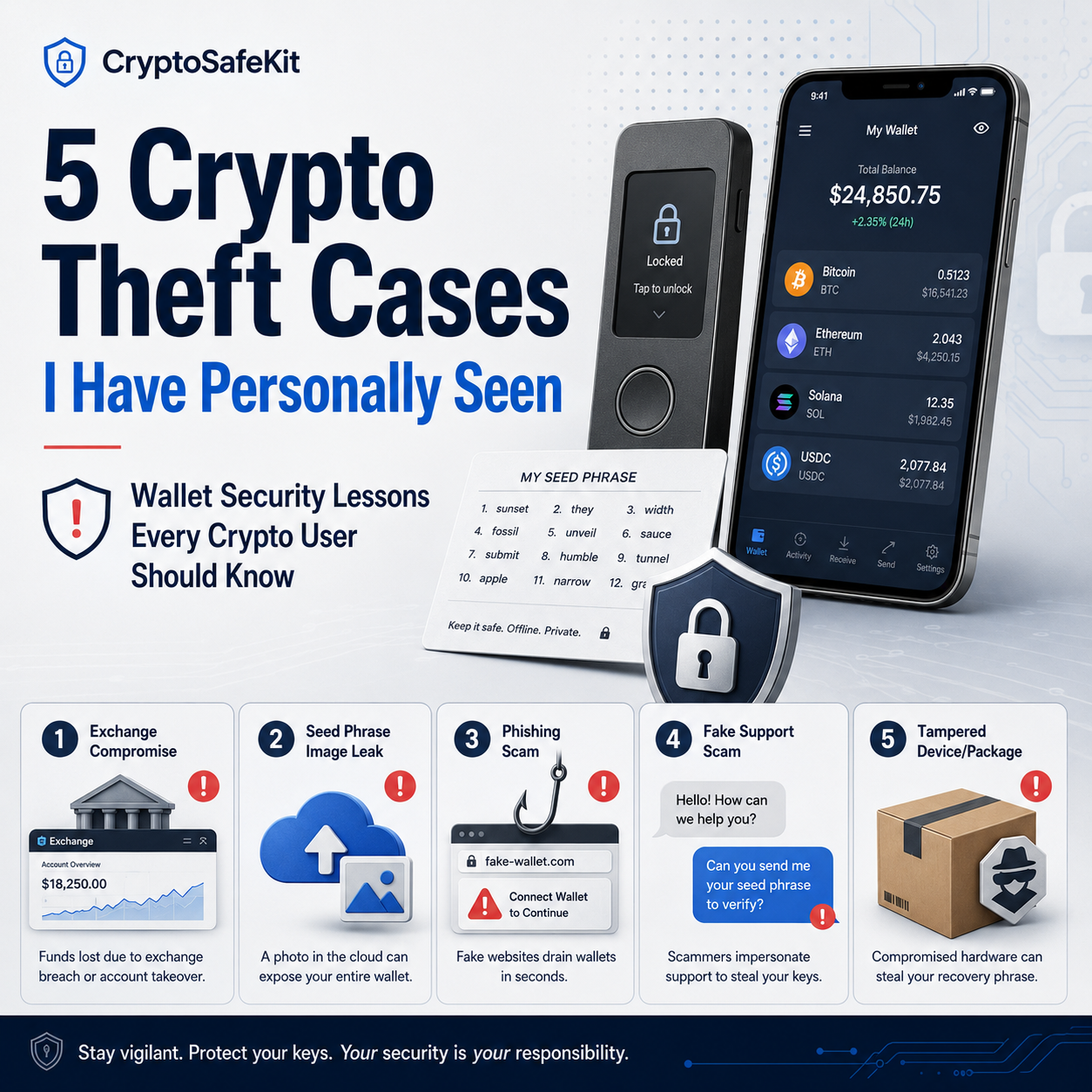
I have been around crypto communities for many years, and I have seen too many people lose their funds.
Some lost money because they trusted the wrong exchange. Some stored their seed phrase as a photo on their phone. Some entered their recovery phrase into a phishing website. Some believed a fake “support agent.” Some even bought a hardware wallet that had already been tampered with before it reached them.
The painful part is this: many of these tragedies could have been avoided.
I am not writing this article to scare beginners or make fun of people who made mistakes. I am writing it because crypto security is not something you should learn only after losing money. In this space, one small mistake can cost years of savings.
If you are new to Bitcoin, Ethereum, stablecoins, NFTs, or any other digital asset, please read these stories carefully. The goal is not curiosity. The goal is prevention.
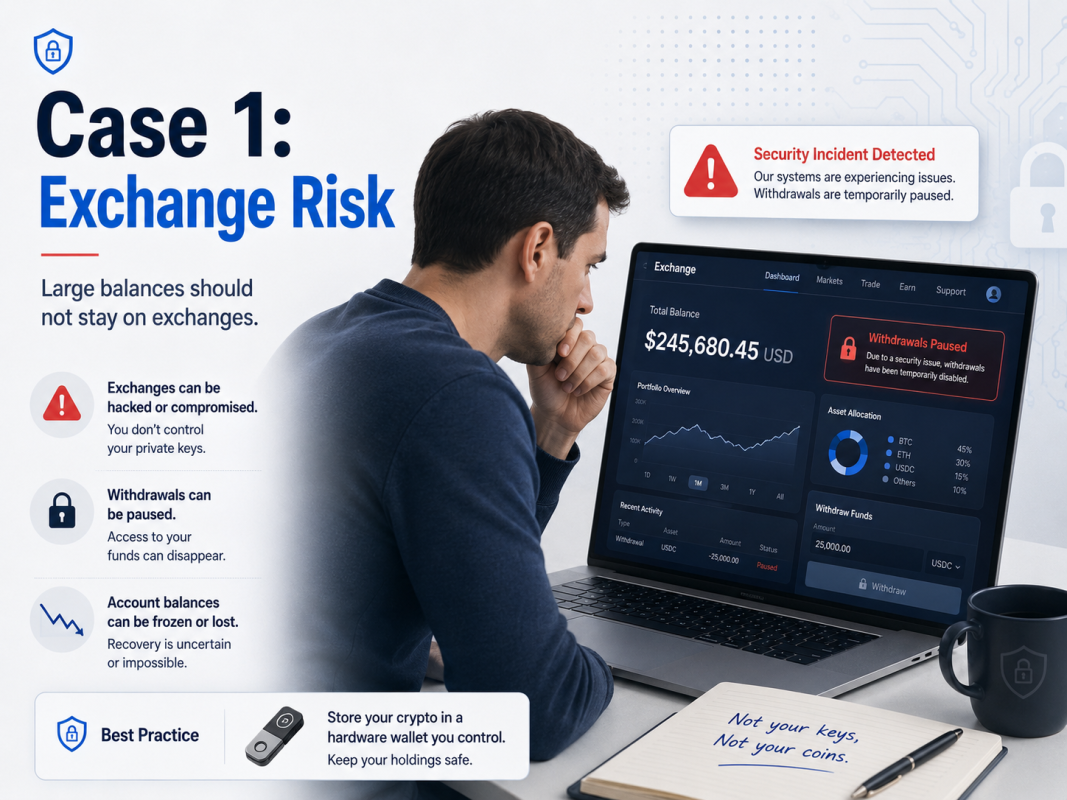
Case 1: An Exchange Was Hacked — $200,000 Gone
This was one of the most painful cases I have ever seen.
The person was not a complete beginner. He had been in crypto for a while, had made some good trades, and had built up a portfolio worth around $200,000. Most of it was in Bitcoin, Ethereum, and stablecoins.
The problem was where he kept it.
Instead of storing the majority of his assets in a cold wallet, he left them on a smaller exchange. Why? Lower fees, trading rewards, referral bonuses, and what looked like better opportunities. At the time, the exchange was running aggressive promotions, and many users were talking about how cheap and convenient it was.
At first, everything worked normally. Deposits were fast. Trades went through. Withdrawals worked. There was no obvious warning sign.
Then one day, the exchange announced “temporary wallet maintenance.”
At first, nobody panicked. Wallet maintenance happens. But two days passed. Then three. Withdrawals were still unavailable. Support became slower. Community channels became messy. Users started posting screenshots showing failed withdrawals.
Then the official group was locked.
Soon after, the website became unstable. Some people could still log in and see their balances, but withdrawals did not work. That was the worst part. His funds were visible on the screen, but he could not move them.
Eventually, it became clear that the exchange had either been hacked, mismanaged customer assets, or suffered a serious internal failure. For regular users, the exact reason almost did not matter. The result was the same: the money was gone.
What Went Wrong?
The biggest mistake was using a small exchange as long-term storage.
Small exchanges can be attractive because they often offer lower fees, faster listings, high-yield promotions, or trading incentives. But they may also have weaker security controls, unclear reserves, poor internal risk management, and much less transparency than major platforms.
When you store funds on an exchange, you do not control the private keys. What you see is an account balance, not true self-custody.
That difference matters.
If the exchange freezes withdrawals, gets hacked, becomes insolvent, or restricts your account, you may have very little control.
The Lesson
Exchanges are useful for buying, selling, and trading.
They are not ideal for long-term storage of large amounts of crypto.
Keeping a small amount on an exchange for active trading is reasonable. But your long-term holdings — especially Bitcoin, Ethereum, and stablecoins you do not plan to trade often — should be stored in a wallet where you control the private keys.
This is why the old saying still matters:
Not your keys, not your coins.
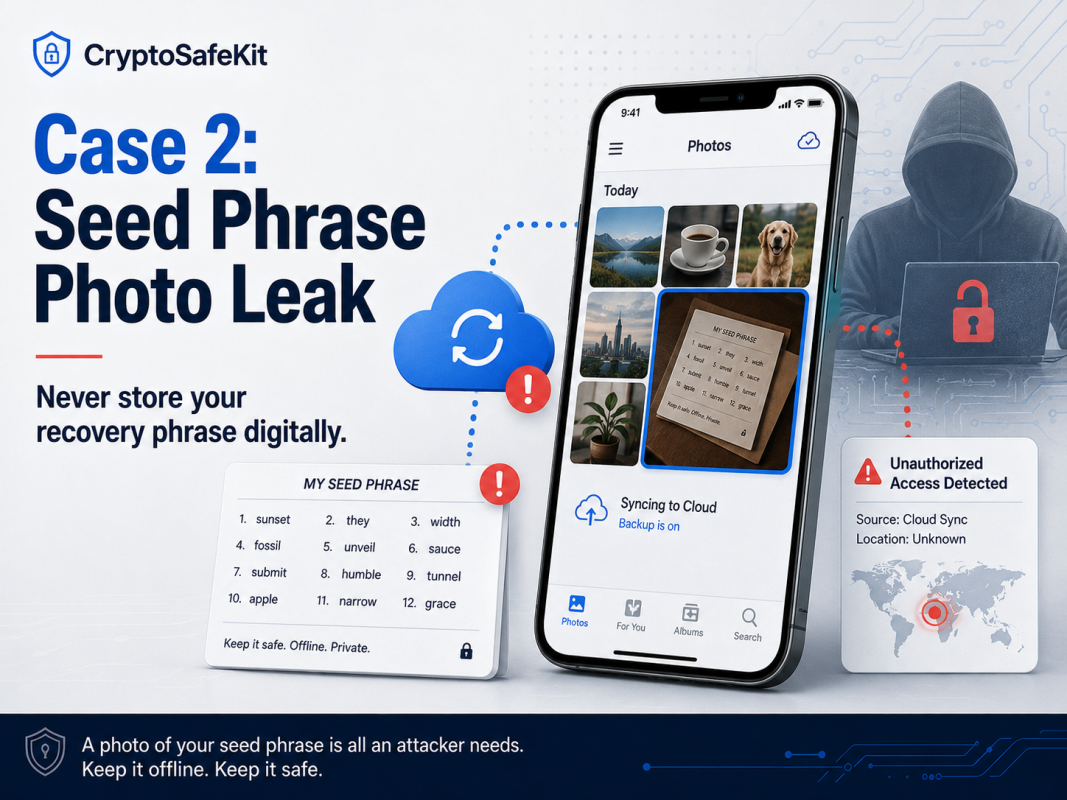
Case 2: A Seed Phrase Was Saved as a Phone Photo — The Wallet Was Drained Remotely
This case involved a beginner who had just created her first crypto wallet.
During setup, the wallet app showed her a recovery phrase. Like many new users, she did not fully understand how important it was. The app told her to write it down, but she thought writing by hand was inconvenient.
So she took a photo of the seed phrase with her phone.
To make things worse, her phone automatically synced photos to cloud storage.
For a few months, nothing happened. She used the wallet normally. She received some ETH and USDT. She did not connect to many strange websites. She did not think she had done anything risky.
Then one day, her wallet balance was gone.
The blockchain history showed multiple outgoing transactions. Her assets had been moved to unfamiliar addresses and then split across several wallets.
At first, she had no idea how it happened. She had never sent her seed phrase to anyone. She had never typed it into a random website. But after checking her accounts, she found suspicious login activity on her email and cloud storage.
The likely explanation was simple and painful: the attacker accessed her cloud photos and found the seed phrase image.
How Could a Hacker Get the Photo?
Many beginners think, “It is just on my phone. My phone has a password. It should be safe.”
That is a dangerous assumption.
A seed phrase photo may be exposed through cloud backup, email compromise, malware, weak passwords, SIM swap attacks, stolen devices, or reused passwords from old data leaks.
Also, attackers do not need to manually search through every photo. Image recognition and automated scanning can identify photos containing words like “seed phrase,” “recovery phrase,” “wallet backup,” or a 12-word / 24-word recovery format.
Once an attacker has the seed phrase, they do not need your phone. They do not need your wallet app. They do not need your password.
They can restore the wallet on another device and transfer the funds.
The Lesson
Your seed phrase must never be digital.
Do not take a photo of it.
Do not screenshot it.
Do not save it in Notes.
Do not upload it to Google Drive, iCloud, Dropbox, or email.
Do not send it to yourself in a message.
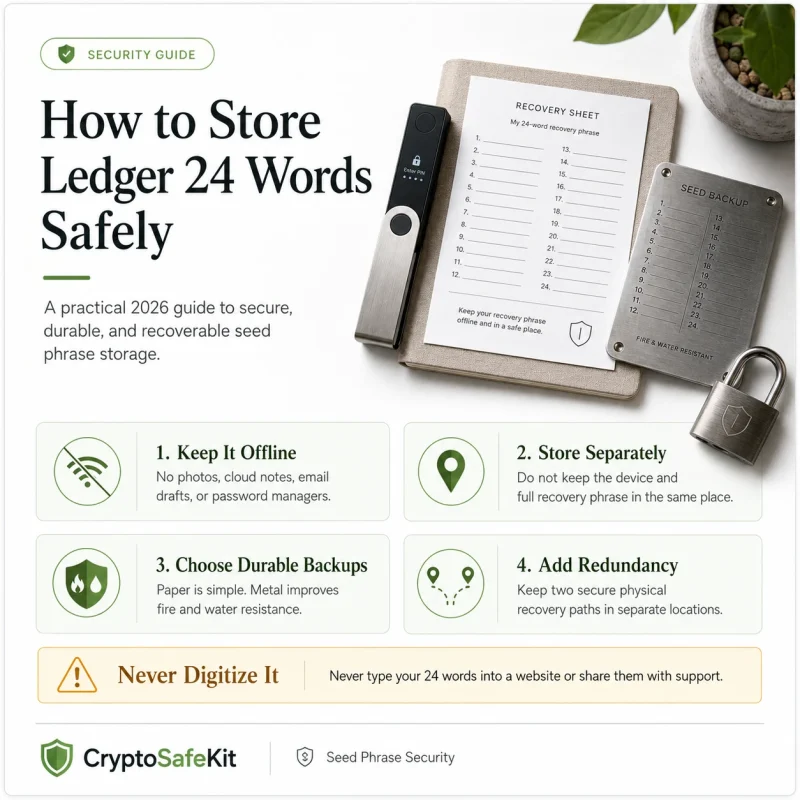
A seed phrase should be stored offline.
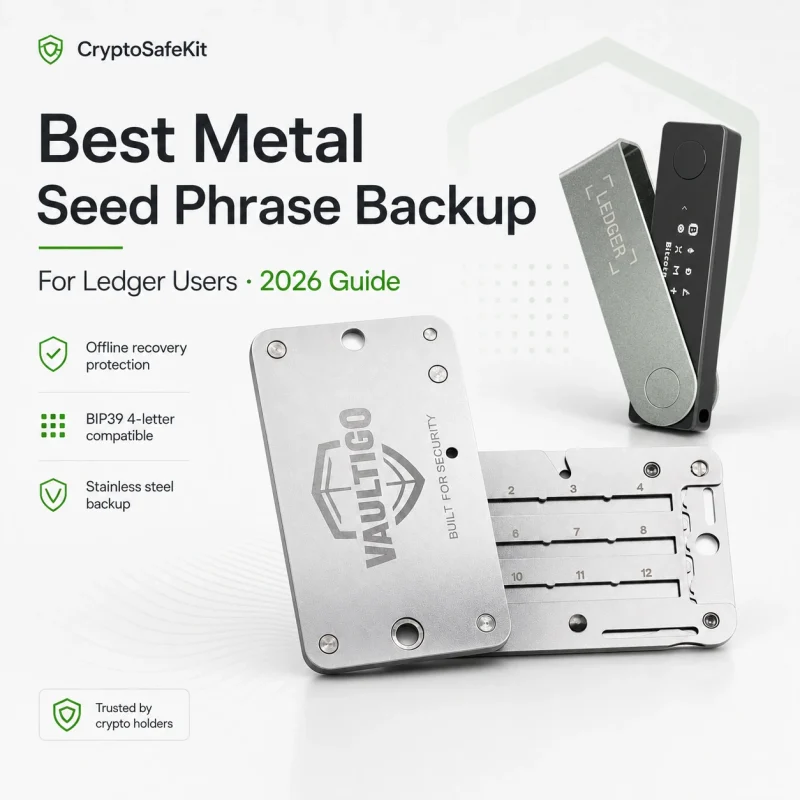
For long-term storage, a metal seed phrase backup is much safer than paper because it is more resistant to fire, water, corrosion, and physical damage.
The seed phrase is not just a backup.
It is the master key.
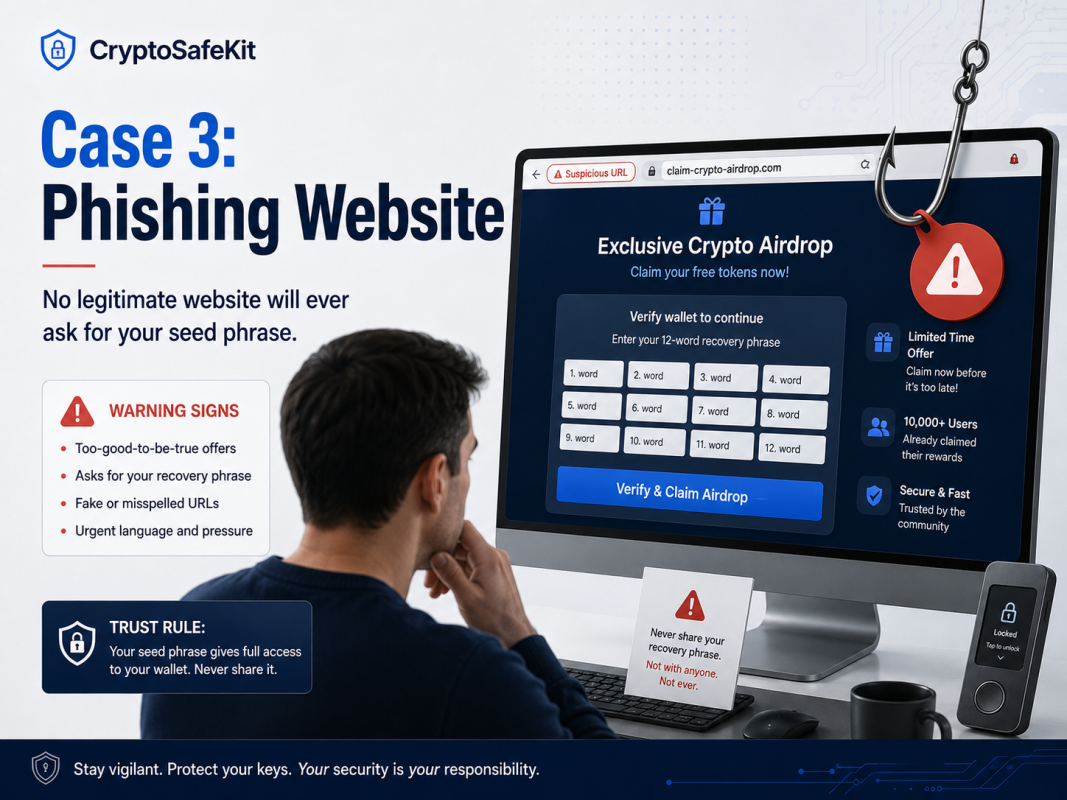
Case 3: A Phishing Website Asked for a Seed Phrase — Funds Were Gone in Minutes
This is one of the most common crypto scam stories.
A user saw what looked like an official airdrop announcement on social media. The page had the project logo, professional design, countdown timer, wallet connection button, and comments from what looked like other users claiming they had already received rewards.
The website domain looked almost correct. It was only one letter different from the real one.
He connected his wallet. Then the site displayed a warning:
“Wallet verification required. Please enter your recovery phrase to continue.”
He hesitated.
But the page said the claim window would close soon. There was a countdown timer. There was a live chat box. There was language like “security validation” and “wallet synchronization.”
He did not want to miss the airdrop.
So he entered his seed phrase.
Within minutes, the wallet was empty.
How Phishing Websites Work
Crypto phishing sites usually follow a pattern.
First, they copy a real brand or project. The logo, layout, colors, and wording may all look convincing.
Second, they create urgency. They use phrases like “limited-time claim,” “wallet verification required,” “account risk detected,” or “claim before deadline.”
Third, they push you toward one dangerous action: entering your seed phrase, connecting your wallet to a malicious contract, or approving a harmful signature.
Fourth, they spread through ads, fake social media accounts, hacked Discord channels, Telegram groups, influencer impersonation, and direct messages.
The most important rule is simple:
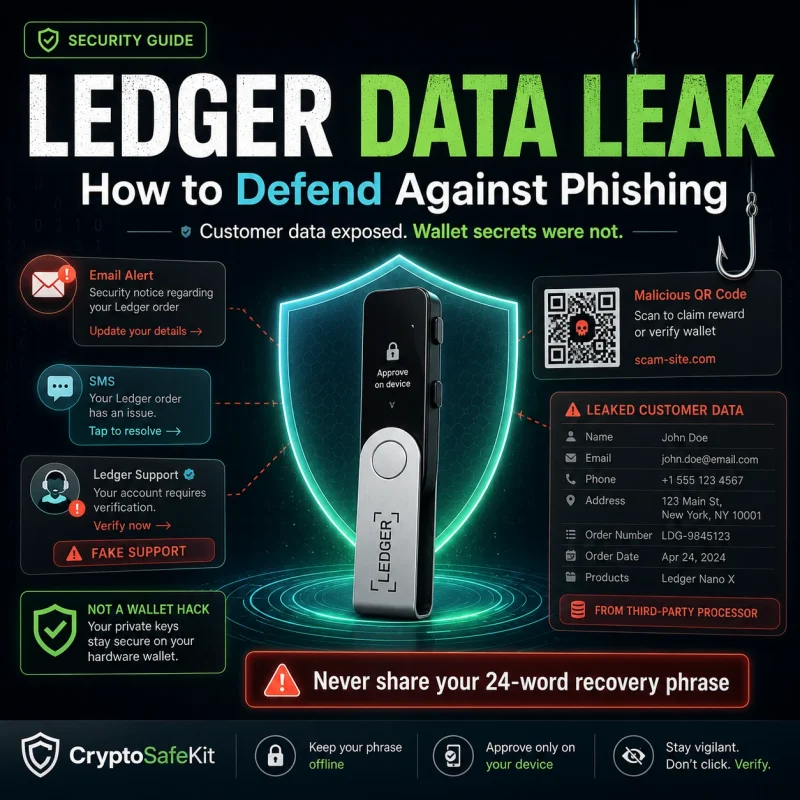
A legitimate website should never ask for your seed phrase.
Your recovery phrase is only used to restore a wallet in a trusted wallet app or hardware wallet environment. It should not be typed into a website.
The Lesson
Never enter your seed phrase on any website.
Not for an airdrop.
Not for verification.
Not for wallet repair.
Not for account recovery.
Not for customer support.
If a website asks for your seed phrase, close it immediately.
There are no exceptions.
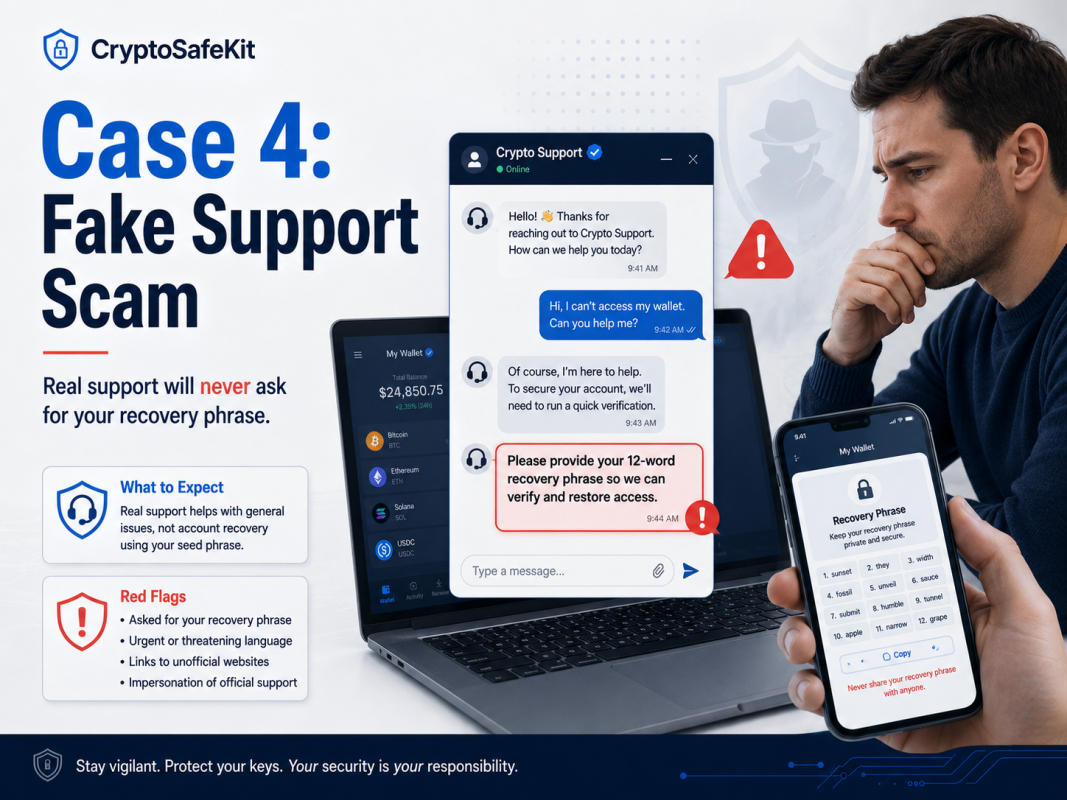
Case 4: A Fake “Customer Support Agent” Stole the Wallet
This case hurt because the victim was not greedy. He was just nervous.
He had made a transaction that was taking longer than expected. He went into a Telegram group to ask for help. Within minutes, someone with an official-looking profile picture sent him a private message.
The person claimed to be customer support.
At first, the conversation seemed normal. The “support agent” asked for the transaction hash, wallet type, network used, and the issue he was facing. These questions sounded technical and reasonable, so the victim started to trust him.
Then the fake support agent sent a link and said the wallet needed to be “synchronized with the network.”
The page asked for the seed phrase.
The victim hesitated, but the scammer applied pressure:
“If you do not verify within 30 minutes, the transaction may be permanently lost.”
That sentence did the damage.
He was afraid of losing his funds. He was stressed. He wanted a quick fix.
So he entered the seed phrase.
Soon after, the wallet was drained.
How Social Engineering Works
This was not a technical hack.
It was psychological manipulation.
Social engineering attacks work because scammers understand emotion. They use fear, urgency, confusion, and authority. They pretend to be helpful. They sound professional. They give just enough real information to gain trust.
Then they push the victim into making one critical mistake.
Common phrases include:
“Your wallet needs to be synchronized.”
“Your assets are stuck.”
“Your wallet must be validated.”
“Your account is at risk.”
“Please verify your seed phrase.”
“Do this now or your funds may be lost.”
The scammer does not need to break cryptography. They only need to make the user panic.
The Lesson
Real customer support will never ask for your seed phrase.
They will not ask for your private key.
They will not ask you to enter your recovery phrase into a website.
They will not pressure you through private messages.
They will not ask you to download unknown software.
Be especially careful with anyone who contacts you first.
In crypto, unsolicited “help” is often the beginning of a scam.
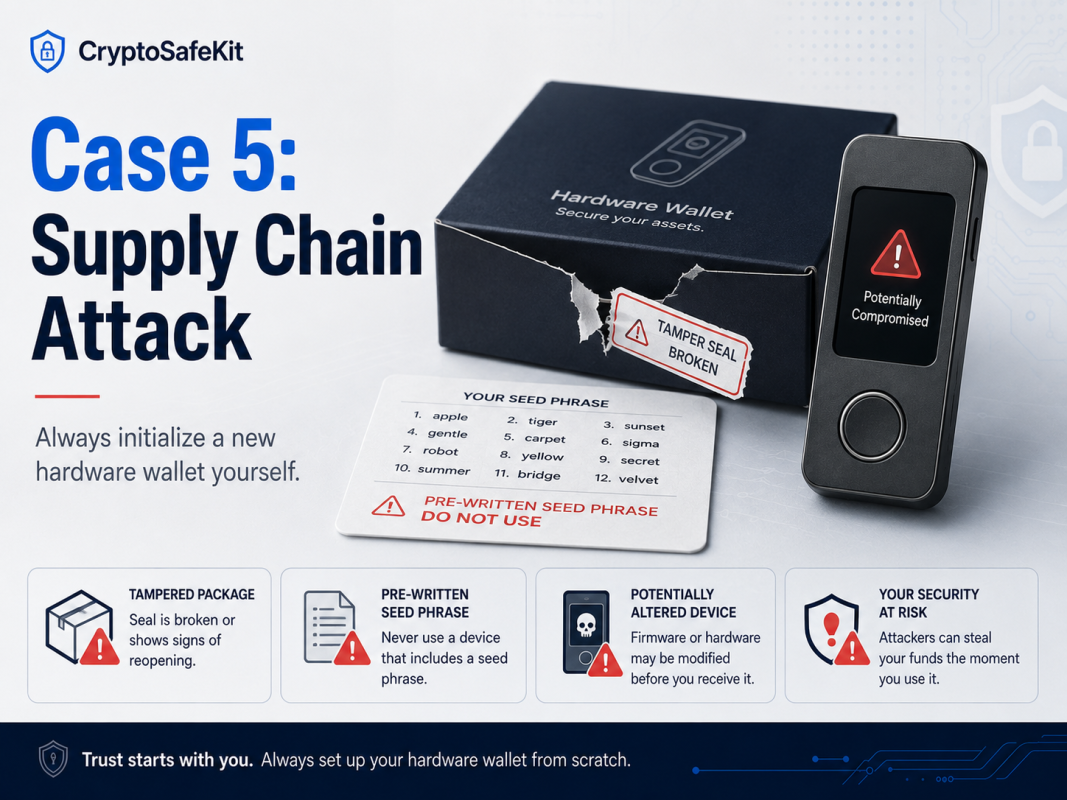
Case 5: A Hardware Wallet Was Compromised — The Supply Chain Attack
Many people think, “If I buy a hardware wallet, I am safe.”
That is only true if the wallet is genuine, new, and initialized correctly by you.
I once saw a case where someone bought a “brand-new” hardware wallet from a second-hand marketplace. The price was lower than normal, and the seller claimed it was unopened.
When the buyer received the device, the packaging looked fine. Inside the box, there was a recovery phrase card with 24 words already written on it. The seller had even included a note saying:
“This is the official pre-generated recovery phrase. Use it to activate your wallet.”
The buyer did not know this was a massive red flag.
He followed the instructions, restored the wallet using the provided seed phrase, and transferred crypto into it.
For a short time, nothing happened.
Then the funds disappeared.
The scam was simple: the attacker had already copied the recovery phrase. Once the victim deposited funds into that wallet, the attacker restored the same wallet elsewhere and moved the assets out.
What Is a Supply Chain Attack?
A supply chain attack means the product is compromised before it reaches you.
In the context of hardware wallets, this can include:
A device that has already been initialized;
A recovery phrase generated by someone else;
Repackaged or resealed hardware;
Fake instruction cards;
Malicious QR codes;
Fake wallet software links;
Tampered accessories or packaging.
The victim believes they are using a secure device, but the security was broken before setup even began.
The Lesson
A hardware wallet must be initialized by you.
Never use a pre-written seed phrase.
Never buy a suspicious second-hand wallet.
Never trust a wallet that arrives already configured.
Never scan random QR codes from unofficial inserts.
Never download wallet software from links inside questionable packaging.
A secure hardware wallet starts from a clean setup.
You should generate the recovery phrase yourself during initialization and record it offline.
The 5 Golden Rules to Prevent Crypto Theft
After seeing cases like these again and again, I have become convinced that most crypto theft is preventable.
Not all of it. But a lot of it.
If you remember only five things from this article, remember these.
1. Do Not Keep Large Amounts on Exchanges Long Term
Exchanges are useful for trading, but they are not the safest place to store long-term assets.
If you are actively trading, keep only what you need. Move long-term holdings to a wallet where you control the private keys.
2. Never Digitize Your Seed Phrase
Your seed phrase should never touch the internet.
No photos.
No screenshots.
No cloud storage.
No email drafts.
No phone notes.
No messaging apps.
Keep it offline.
For serious long-term storage, consider a metal seed phrase backup instead of paper.
3. Never Enter Your Seed Phrase on Any Website
No legitimate website needs your seed phrase.
If a site asks for it, it is almost certainly a scam.
This rule alone can prevent a large number of crypto theft cases.
4. Never Trust “Support” That Contacts You First
Fake support scams are everywhere.
Real support teams do not need your seed phrase. They do not need your private key. They do not need you to “synchronize” your wallet through a random link.
When you need help, go through official channels only.
5. Initialize Your Hardware Wallet Yourself
A hardware wallet is only secure if the setup is clean.
Buy from a trusted source.
Use a brand-new device.
Generate the seed phrase yourself.
Reject any pre-written recovery phrase.
Verify the official wallet software source.
Do not let someone else create your wallet for you.
A Hardware Wallet Is Not Magic — But It Is a Strong Start
A hardware wallet will not protect you from every possible mistake.
If you type your seed phrase into a phishing website, even the best hardware wallet cannot save you. If you store your recovery phrase in cloud storage, the device itself cannot undo that risk.
But when used correctly, a hardware wallet can dramatically reduce the attack surface.
It keeps private keys offline.
It makes transaction approval more deliberate.
It separates your assets from risky internet-connected devices.
It gives you real self-custody instead of depending entirely on exchanges.
The safest practical setup for most long-term holders is:
Hardware wallet + correct usage habits + offline seed phrase backup + secure long-term storage
That combination is not perfect, but it is far stronger than leaving everything on an exchange or storing a seed phrase in your phone.
Recommended Cold Wallet Setup for Long-Term Self-Custody
If you are looking for a reliable cold wallet, you can explore the hardware wallet products selected by CryptoSafeKit.
The goal is not just to buy a device. The goal is to understand how to use it correctly.
For most users, the strongest practical setup is:
A trusted hardware wallet + a metal seed phrase backup + safe offline storage habits
Crypto security does not begin when you buy Bitcoin.
It begins when you learn how to protect your private keys.