

Partial Seed Phrase Lost: What You Can And Cannot Recover On Ledger

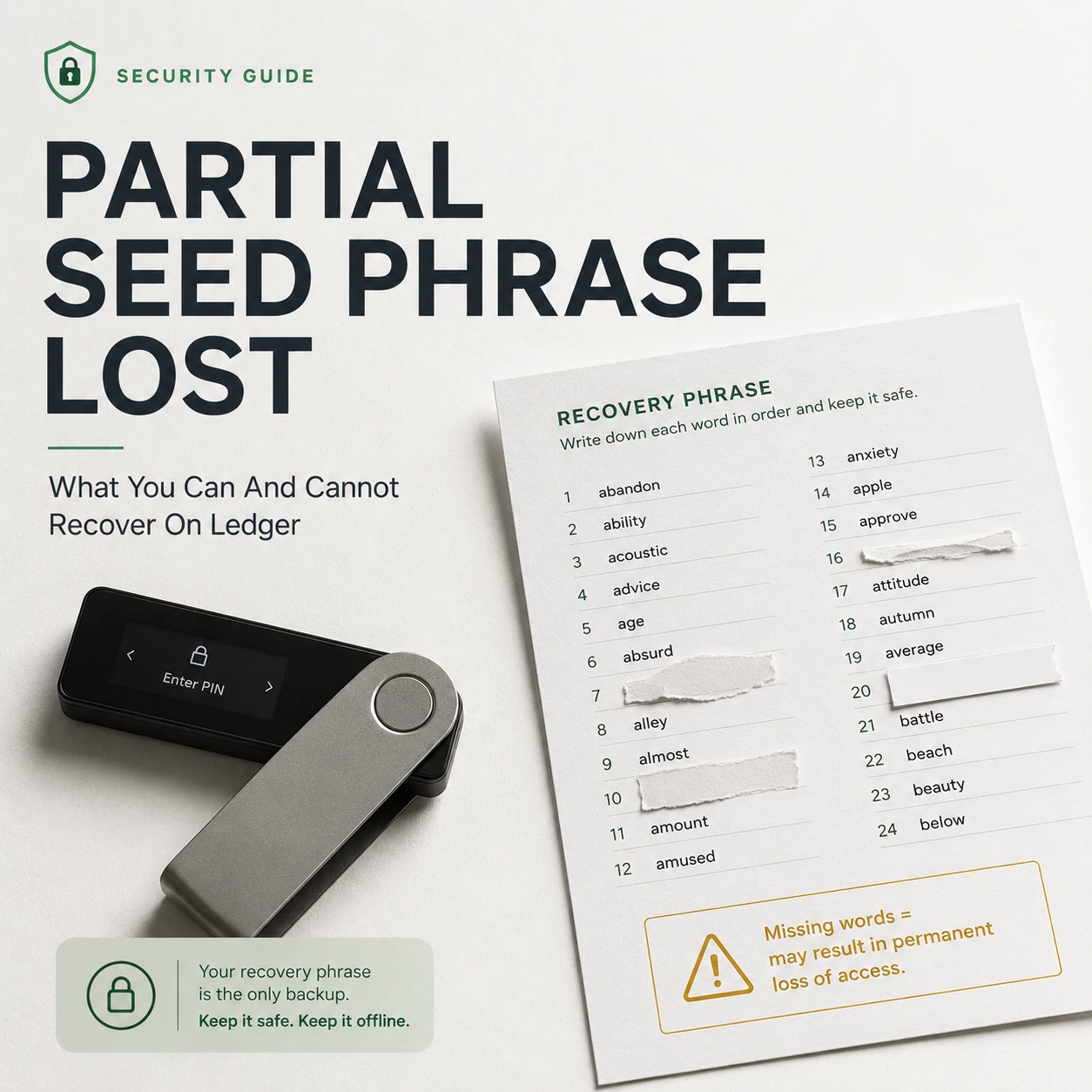
Losing part of your Ledger Secret Recovery Phrase does not automatically mean your crypto is lost. The most important question is whether you still have a working Ledger device that can unlock with the correct PIN and sign transactions.
If the device still works, an incomplete recovery backup is serious but usually manageable: you can create a new wallet, verify its backup and migrate the assets while you still control the old wallet.
If the Ledger is lost, reset or unusable and the recovery phrase is incomplete, the situation is fundamentally different. A normal self-custody wallet does not provide a conventional “forgot password” process that can recreate missing recovery words for you.
Do not reset it. Your functioning signer may be your only remaining authorized access.
Do not enter the remaining words into websites or unknown recovery software.
Prepare a new seed and migrate instead of depending on a damaged backup.
Can You Recover a Ledger Wallet With a Partial Seed Phrase?
Sometimes the wallet can still be saved, but that does not mean the missing words themselves can simply be recovered.
The correct response depends on which valid recovery or signing method you still control.
| Situation | Recovery Outlook | Recommended Response |
|---|---|---|
| Recovery phrase incomplete, Ledger still works | Good | Create a fresh wallet and migrate assets. |
| Ledger lost, complete 24 words available | Recoverable | Restore using a trusted compatible hardware wallet. |
| Ledger unavailable and recovery words genuinely missing | Uncertain | Check legitimate pre-existing backups or recovery methods. |
| Ledger Recover configured beforehand | Potential recovery path | Use the official Recover process. |
| Ledger Recovery Key configured beforehand | Potential recovery path | Use the supported Recovery Key restoration workflow. |
| 24 words known but passphrase lost | Separate problem | The 24 words alone do not reproduce passphrase-protected accounts. |
Recovering access to your assets and reconstructing the missing recovery words are not the same problem. If your current Ledger still signs transactions, you may not need to reconstruct the damaged backup at all.
What Your Ledger Recovery Phrase Actually Protects
Your cryptocurrency is not physically stored inside the Ledger device. The assets exist on their respective blockchains.
Your Ledger protects the secret key material required to authorize transactions, while the Secret Recovery Phrase provides a portable way to recreate the wallet if the original device is lost, damaged or reset.
Protects keys and authorizes transactions.
Allows compatible wallets to recreate the underlying accounts.
Where balances and transactions actually exist.
This distinction explains why losing a Ledger device is normally survivable when the recovery phrase remains intact — but losing both device access and a usable recovery method can become permanent.
Your Seed Phrase Is Incomplete, but the Ledger Still Works
This is the scenario in which you have the strongest recovery position.
If the device still unlocks with the correct PIN and can sign transactions, the wallet’s current private-key access still exists inside the device. The damaged recovery sheet has not yet removed your ability to control the funds.
If restoration fails, you may destroy the only working copy of the wallet you still control.
The safer migration strategy
Preserve the current device.
Do not reset, wipe or experiment with it.
Prepare a trusted new wallet.
Generate a completely new recovery phrase.
Back up the new seed offline.
Check that every word and its order are recorded correctly.
Verify a fresh receiving address on-device.
Do not rely only on the computer or phone display.
Send a small test transaction.
Confirm the new wallet works before moving significant value.
Migrate all relevant assets.
Review secondary accounts, tokens, NFTs and less-used networks.
When valid signing access still exists, migration to a newly generated wallet is usually cleaner than experimenting with an incomplete old seed.
The Ledger Is Gone and Some Recovery Words Are Missing
This is a substantially more serious situation.
If the device is unavailable and the physical backup no longer contains the complete, correct recovery phrase in its original order, you no longer possess the normal restoration credential.
Under standard self-custody, Ledger Support does not operate like a bank password-reset desk with access to a readable master copy of every customer’s recovery phrase.
Check legitimate recovery paths first
- A duplicate paper backup stored in another secure location
- A metal backup containing a clearer or complete copy
- A second hardware wallet previously restored from the same seed
- A Ledger Recovery Key configured before the loss
- A Ledger Recover backup established before the problem occurred
- Whether the apparent missing word is actually a handwriting or transcription error
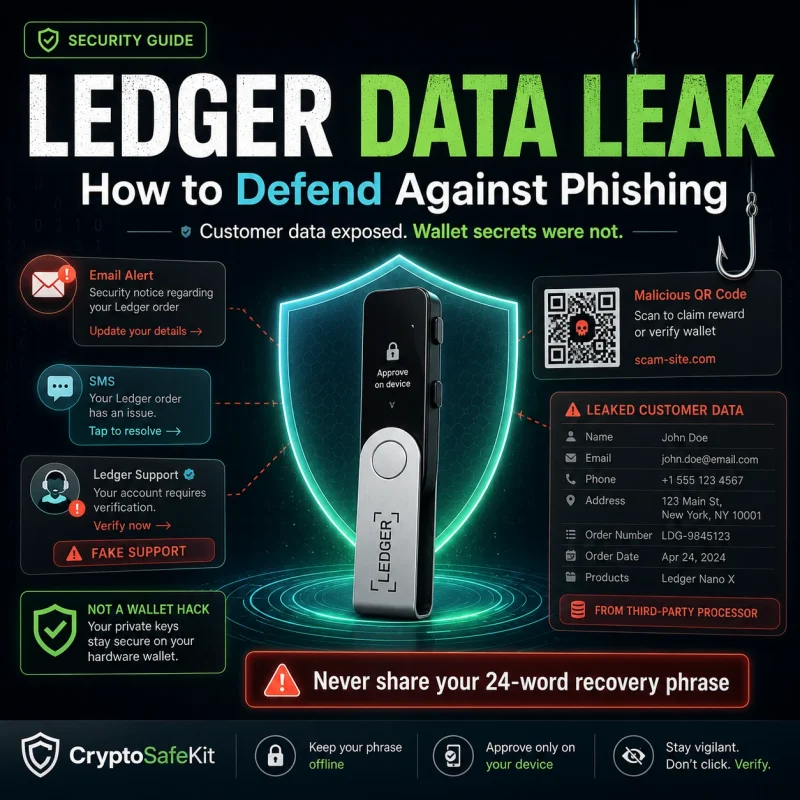
A partial recovery phrase remains highly sensitive. A fake recovery service may use your emergency to collect enough wallet information to steal funds that are still accessible.
Can the BIP39 Checksum Reconstruct Missing Seed Words?
Not automatically.
Ledger recovery phrases follow the BIP39 mnemonic system. BIP39 includes structural information that allows compatible wallet software to reject many invalid mnemonic combinations.
This can be useful for identifying some transcription mistakes, but a checksum is not a customer-service recovery system and does not guarantee that every incomplete phrase can be safely reconstructed.
How much information is missing, whether the word order is known, whether any remaining words are wrong and whether an additional passphrase was used.
If the original hardware device still works, moving assets to a newly generated wallet is usually a safer operational response than uploading sensitive recovery information into reconstruction tools.
What If You Know All 24 Words but Lost the Ledger Passphrase?
This is a different recovery problem.
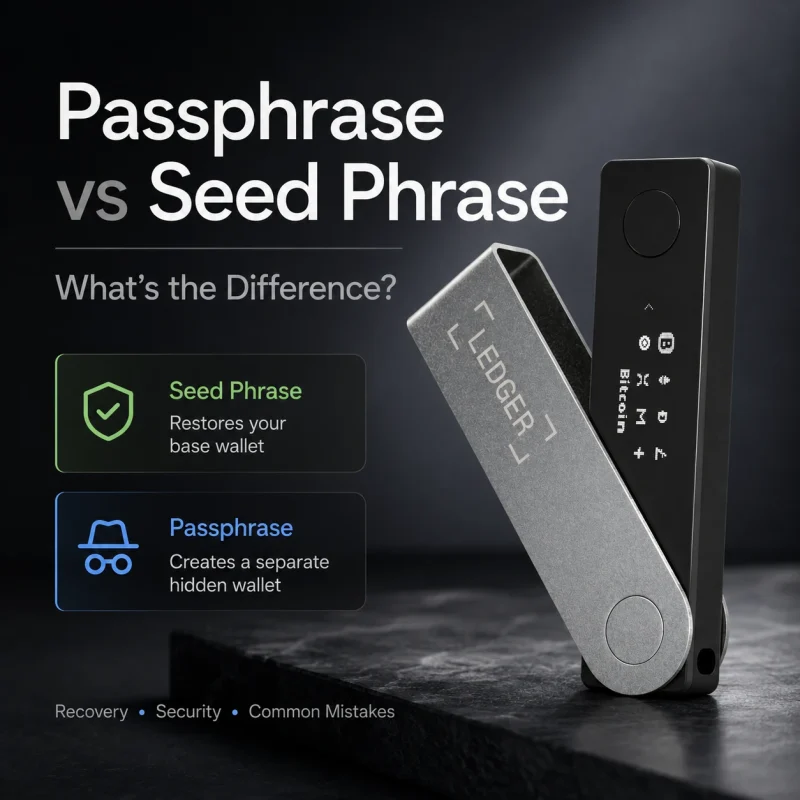
Ledger’s optional passphrase feature derives a different wallet from the same Secret Recovery Phrase. Restoring the 24 words without the exact passphrase can therefore create a perfectly valid wallet that does not contain the accounts you expected.
Accounts derived directly from the recovery phrase.
Different accounts and addresses derived using the additional passphrase.
Capitalization, spaces, symbols and exact characters matter. A slightly different passphrase can produce a valid but completely different wallet.
If you previously used a passphrase, confirm that you are restoring the same passphrase-protected wallet.
Can Ledger Recover or Recovery Key Help?
Ledger Recover
Ledger Recover is an optional paid recovery service designed to provide another restoration path when the normal Secret Recovery Phrase is unavailable.
Ledger’s published protocol documentation describes flows for creating the protected backup, restoring it to a new compatible Ledger device and securely deleting the backup.
A recovery service has to be configured while valid wallet access still exists. It cannot retroactively create a backup from secret information that is already unavailable.
Ledger Recovery Key
Ledger Recovery Key is a separate PIN-protected physical recovery product that communicates with supported Ledger devices using NFC and stores protected wallet recovery data inside its own Secure Element.
If it was configured in advance and remains available, it can provide another restoration route. It cannot recover wallet material that was never backed up to it.
Why Seed Phrase Recovery Is a Bigger Security Topic in 2026
Recent events illustrate that recovery security is no longer only about protecting a paper card from fire or water. Users must also consider how seeds are generated, how recovery systems are designed and how attackers exploit recovery anxiety.
Coldcard Mk3 Security Advisory
Coinkite marked affected Mk3 firmware releases as vulnerable and warned that seeds generated by affected firmware could be at risk. The incident highlighted the importance of trustworthy entropy during seed generation.
Ledger Recover Protocol Documentation
Ledger published updated material describing Ledger Recover’s architecture, cryptographic protocol and backup, restoration and deletion workflows.
Fake Ledger App Seed Harvesting
Fireblocks documented a fraudulent Ledger-style app campaign that asked victims for recovery phrases under the guise of wallet synchronization and reported approximately $9.5 million in losses.
A legitimate wallet emergency is a reason to become more deliberate, not less.
Lost Seed Phrase vs Compromised Seed Phrase
These two incidents should never be treated as the same problem.
| Problem | Primary Risk | Priority |
|---|---|---|
| Recovery phrase lost | You may eventually lose access. | Preserve valid device access and create a reliable new recovery plan. |
| Recovery phrase exposed | Someone else may obtain control. | Move funds to a completely new seed as soon as safely possible. |
| Part of the phrase exposed | Your security margin has been reduced. | Do not assume missing words make continued exposure harmless. |
If another person has photographed, copied or received a meaningful portion of your recovery phrase, the safest long-term response may be migration even if the attacker does not currently possess every word.
Why Seed Recovery Services Deserve Extreme Caution
Someone who believes they may permanently lose access to crypto is an unusually attractive social-engineering target.
Typical promises include:
- “Guaranteed missing seed word recovery”
- Remote Ledger repair
- Wallet synchronization
- Firmware verification services
- Blockchain recovery specialists
- Telegram or WhatsApp support
Do not provide the complete phrase — or pieces of it — to someone claiming they need it to verify ownership, synchronize accounts, recover funds or repair your Ledger.
What to Do When You Discover Your Backup Is Incomplete
Confirm whether the hardware wallet still works.
Preserve valid signing access.
Do not reset the device.
Do not turn a backup problem into an access problem.
Check legitimate offline backups.
Paper, metal, backup devices, Recovery Key or an existing Recover enrollment.
Keep partial seed information offline.
Do not upload it to unknown tools or support services.
If assets remain accessible, create a fresh wallet.
Generate and verify a completely new recovery phrase.
Migrate carefully.
Test first, then move all assets controlled by the old wallet.
How to Prevent Partial Seed Phrase Loss
Keep more than one legitimate recovery path
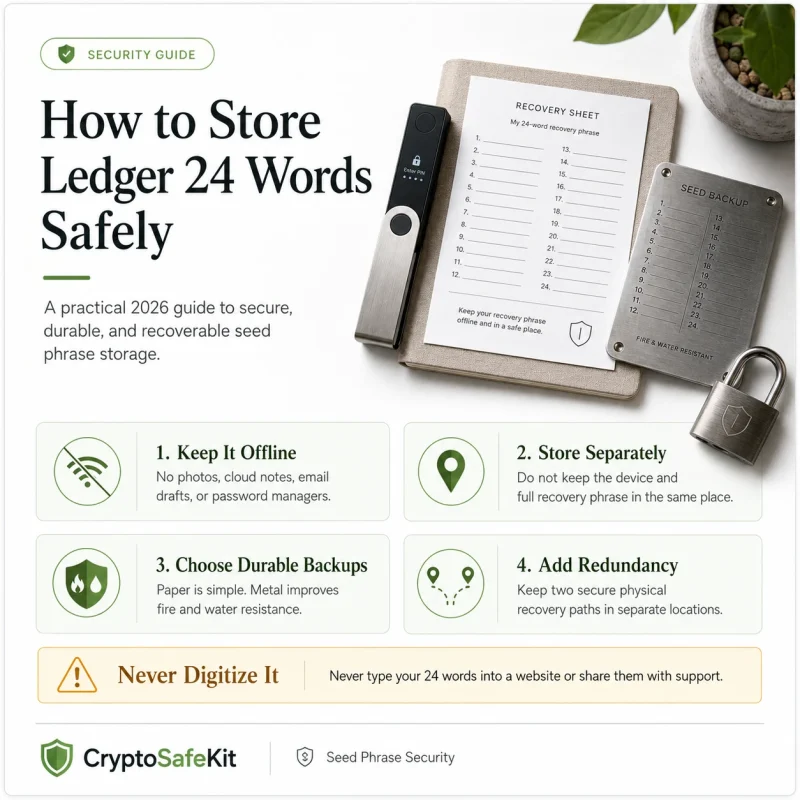
A single handwritten sheet creates a single point of failure. Damage, fading, accidental disposal or a local disaster can destroy the only backup.
Separate backup locations
Two copies stored in the same drawer do not meaningfully protect against fire, theft or a building-level incident.
Use durable physical storage where appropriate
Metal backups can offer better resistance to fire, water and long-term deterioration than ordinary paper.
Verify the backup before depending on it
A backup that has never been checked may contain a spelling mistake, missing word or incorrect order that remains undiscovered until the original hardware is gone.
Document passphrase use separately
If you use an additional passphrase, your recovery plan must account for both the base seed and the exact passphrase required to recreate the protected accounts.
Plan for emergencies and inheritance
A recovery process understood by only one person may fail after incapacity or death. Good self-custody planning balances secrecy today with authorized recovery later.
Partial Seed Phrase Lost: What Can You Actually Recover?
The most important variable is not simply how many words are missing. It is whether you still possess another legitimate way to control or restore the wallet.
Your Ledger Still Works
Preserve the device, create a new seed, verify the new backup and migrate the assets.
Device and Backup Are Both Unavailable
Without another recovery method established in advance, successful restoration may not be possible.
Ledger Recover and Ledger Recovery Key can add additional recovery paths when configured beforehand, but neither removes the fundamental requirement to establish a recovery strategy before the emergency occurs.
When a recovery backup becomes incomplete, preserve the legitimate access you still control before trying to reconstruct what you lost.
Partial Ledger Seed Phrase Recovery FAQ
Can Ledger tell me my missing recovery word?
Standard self-custody does not give customer support a readable master copy of your 24-word phrase that they can simply send back to you.
I lost part of the phrase but my Ledger still works. What should I do?
Avoid resetting the device. Create a new wallet with a new recovery phrase, verify the backup and migrate the assets while the original device can still sign.
Can BIP39 recover a missing seed word?
BIP39 checksum information can help detect invalid combinations, but it does not guarantee that every incomplete phrase can be reconstructed.
Should I use an online seed recovery website?
Avoid exposing recovery information to unknown online services. A recovery phrase should remain offline whenever possible.
Can Ledger Recover help after my paper seed is lost?
It may provide an alternative restoration path if the service and backup were established before access to the normal recovery information was lost.
What if all 24 words are correct but my restored wallet looks empty?
Check whether you previously used an additional passphrase and whether you restored the correct account set.
Sources & Methodology
This guide uses current Ledger recovery and security documentation together with recent hardware-wallet security reporting. Recovery products, firmware behavior and supported workflows may change, so critical procedures should always be confirmed through official manufacturer documentation.
- Ledger — Secret Recovery Phrase educational documentation
- Ledger — Passphrase security documentation
- Ledger — Ledger Recover protocol documentation
- Ledger — Ledger Recovery Key technical documentation
- Ledger — Lost or stolen device guidance
- COLDCARD — Mk3 security advisory and firmware releases
- Fireblocks — Global Digital Asset Threat Report, Q2 2026