

Ledger Stax Review 2026: Is the Premium Touchscreen Hardware Wallet Worth It?

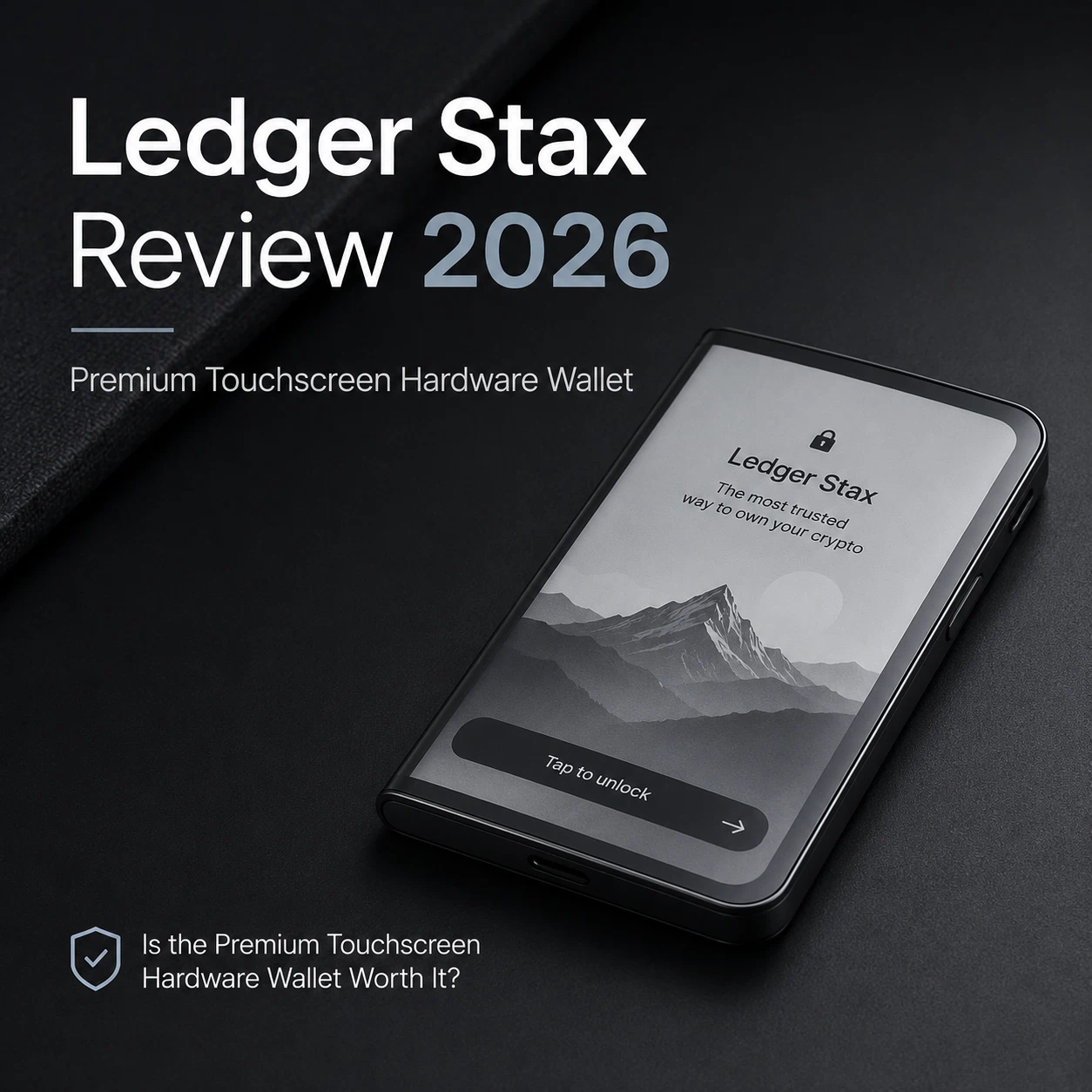
Ledger Stax is not designed to be the cheapest route into hardware-wallet self-custody.
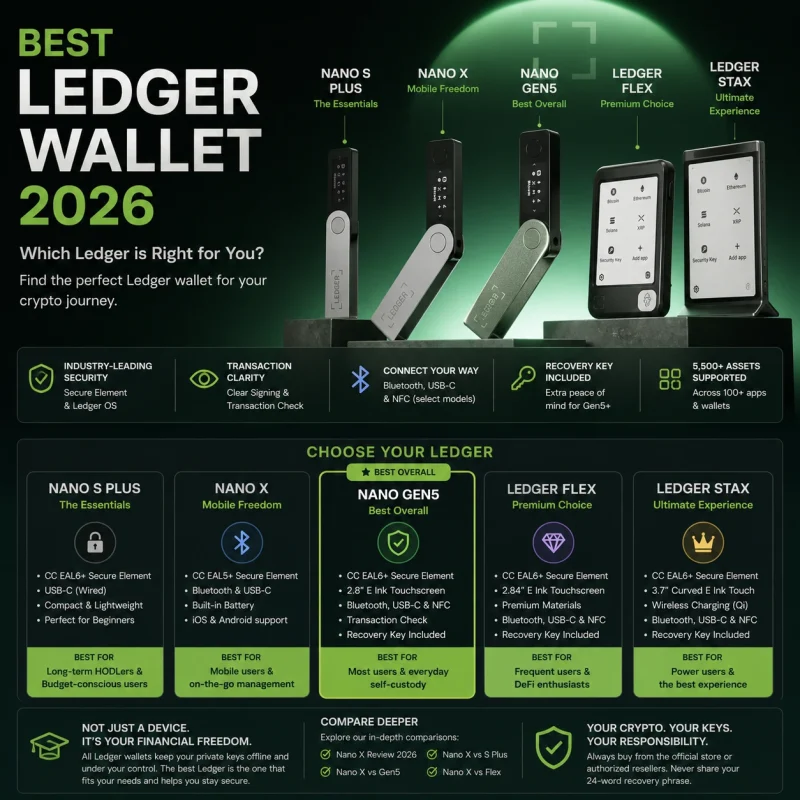
Its official United States price remains $399 before applicable tax, compared with $99 for Ledger Nano X and $249 for Ledger Flex. That places Stax at the top of Ledger’s consumer lineup.
What does that premium buy?
The headline feature is a 3.7-inch curved E Ink touchscreen. Stax also supports Bluetooth, USB-C, NFC and Qi wireless charging, and it can show a personal image or supported NFT on the lock screen even when the device is switched off. Its current package includes a protective Magnet Shell and Ledger Recovery Key.
Those features make Stax substantially easier to read and navigate than Ledger’s classic Nano devices.
They do not create a completely different form of private-key security.
Ledger Stax still depends on Ledger OS, a certified Secure Element, a correctly protected recovery backup and careful transaction approval. It cannot prevent a user from revealing a recovery phrase, approving a malicious smart contract or sending assets to the wrong address.
Quick Verdict
Ledger Stax is worth considering when the hardware wallet will be used frequently and transaction readability is a genuine priority.
Its strongest advantages are:
Large curved E Ink touchscreen
Direct touchscreen navigation
Clearer transaction review
Bluetooth, USB-C and NFC
Qi wireless charging
Custom image or NFT lock screen
Included protective Magnet Shell
Included Ledger Recovery Key
Its main limitations are:
High $399 official price
Security fundamentals available in less expensive Ledger devices
Battery maintenance required
Third-party wallet compatibility can vary
NFT display is grayscale and limited to one lock-screen image
Premium features may add little value for infrequent transactions
Editorial verdict: Stax is one of the most refined Ledger devices for frequent signing and NFT-focused use. It is not the most rational choice for every long-term holder.
Ledger Stax Specifications at a Glance
| Feature | Ledger Stax |
|---|---|
| Display | 3.7-inch curved E Ink touchscreen |
| Resolution | 400 × 670 pixels |
| Display format | 16-level grayscale with anti-glare coating |
| Navigation | Touchscreen |
| Security chip | ST33K1M5 Secure Element |
| Certification | CC EAL6+ |
| Operating system | Ledger OS |
| Connectivity | Bluetooth 5.2, USB-C and NFC |
| Charging | USB-C and Qi wireless charging |
| Dimensions | 85 × 54 × 6 mm |
| Weight | Approximately 45 g |
| Mobile support | Compatible iOS and Android devices |
| Desktop support | Supported Windows, macOS and Ubuntu systems |
| Included accessories | Magnet Shell, Ledger Recovery Key and USB-C cable |
Ledger’s current product page lists a 3.7-inch, 16-grayscale curved E Ink screen with a 400 × 670 resolution, an ST33K1M5 Secure Element certified to CC EAL6+, and a credit-card-sized 85 × 54 × 6 mm body.
Ledger’s current pages differ slightly on the exact published weight, listing approximately 44–45 g. The difference is not material to the buying decision, but the final product-page specification should be checked before publishing a fixed weight in product schema.


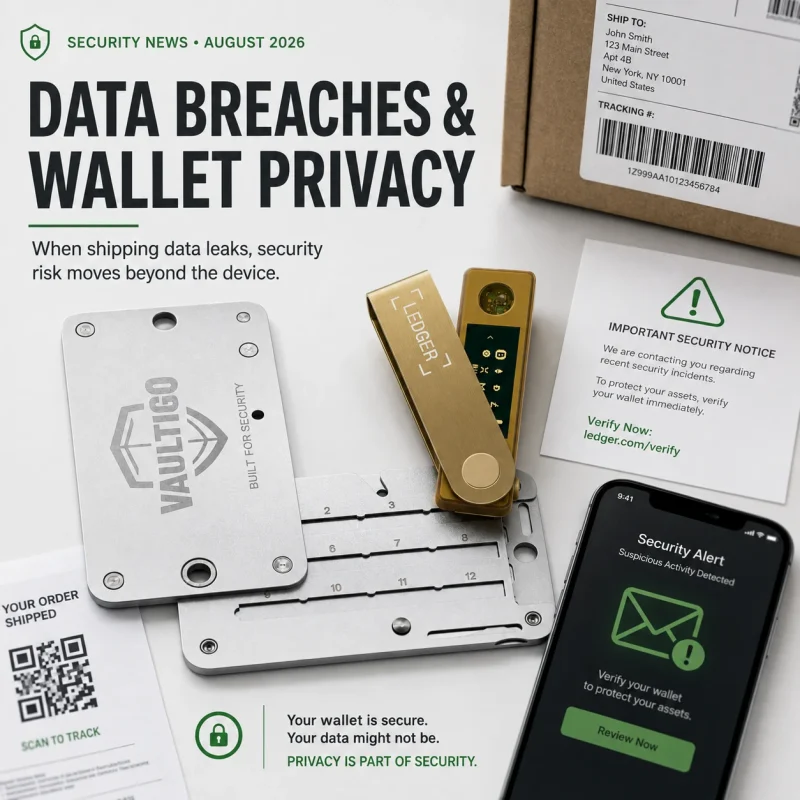
VAULTIGO 4-Letter Metal Seed Phrase Backup System
Original price was: $99.00.$59.99Current price is: $59.99.VAULTIGO 4-Letter Metal Seed Phrase Backup is a reusable stainless steel backup system designed to store your recovery words offline. Built for standard English BIP39 seed phrases, each recovery word can be identified by its first four letters, helping you create a compact, organized, and durable backup without punching, engraving, or hammering.
- Stores the first 4 letters of each recovery word
- Designed for standard English BIP39 word lists
- No punching, engraving, or hammering required
- Reusable metal letter tiles
- Water and corrosion resistant stainless steel design
- Lockable structure for added physical protection
- Ideal for hardware wallets, cold wallets, and long-term crypto self-custody
What Makes Ledger Stax Different?
The Stax premium is mainly built around interaction.
Traditional hardware wallets often use narrow screens and two-button controls. They can protect private keys effectively, but long addresses, contract details and multiple prompts may require repeated scrolling.
Stax provides enough screen space to display more information at once. Ledger says its secure screen is controlled directly by the Secure Element rather than by the connected computer or phone. This is intended to ensure that the information displayed on the device is the information being approved.
That makes the device particularly relevant to people who regularly:
Transfer several types of assets
Review long receiving addresses
Interact with smart contracts
Manage NFT accounts
Connect through mobile applications
Sign transactions more than occasionally
For someone who moves Bitcoin a few times per year, the difference may feel luxurious rather than necessary.
The Curved E Ink Touchscreen
The 3.7-inch curved E Ink touchscreen is Stax’s defining feature.
It wraps slightly around the device edge and remains visible without continuously consuming power. The display uses 16 grayscale levels and an anti-glare coating rather than a color LCD or OLED panel.
Practical advantages
Larger transaction fields are easier to inspect.
Touch controls reduce repeated button presses.
PIN entry is more natural than on a narrow two-button device.
Menus and installed applications are easier to distinguish.
The curved edge can show the device name and battery information.
Lock-screen content remains visible while the device is off.
The security benefit is indirect but important.
A larger display does not strengthen the blockchain’s cryptography. It makes available transaction information easier to read, which may reduce skipped verification and accidental approval.
E Ink limitations
E Ink behaves differently from a modern smartphone screen.
It is optimized for readability and low power consumption rather than fluid animation. Users should expect a more deliberate interface rather than high-refresh scrolling.
The monochrome display also means that personal photographs and NFT artwork appear in grayscale. Ledger explicitly notes that Stax lock-screen images are shown in black and white.
Secure Screen, Clear Signing and Transaction Review
Ledger Stax combines its large display with Ledger’s secure-screen architecture.
The device can show supported transaction details before approval, including information such as:
Destination address
Asset
Amount
Network fee
Smart-contract action
Relevant account
Available security warnings
Ledger promotes Clear Signing as a way to present transaction intent in readable language rather than forcing users to approve unreadable data. Current Ledger comparison pages also list Transaction Check among the features available on its secure touchscreen devices.
These protections have limits.
Clear Signing depends on support from the application, asset and transaction workflow. Transaction simulation or threat detection cannot identify every malicious contract or future attack.
A transaction without a warning is not automatically safe.
Users must still reject an action when:
The destination address is unfamiliar.
The requested amount is wrong.
A contract permission is broader than expected.
The transaction cannot be interpreted clearly.
The website or dApp domain has not been verified.
The device displays an unexpected prompt.
Stax makes careful verification easier. It does not replace it.
Ledger Stax Battery Life
Ledger states that Stax can provide up to 10 hours of normal use on a full charge and remain in standby for several days. Actual battery life depends on use, settings, Bluetooth activity and other factors. This is a manufacturer estimate rather than an independently measured result in this article.
For normal use, battery life is unlikely to be the main reason to choose Stax. Hardware wallets usually spend much of their time switched off or idle.
The more important question is long-term battery maintenance.
Ledger recommends avoiding prolonged storage at critically low charge and charging the device approximately every three months to help prevent battery damage.
That creates a small maintenance obligation for deep cold-storage users.
Someone who wants to place a wallet in secure storage and ignore the physical device for several years may prefer a simpler non-battery device—or should at least maintain a documented charging schedule.
The recovery backup remains more important than the battery. If the device eventually fails, the wallet can generally be reconstructed on a compatible replacement Ledger using the appropriate recovery method.
Qi Wireless Charging
Ledger Stax is the only current Ledger touchscreen model in the official comparison that supports Qi wireless charging. It can also be charged through USB-C.
Wireless charging is convenient for a desk-based signing device, particularly when Stax is used frequently.
It is not essential to the wallet’s security.
Ledger also warns that:
Charging performance varies between Qi chargers.
The device may become warm while charging.
Charging speed may be reduced or stop at high temperatures.
Apple MagSafe chargers and accessories are not listed as compatible.
Correct positioning on the charger matters.
This is a quality-of-life feature, not a reason to weaken recovery planning.
Custom NFT and Image Lock Screen
Ledger Stax can display a photograph or supported NFT as its lock screen. Because E Ink retains an image without constant power, the selected design remains visible when the device is off.
For NFT collectors, this gives Stax a visual identity that conventional hardware wallets lack.
The feature can also help owners distinguish between several Stax devices by assigning different names or images.
Important limitations include:
The display is grayscale.
Only one NFT or image can be shown as the lock screen at a time.
Ethereum and Polygon NFTs are supported directly through Ledger Wallet, while NFTs on other networks may require compatible third-party wallets.
Lock-screen display does not mean the NFT artwork is stored permanently inside the wallet.
The NFT remains associated with an on-chain address. Stax protects the key controlling that address and stores a lock-screen representation.
Connectivity and Ledger Wallet
Ledger Stax supports:
Bluetooth Low Energy 5.2
USB-C
NFC
Bluetooth supports compatible iOS and Android mobile workflows. USB-C supports desktop and compatible Android use. NFC is currently associated with functions including Ledger Recovery Key and Ledger Security Key.
Ledger Wallet provides account management, portfolio viewing and transaction preparation. Ledger’s current product material states that more than 500 assets are managed directly through Ledger Wallet, while thousands of additional coins, tokens and NFTs can be used through compatible third-party wallets.
Before purchasing Stax for a specific asset, verify:
Exact blockchain support
Required Ledger application
Ledger Wallet support
Third-party wallet requirements
Mobile or desktop compatibility
Clear-signing availability
“Supported by Ledger” does not always mean every function is available directly inside Ledger Wallet.
Third-Party Wallet and dApp Compatibility
Ledger maintains integrations with MetaMask and many other external wallet interfaces. Connecting through a supported hardware-wallet workflow allows the private keys to remain protected by the Ledger while the third-party interface displays accounts and prepares transactions.
However, third-party compatibility is not controlled entirely by Ledger.
Ledger states that external projects maintain their own integrations and that technical problems involving a third-party wallet generally need to be fixed by that wallet’s developers.
In practice, this means:
New Stax-specific support may not arrive everywhere simultaneously.
Some dApps may work through MetaMask but not directly through Ledger Wallet.
Displayed transaction details may vary between integrations.
Firmware, browser and wallet updates can temporarily affect connectivity.
Ledger support may not be able to resolve third-party application bugs directly.
This is an editorial inference from Ledger’s integration model, not a claim that Stax is broadly incompatible.
Buyers with a critical dApp workflow should verify that exact combination before migrating important accounts.
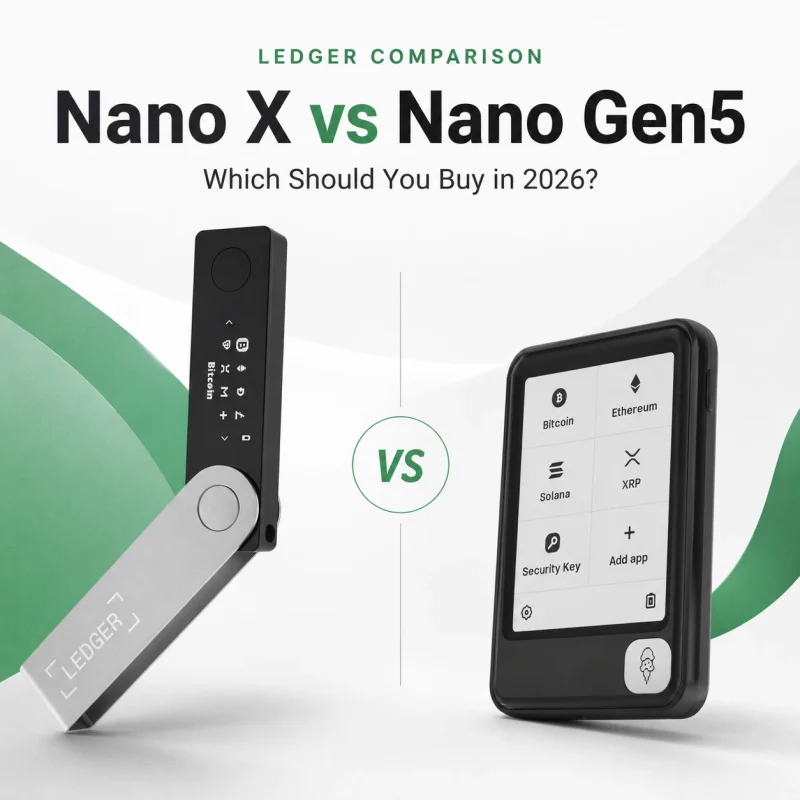
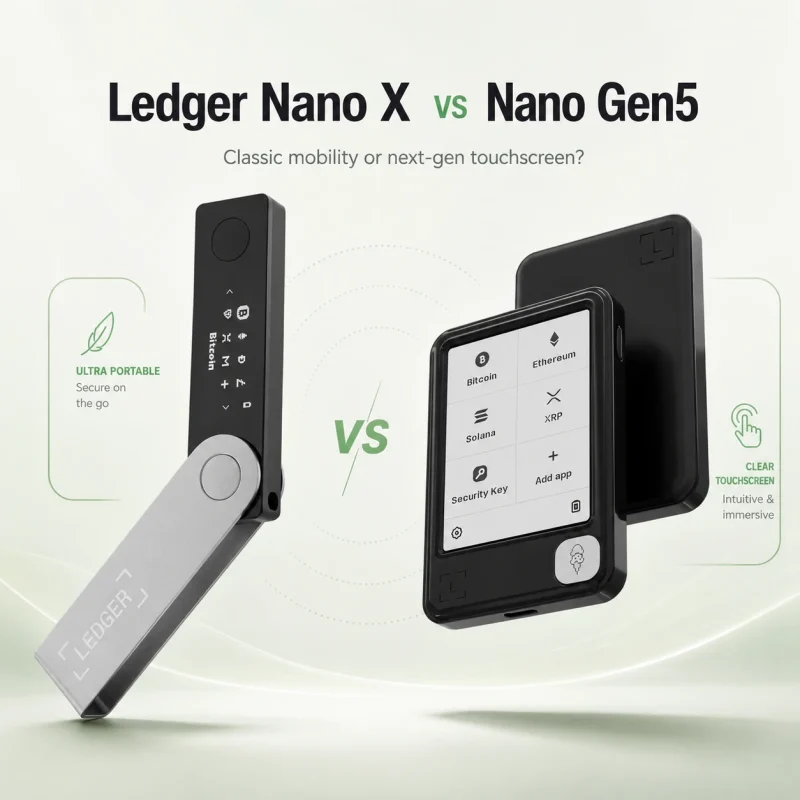
Ledger Stax vs Nano X
Ledger Stax and Nano X belong to the same broader ecosystem, but their daily experience is very different.
| Feature | Ledger Stax | Ledger Nano X |
|---|---|---|
| Official US price | $399 | $99 |
| Display | 3.7-inch curved E Ink touchscreen | 128 × 64 OLED |
| Navigation | Touchscreen | Two physical buttons |
| Security chip | CC EAL6+ Secure Element | CC EAL5+ Secure Element |
| Bluetooth | Yes | Yes |
| USB | USB-C | USB-C device connection |
| NFC | Yes | No |
| Qi charging | Yes | No |
| Custom lock screen | Image or supported NFT | No comparable large lock screen |
| Form factor | Credit-card-sized | USB-stick-sized |
| Best fit | Frequent signing and premium usability | Compact mobile signing and value |
Nano X remains a functional mobile hardware wallet with Bluetooth, a trusted display, Ledger OS and offline private-key protection. Its screen is much smaller, but it handles the core function of reviewing and approving transactions.
Stax does not make Nano X obsolete.
Choose Nano X when:
Budget matters.
Compactness is a priority.
Transactions are relatively simple.
The device will be used occasionally.
Two-button navigation is acceptable.
Choose Stax when:
The wallet will be used frequently.
Transaction readability is important.
NFT management is a major use case.
Touch navigation reduces friction.
Qi charging and premium design have real value.
For many users, the difference is usability rather than basic self-custody capability.
Security Architecture and Recovery
Stax uses an ST33K1M5 Secure Element certified to CC EAL6+ and runs Ledger OS. The display is controlled through the secure-device architecture rather than functioning as an ordinary second screen for the connected phone or computer.
The current package also includes Ledger Recovery Key, a PIN-protected Secure Element smart card intended as an additional recovery option for supported Ledger touchscreen devices.
Ledger Recovery Key does not remove the need to understand the wallet’s recovery architecture.
Owners should document:
Which recovery method has been configured
Where the recovery phrase is stored
Where the Recovery Key is stored
Which compatible devices support restoration
How beneficiaries would recover access
What happens if one component is lost
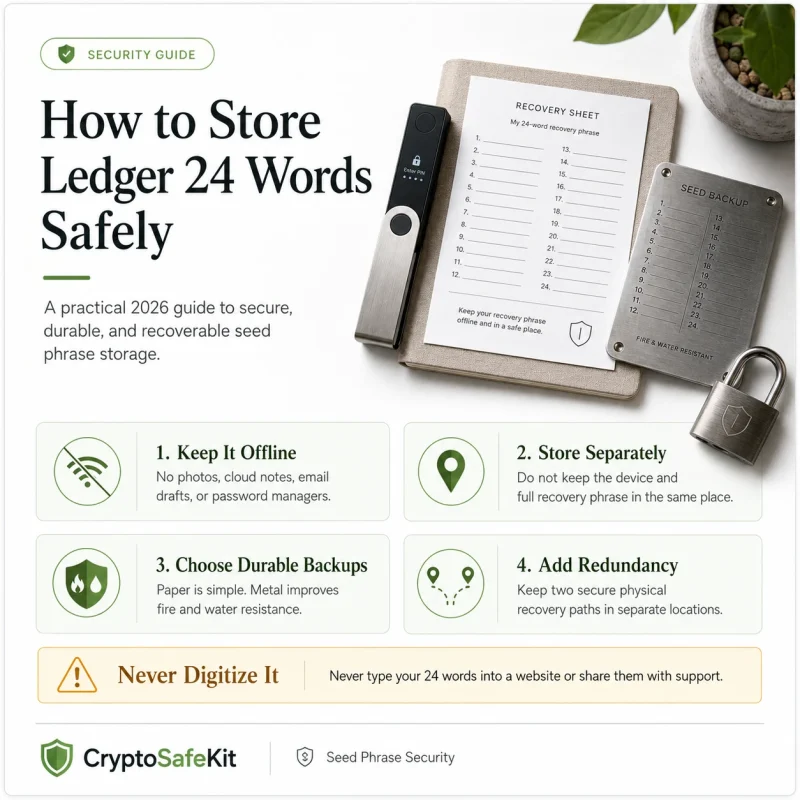
Do not keep the Stax, Recovery Key and complete recovery phrase together.
One theft or disaster should not capture every recovery component.
CryptoSafeKit’s seed phrase storage guide should not be linked using an unverified URL. In WordPress, use the confirmed internal path listed in the internal-link table below.
Ledger Stax Pros and Cons
Advantages
Largest and clearest display in Ledger’s current consumer range
Curved E Ink design remains readable without constant power
More intuitive touchscreen navigation
Better suited to reviewing long transaction details
Bluetooth, USB-C and NFC connectivity
Qi wireless charging
Custom NFT or image lock screen
Included Magnet Shell
Included Ledger Recovery Key
Credit-card-sized form factor
Strong fit for frequent Ledger Wallet users
Limitations
$399 official price is difficult to justify for occasional use
Core offline key protection is available in cheaper Ledger devices
Battery requires periodic care during long storage
E Ink is monochrome and less fluid than a phone display
NFT lock screen displays only one item
Third-party integrations can vary or lag
Touchscreen convenience does not prevent phishing
Clear Signing is not available for every transaction
Wireless charging adds convenience rather than essential security
Who Should Buy Ledger Stax?
Frequent hardware-wallet users
Stax makes the strongest case when it is used regularly.
Someone signing several transactions each week is more likely to benefit from the larger screen and touchscreen controls than someone opening a wallet twice per year.
NFT collectors
Stax is particularly appealing to NFT users because of:
Custom NFT lock screen
Larger transaction-review area
Ethereum and Polygon NFT support in Ledger Wallet
Compatibility with additional NFT networks through third-party wallets
Easier visual separation between dedicated wallet accounts
NFT collectors should still separate valuable collections from high-risk minting and experimental dApp accounts.
Users managing substantial long-term holdings
A high-value wallet does not automatically require an expensive device.
However, users for whom a single signing mistake would have serious consequences may reasonably place greater value on the larger secure screen and clearer verification workflow.
The recovery backup remains more important than the display.
Users who appreciate premium industrial design
Stax is also a design purchase.
Its curved display, magnetic construction, slim form factor and customizable lock screen differentiate it from utilitarian hardware wallets. Buyers should be honest about this: part of the $399 price pays for design and comfort.
There is nothing wrong with valuing those qualities, provided they are not mistaken for absolute security.
Who Should Skip Ledger Stax?
Budget-conscious beginners
A first-time user does not need Stax to learn self-custody.
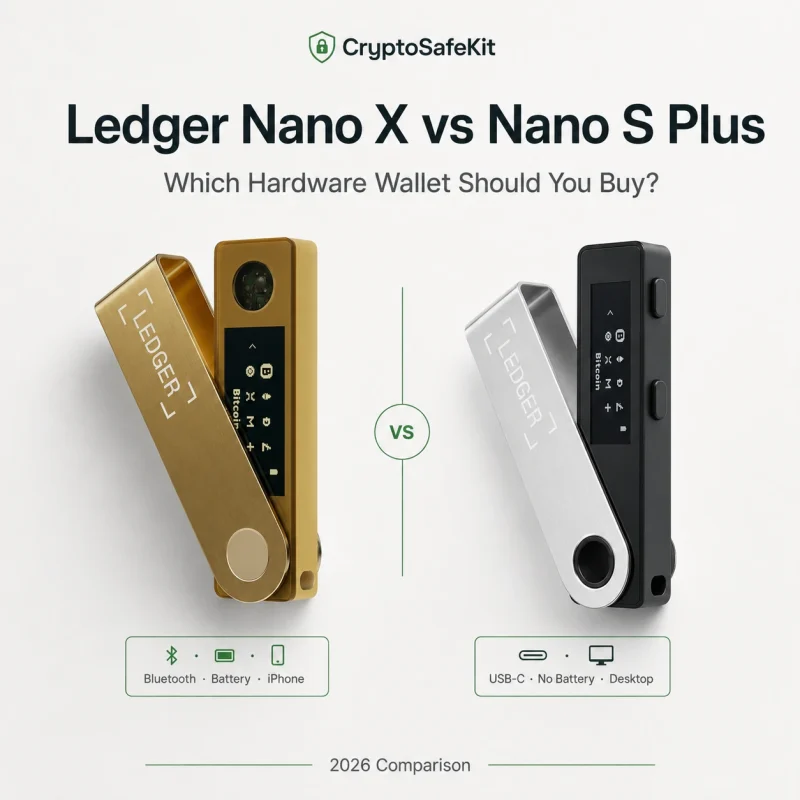
Nano X, Nano S Plus or another correctly configured hardware wallet can provide isolated key storage and physical transaction approval at a much lower price.
Minimalist Bitcoin holders
A user who receives Bitcoin, verifies the address and rarely spends may receive little practical benefit from an NFT lock screen, wireless charging or large touchscreen.
Users who dislike battery maintenance
Stax should not be stored indefinitely with no charging plan. Ledger recommends periodic charging to protect battery health.
Users dependent on one specific third-party dApp
Verify the complete device, browser, wallet and dApp workflow before purchasing. External compatibility depends partly on third-party developers.
Is the Ledger Stax Price Worth It?
At an official price of $399, Stax is a premium product rather than a basic security necessity.
The price is easier to justify when:
The device will be used frequently.
The owner regularly signs complex transactions.
A larger display improves verification discipline.
NFT management is important.
Mobile connectivity is used often.
Premium design has genuine personal value.
Included accessories would otherwise be purchased separately.
The price is harder to justify when:
The wallet will remain in storage.
Transactions are simple and infrequent.
A Nano device already meets every requirement.
Wireless charging is not useful.
The custom display is purely cosmetic.
The owner expects Stax to provide fundamentally different key security.
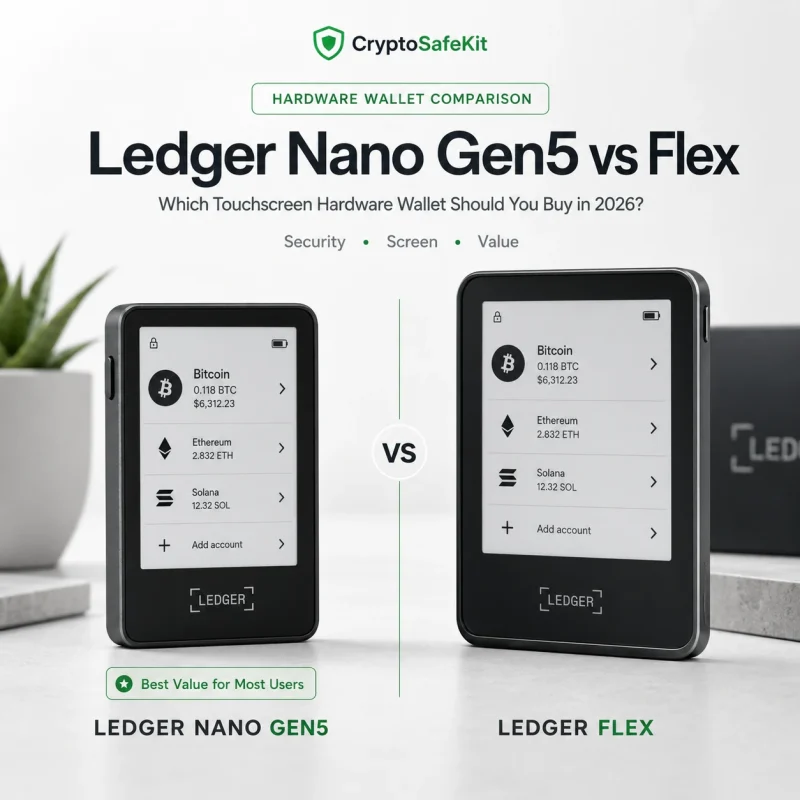
Ledger Flex is another consideration. At an official $249 price, it provides a large secure E Ink touchscreen, NFC, Bluetooth and many of Ledger’s newer signing features, but lacks Stax’s curved display and Qi charging.
For value-focused touchscreen buyers, Flex may be the more rational middle ground.
Final Verdict
Ledger Stax is a thoughtfully differentiated premium hardware wallet.
Its strongest feature is not wireless charging or an NFT lock screen. It is the large secure touchscreen that makes transaction review less cramped and daily navigation more comfortable.
That advantage matters most to:
Frequent signers
NFT collectors
Multi-chain users
People who struggle with Nano-sized displays
Users prepared to pay for a refined physical interface
It matters less to:
Budget beginners
Rarely active cold-storage users
Minimalist Bitcoin holders
Users who already operate a Nano X comfortably
Stax is therefore one of the strongest premium hardware-wallet experiences available in Ledger’s ecosystem, but it is not the default recommendation for every buyer.
A less expensive Ledger can protect private keys using the same general self-custody model.
Stax makes that model easier to interact with.
Whether it is worth $399 depends on how often that improved interaction will actually be used.
5. Security Disclaimer
This article is provided for general educational and product-comparison purposes only. It does not constitute financial, investment, trading, tax, legal, insurance or personalized cybersecurity advice.
Product prices, included accessories, supported assets, firmware features, wallet integrations and battery guidance can change. Verify current specifications through Ledger’s official product and support pages before purchasing or moving assets.
Ledger Stax can reduce certain forms of private-key exposure, but it cannot eliminate phishing, malicious smart contracts, incorrect addresses, wrong-network transfers, physical theft, recovery failure or user error.
Never enter a Ledger recovery phrase, private key, PIN or optional passphrase into an unknown website, cloud service, support form, messaging application or remote-access session.
6. Frequently Asked Questions
Is Ledger Stax more secure than Nano X?
Stax uses a newer CC EAL6+ Secure Element and provides a much larger secure display. Nano X uses a CC EAL5+ Secure Element and a smaller OLED screen.
The larger Stax display can improve transaction review, but both devices still depend on correct recovery-phrase storage and careful approval.
How long does the Ledger Stax battery last?
Ledger states that Stax can provide up to 10 hours of normal use and several days of standby time. Actual performance depends on settings and usage.
Does Ledger Stax support wireless charging?
Yes. Stax supports Qi wireless charging as well as USB-C charging. Ledger does not guarantee compatibility with every charger and states that Apple MagSafe accessories are not supported.
Can Ledger Stax display an NFT?
Yes. A supported NFT or personal image can be used as the lock screen, and it remains visible while the device is off. The display is grayscale, and only one NFT can be shown as the lock screen at a time.
Does Ledger Stax physically store NFTs?
No. NFT ownership remains recorded on the blockchain. Stax protects the private key controlling the relevant address and can display a lock-screen representation.
Does Stax work with MetaMask?
Ledger supports connecting compatible Ledger accounts to MetaMask through its hardware-wallet connection workflow. The private keys remain protected by the Ledger device.
Is Ledger Stax suitable for long-term cold storage?
It can be part of a long-term storage system, but the owner should maintain the battery periodically and protect the recovery backup separately. The recovery design matters more than the device’s screen or charging method.
Is Ledger Stax worth buying for a beginner?
It is easy to navigate, but its price is difficult to justify for many first-time users. A less expensive device can teach the same essential self-custody practices.