

Which Ledger Wallet Should I Buy in 2026? A 5-Minute Decision Guide

Which Ledger wallet should you buy? In 2026, the answer depends less on which model has the longest specification sheet and more on one practical question: how will you actually use the hardware wallet?
A long-term Bitcoin holder who signs twice a year does not need the same device as someone approving DeFi transactions every day. An iPhone user has different priorities from a desktop-only cold-storage user. And someone replacing an older Nano X should evaluate a touchscreen upgrade differently from someone buying their first Ledger.
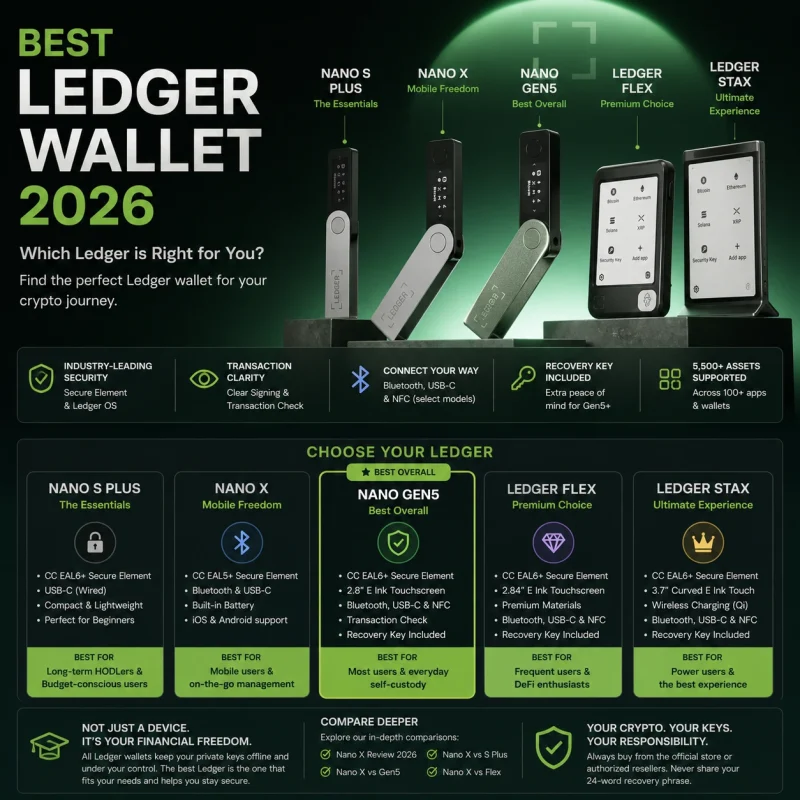
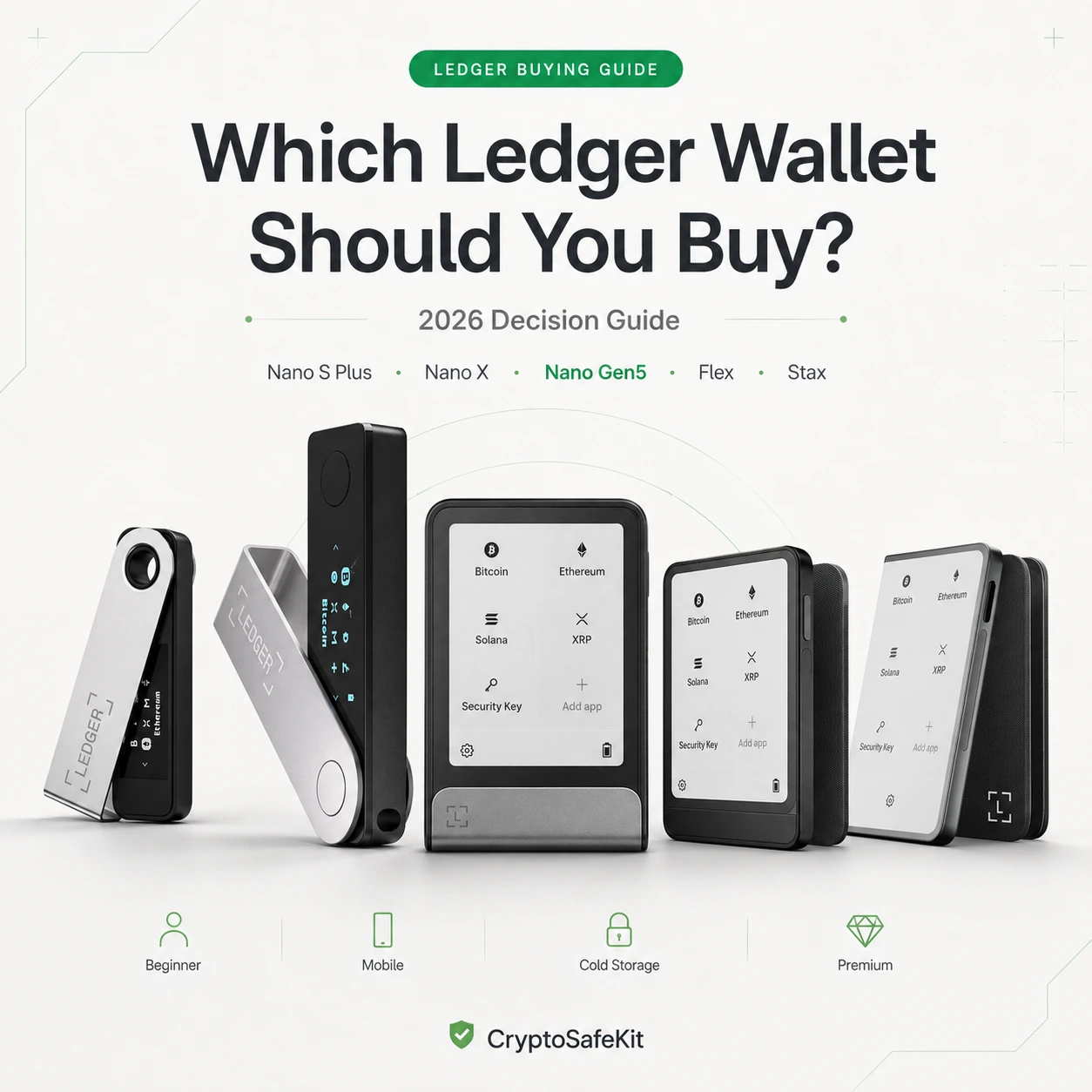
Ledger currently offers five distinct choices: Nano S Plus, Nano X, Nano Gen5, Ledger Flex and Ledger Stax. All use Ledger’s offline private-key architecture, but their screens, connectivity, transaction-verification features and intended roles are increasingly different.
Instead of ranking them from “safe” to “unsafe,” this guide asks five questions and matches your answers to the Ledger that makes the most sense.
The 30-Second Answer
Best starting point if you want one modern Ledger to serve as your primary wallet: secure touchscreen, Bluetooth, USB-C, NFC and current-generation transaction verification.
Choose it if Bluetooth and portability matter more than having a touchscreen.
Choose it if you want wired-only, battery-free storage and rarely sign transactions.
Choose it if you sign frequently and value a sharper E Ink display and premium materials.
Choose it if display size, curved E Ink design, personalization and Qi charging matter most.
Do Not Choose a Ledger by Asking “Which One Is Most Secure?”
That sounds like the obvious question, but it can lead to the wrong purchase.
Ledger’s current signers share the same basic security philosophy: private keys are generated and stored offline inside certified Secure Element hardware, Ledger OS controls sensitive operations, and transaction signing requires physical confirmation.
There are real technical differences. Nano X currently uses a CC EAL5+ Secure Element, while Nano S Plus, Nano Gen5, Flex and Stax use CC EAL6+ Secure Elements. The touchscreen generation also adds Transaction Check and provides far more screen space for reviewing transaction details.
Which device makes it easiest for you to verify transactions correctly and maintain a safe self-custody routine for years?
Will This Be Your Primary Hardware Wallet?
If you are buying one Ledger and expect to use it for the next several years, start by looking at the touchscreen generation rather than automatically choosing the cheapest Nano.
The reason is not cosmetic.
Modern crypto users increasingly approve token permissions, swaps, staking transactions, smart-contract calls and other activity that contains more information than a traditional Bitcoin transfer.
A larger Secure Screen allows more of that information to be reviewed before the signature is created.
It is Ledger’s most accessible entry into the current secure-touchscreen generation and avoids paying primarily for the premium display and materials of Flex or Stax.
Do You Regularly Manage Crypto From Your Phone?
This immediately removes Nano S Plus from consideration for many users.
Nano S Plus is designed around a wired USB workflow. Nano X, Nano Gen5, Flex and Stax all support Bluetooth, making them considerably more practical for compatible iOS and Android workflows.
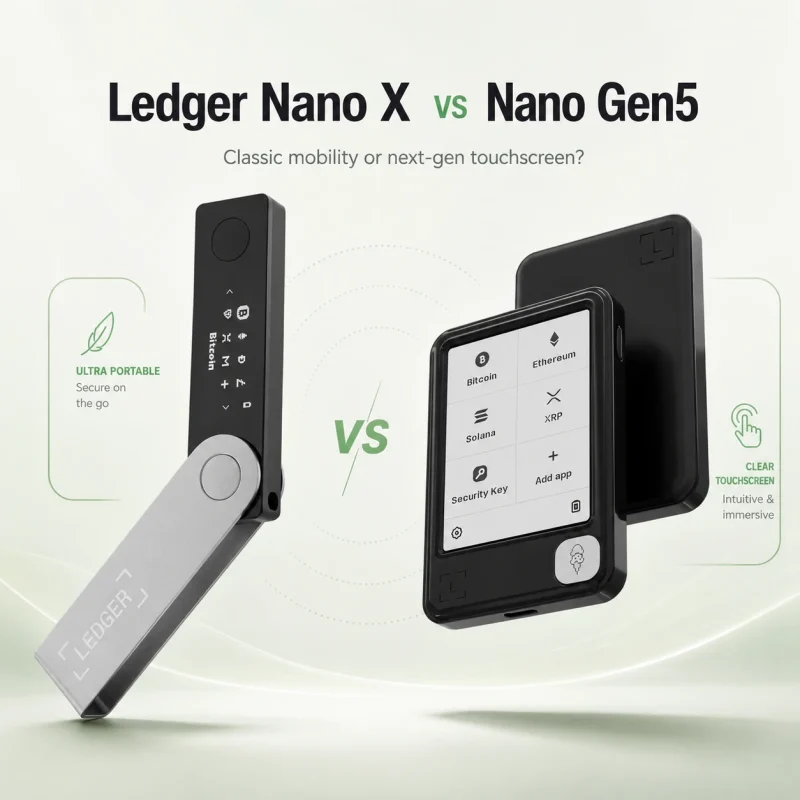
Choose Nano X
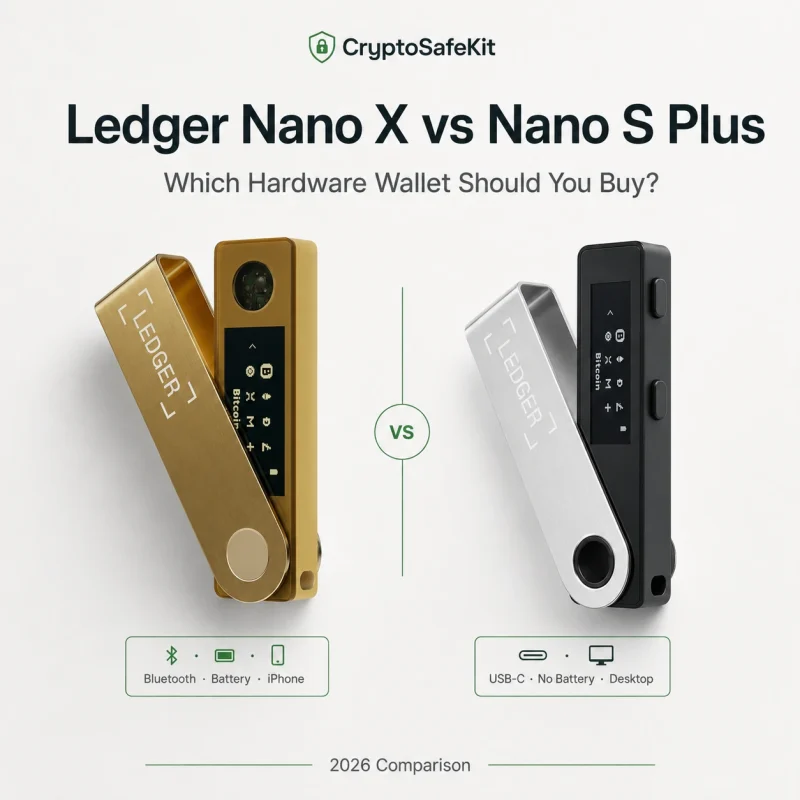
Nano X remains the compact classic. It combines Bluetooth and an internal battery with Ledger’s familiar USB-stick-style design.
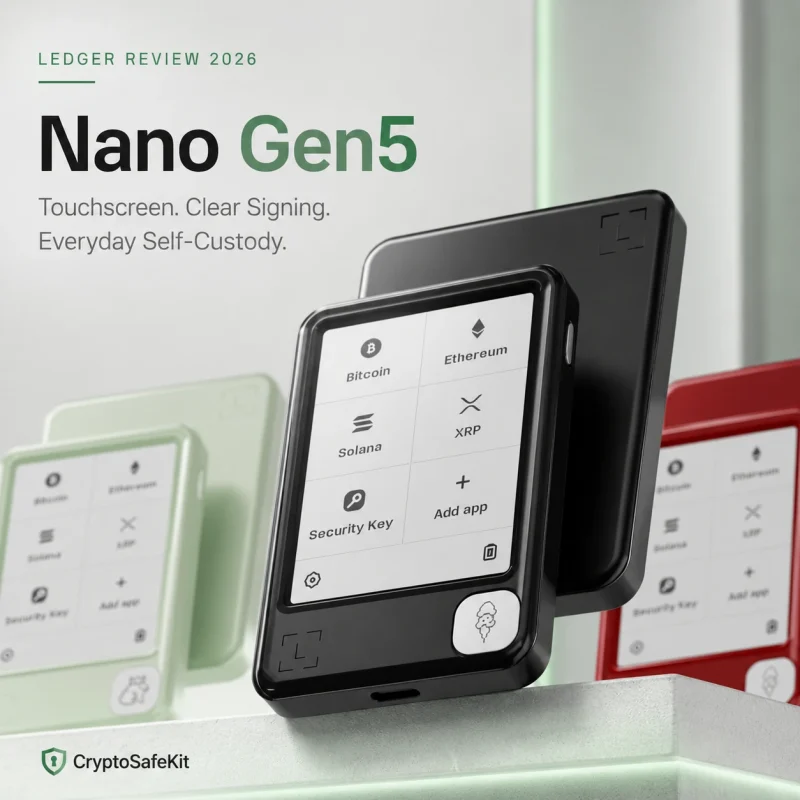
Choose Nano Gen5
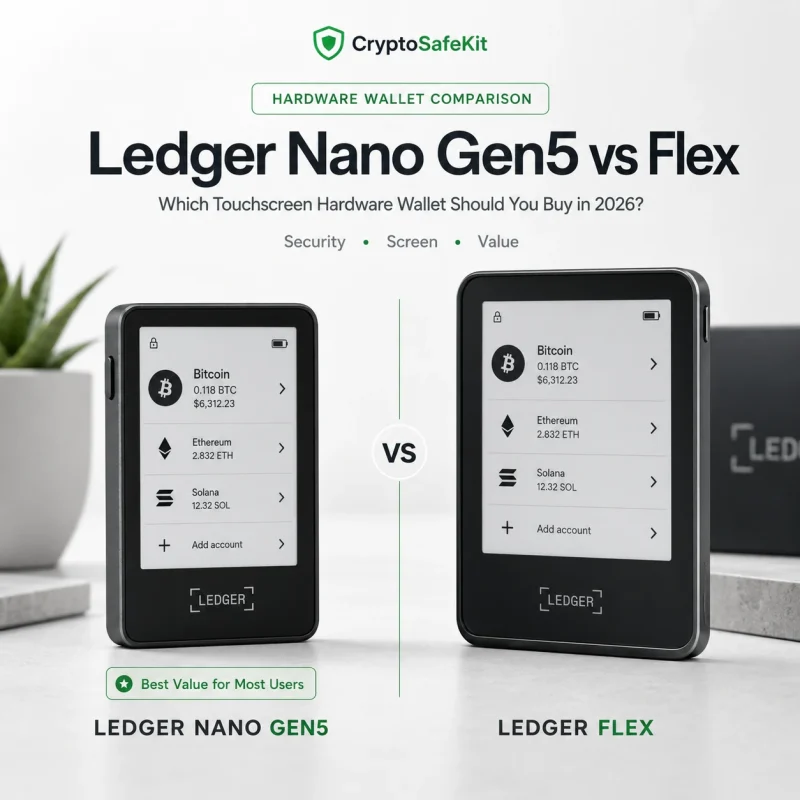
You retain Bluetooth but gain the larger secure E Ink touchscreen, NFC and current-generation transaction-verification features.
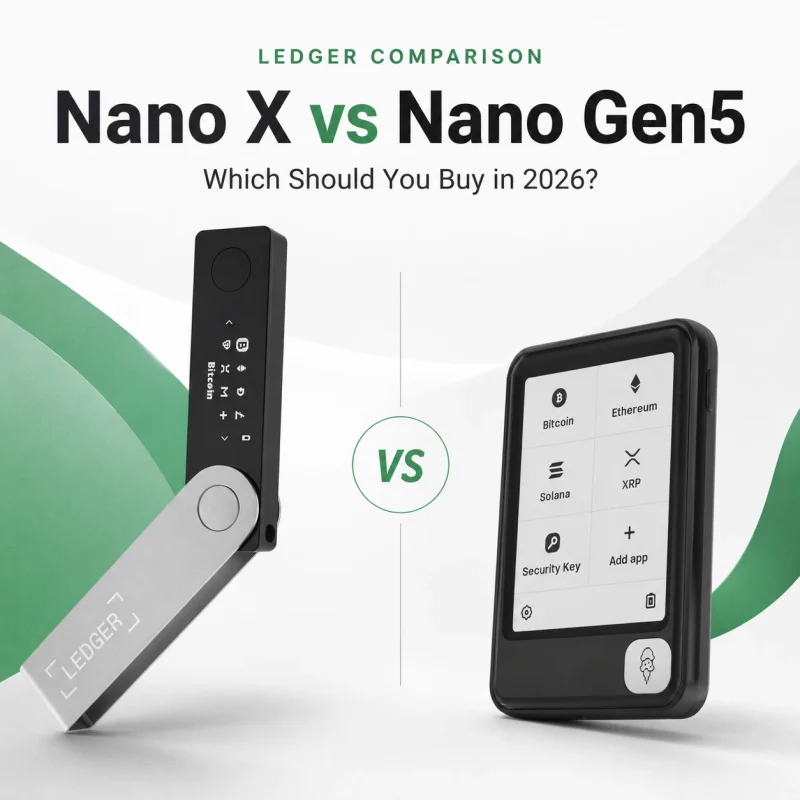
See exactly what changes when moving from the classic Bluetooth Nano to Ledger’s touchscreen generation.
Are You Mostly Buying Bitcoin for Long-Term Cold Storage?
This is the scenario where buying a less expensive, simpler Ledger can make the most sense.
Imagine you buy Bitcoin periodically, withdraw it from an exchange, verify the receiving address and then leave the device unused for months.
You may not gain much from Bluetooth, NFC or a premium touchscreen during day-to-day life.
Wired USB-C operation, no internal battery and the classic Nano form factor make it particularly logical for infrequent signing and dedicated cold-storage use.
If you still want phone connectivity, Nano X becomes the more practical classic model.
Compare Bluetooth, battery, iPhone support, Secure Element differences and long-term cold-storage use.
Do You Use DeFi, Staking or Smart Contracts Frequently?
If yes, prioritize transaction visibility over maximum compactness.
Complex blockchain interactions can involve approvals, contract calls, token spending permissions and other data that is much harder to review on a 128 × 64 OLED display.
Ledger’s touchscreen generation supports the larger Secure Screen, Clear Signing and Transaction Check on supported transactions.
Nano Gen5
The most sensible option for users who want modern transaction verification without moving into a premium hardware tier.
Ledger Flex
Higher-resolution 16-grayscale E Ink display, Gorilla Glass and aluminium construction improve frequent interaction.
Ledger Stax
Larger 3.7-inch curved E Ink display and Qi wireless charging for users prioritizing the premium interface.
Stax becomes easier to justify when the flagship display itself is something you genuinely value.
Which Ledger Should I Buy? Match the Device to Your Use Case
| Your Priority | Best Match | Why |
|---|---|---|
| One Ledger for most users | Nano Gen5 | Modern touchscreen, mobile connectivity and current-generation security features. |
| First hardware wallet | Nano Gen5 | Larger interface makes verification easier for new self-custody users. |
| Long-term Bitcoin cold storage | Nano S Plus | Wired-only, battery-free and deliberately simple. |
| Compact Bluetooth wallet | Nano X | Small classic form factor with mobile connectivity. |
| Travel or secondary signer | Nano X | Portable, light and easy to use with a phone. |
| Frequent DeFi activity | Nano Gen5 / Flex | Secure touchscreen and better transaction review. |
| Premium everyday hardware | Ledger Flex | Sharper display and more premium construction. |
| Largest Ledger screen | Ledger Stax | 3.7-inch curved E Ink display and flagship experience. |
| Backup to another Ledger | Nano S Plus / Nano X | Classic devices remain well suited to secondary-signer roles. |
Do Not Buy a Ledger Before Understanding the Recovery Phrase
Choosing the correct model matters, but model choice is not the most important self-custody decision.
Your hardware signer protects private keys during normal operation. Your Secret Recovery Phrase is what allows the wallet to be restored if that signer is lost, damaged or replaced.
Secure Element + PIN + physical transaction confirmation.
Your backup can restore control even when the original hardware no longer exists.
That is why a perfectly chosen hardware wallet can still fail as a security system if its recovery phrase is photographed, stored in email, uploaded to cloud storage or entered into a phishing website.
If this is your first hardware wallet, read our guide to storing Ledger recovery words safely before transferring a significant balance.
Should You Upgrade or Keep Your Nano X?
A working Nano X does not become insecure because Ledger released newer hardware.
Keep using Nano X if your activity is mostly:
- Bitcoin or stablecoin storage
- Simple transfers
- Occasional Bluetooth mobile signing
- Backup or travel use
An upgrade becomes more meaningful when you increasingly:
- Interact with DeFi protocols
- Approve complex smart contracts
- Want more transaction data visible at once
- Want Transaction Check
- Want NFC-based Recovery Key support
See where Nano X still makes sense before replacing a device that may already fit your workflow.
Start With Our Best Ledger Wallet 2026 Guide
This article is designed to answer one question: which Ledger should you personally buy?
If you want the full product-line comparison — including all five current Ledger signers, model positioning, security generations and buyer profiles — continue to our main Ledger buying hub.
Read the Best Ledger Wallet 2026 Guide →So, Which Ledger Wallet Should You Buy in 2026?
If you want one simple recommendation for a new primary Ledger, Nano Gen5 is the strongest starting point for most buyers.
It gives you Ledger’s newer Secure Element generation, a much larger secure touchscreen, Bluetooth, USB-C, NFC, Transaction Check and Ledger Recovery Key without requiring the flagship Stax experience.
But there are several cases where another Ledger makes more sense.
Best balance for a primary modern Ledger.
Bluetooth without paying for a touchscreen.
Wired, battery-free and purposefully minimal.
Better screen and materials for regular interaction.
Largest display and the most premium Ledger experience.
Buy the Ledger whose workflow you are most likely to use correctly, not the one whose specification list looks most impressive.
Which Ledger Wallet Should I Buy? FAQ
Which Ledger wallet should I buy in 2026?
Nano Gen5 is a strong default choice for most new buyers because it combines a secure touchscreen, Bluetooth, USB-C, NFC, Transaction Check and Ledger Recovery Key. Other models can be better for specialized uses such as wired cold storage or maximum portability.
Which Ledger is best for beginners?
Nano Gen5 is particularly suitable for beginners who want one primary wallet because its larger secure touchscreen makes transaction review easier than the classic Nano interface.
Should I buy Nano X or Nano Gen5?
Buy Nano X if compact Bluetooth signing and lower cost are your priorities. Buy Nano Gen5 if you want a larger touchscreen, NFC, Transaction Check and newer recovery features.
Which Ledger is best for Bitcoin?
Nano S Plus is a particularly logical choice for infrequent long-term Bitcoin cold storage. Nano X is better if you need Bluetooth, while Nano Gen5 is better if Bitcoin is part of a more active portfolio.
Which Ledger is best for DeFi?
Nano Gen5 and Ledger Flex are stronger choices for regular DeFi use because their secure touchscreens make complex transaction details easier to review.
Is Ledger Flex worth buying over Nano Gen5?
Flex is worth considering if you value higher display resolution, 16-grayscale E Ink, Gorilla Glass and aluminium construction. Nano Gen5 provides many of the same core current-generation security features at a lower tier.
Is Nano X still worth buying?
Yes. Nano X remains useful for users who prioritize portability and Bluetooth and do not need the larger touchscreen or Transaction Check.
Should I buy more than one Ledger?
Some users keep a secondary signer for backup or geographic redundancy. Before configuring multiple devices with the same recovery phrase, make sure you understand how recovery and physical access affect the overall threat model.
Does a more expensive Ledger hold more crypto?
No. Cryptocurrency remains on its blockchain rather than being physically stored inside the Ledger. Higher-tier devices mainly change interface, connectivity and signing experience.
Which Ledger is safest?
Current Ledger signers share the same general offline key-protection architecture. Models differ in Secure Element certification and transaction-verification features, so the best security fit depends partly on how you interact with your assets.
Sources & Editorial Method
This guide was updated for August 2026 using Ledger’s current signer-selection guide, hardware comparison documentation and product specifications. We prioritize workflow and verifiable security differences rather than assuming that the newest or most expensive device is automatically the correct choice.
- Ledger — Which Ledger Signer Is Right for You? (Updated August 6, 2026)
- Ledger — Current Hardware Wallet Comparison
- Ledger — Introducing Ledger Nano Gen5