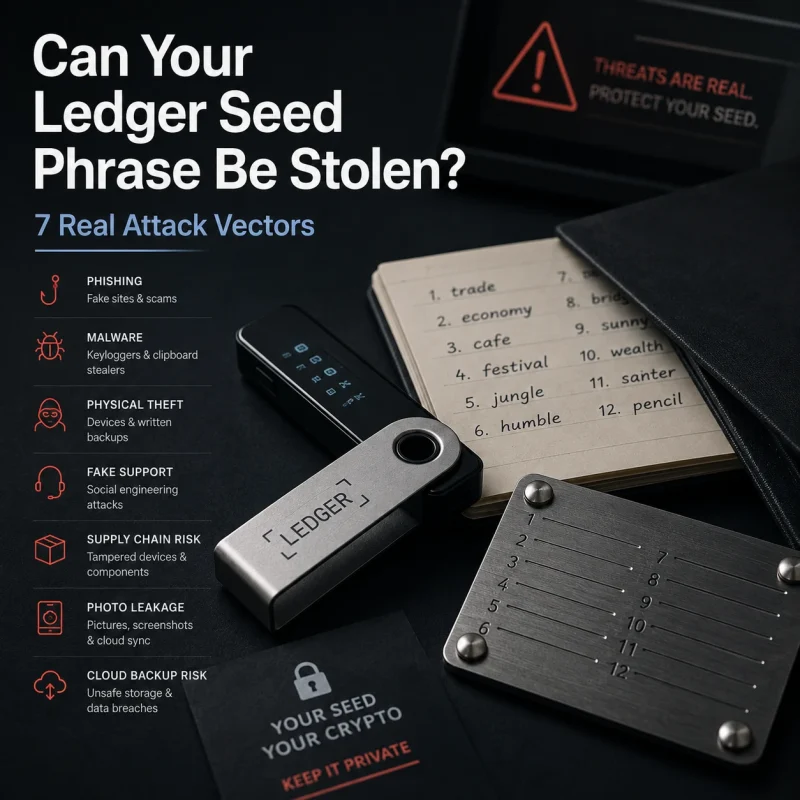


His Ledger Reset. His Seed Phrase Was Gone. What Happened?

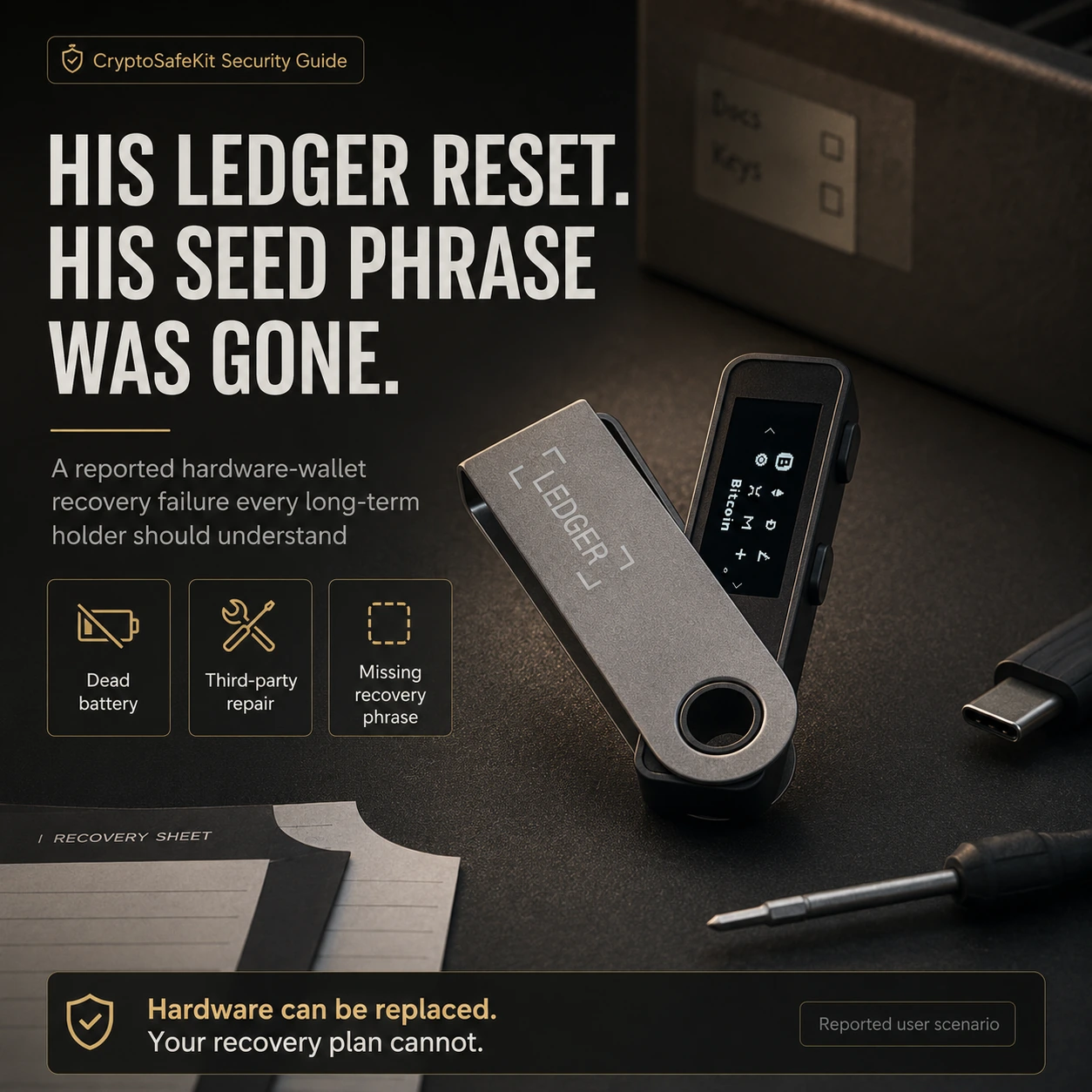
The Ledger had been sitting in a drawer for months.
No trading. No transfers. No reason to touch it.
Then one day, its owner took the hardware wallet out again and found a problem: the battery appeared to be dead.
What happened next turned a relatively ordinary hardware failure into the kind of self-custody nightmare every long-term crypto holder should understand.
According to an anecdotal case described in a recently shared video, the owner did not want to wait for official support. He took the Ledger to a phone repair technician and had the battery replaced.
After the repair, the device reportedly started up in a reset state.
Then came the question that mattered far more than the battery:
Where is your recovery phrase?
The answer was devastating.
He could no longer find it.
The backup had apparently disappeared during a house move, reportedly after family members disposed of or sold belongings associated with it.
The hardware wallet was no longer providing access.
The recovery phrase was gone.
And at that point, the owner had lost both recovery paths at the same time.
This is not really a story about a dead battery.
It is a story about what happens when a replaceable piece of hardware becomes the last surviving copy of your ability to control your crypto.
The Reported Incident: From a Dead Battery to a Lost Wallet
The case begins with something that does not sound dangerous.
The Ledger owner had reportedly left the device unused for roughly six months.
For a cold-storage user, that may feel completely normal. After all, the entire point of long-term storage is often to avoid unnecessary interaction with the wallet.
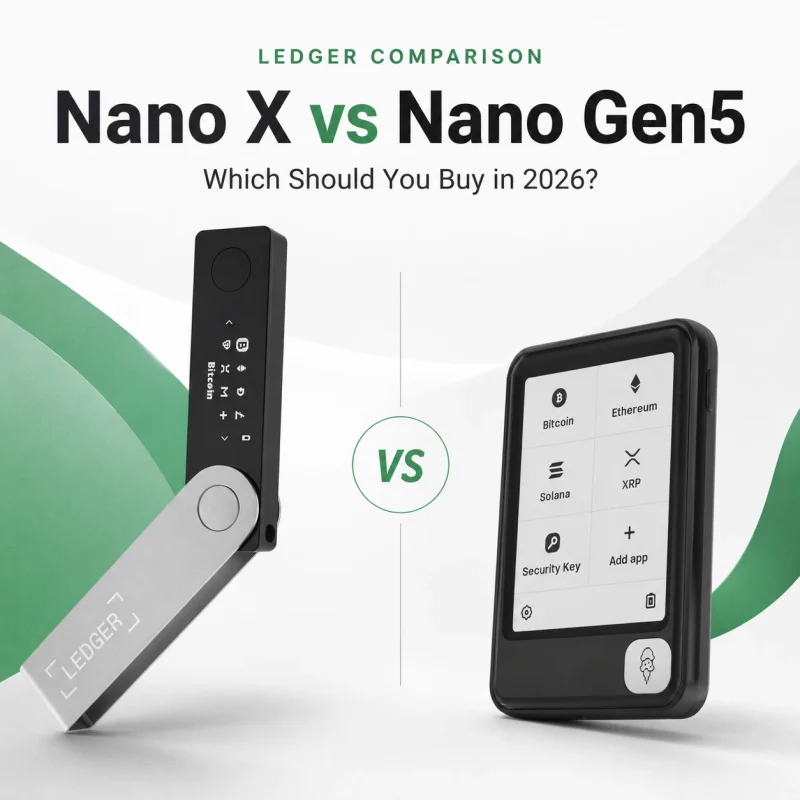
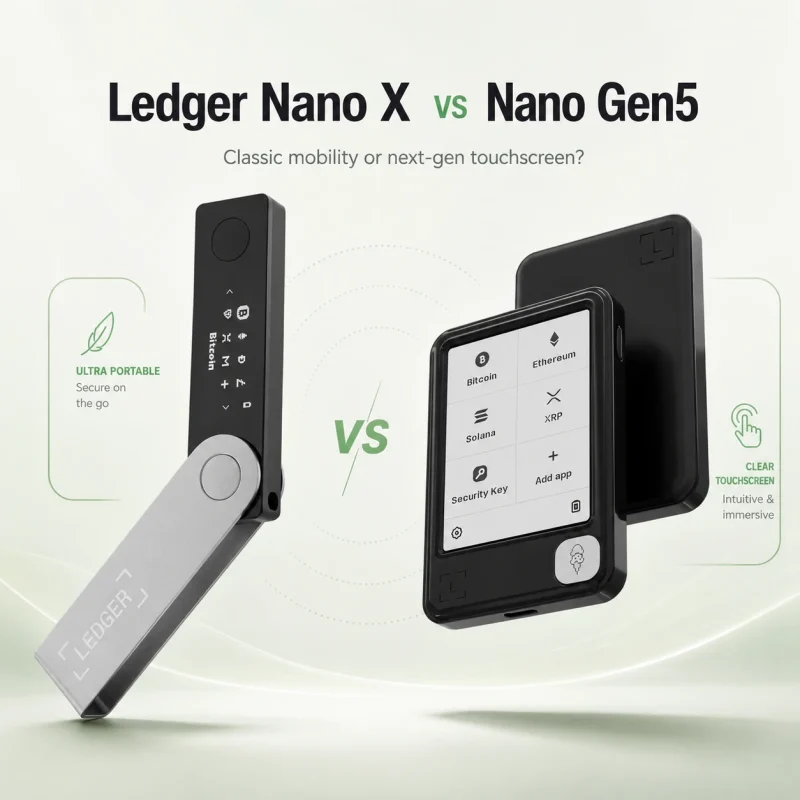
But the device apparently contained an internal battery, strongly suggesting a battery-powered Ledger model such as the Nano X.
When the owner eventually tried to use it again, the battery was no longer behaving normally.
Stage 1: The Hardware Wallet Had Been Sitting Unused
Battery-powered electronics still age even when they are not actively being used.
Ledger’s current Nano X support documentation specifically notes that batteries may require conditioning after weeks or months of inactivity. Ledger recommends periodically connecting a stored Nano X and fully charging it, with its current guidance suggesting roughly every three months under suitable storage conditions.
That does not mean a Nano X will necessarily fail after six months.
It means that long-term cold storage does not make battery chemistry irrelevant.
A hardware wallet can be offline and still require basic hardware maintenance.
Stage 2: He Chose a Third-Party Repair
According to the video, the owner did not want to wait for official support.
Instead, he reportedly took the Ledger to someone who normally repaired mobile phones and asked that person to replace the battery.
At first glance, this may seem reasonable.
If a phone battery can be replaced, why not a hardware-wallet battery?
The problem is that a hardware wallet is not just another consumer electronic device.
It is a cryptographic signing device protecting credentials that may control substantial financial value.
Opening it, modifying it, handing it to an unknown technician, or performing an unverified repair changes the physical threat model.
That does not automatically mean a third-party technician can extract the private keys.
It does mean the owner is introducing additional uncertainty into a device whose integrity matters.
Stage 3: The Ledger Reportedly Came Back Reset
After the battery work, the owner switched the Ledger on.
According to the storyteller, the wallet appeared to have reset.
This is where the original video used language equivalent to:
“The assets were wiped.”
Technically, that is not what a Ledger reset means.
A factory reset removes private keys, applications, and settings from the Ledger device. It does not delete Bitcoin, Ethereum, or other cryptocurrency from their blockchains. Ledger’s own documentation explicitly distinguishes the device state from the assets controlled through it.
The more accurate description is:
The device lost its locally stored wallet state and private-key access, while the blockchain assets remained at their existing addresses.
Normally, this would be inconvenient—not catastrophic.
Because a Ledger hardware device is supposed to be replaceable.
The disaster began with the next question.
“Where Is Your Seed Phrase?”
The owner later sought help.
The storyteller asked the obvious recovery question:
Where is the recovery phrase?
He did not have it.
According to the account, the phrase had been stored physically, but after a move it could no longer be found. The video suggests that family members had disposed of or sold belongings connected with the backup.
Whatever the exact circumstances, the result was the same.
There was no usable recovery phrase.
This is the point where the story changes completely.
A dead Ledger with a valid recovery phrase is usually a hardware problem.
A reset Ledger with a valid recovery phrase is usually a recovery procedure.
A missing Ledger with a valid recovery phrase is usually a replacement-device problem.
But:
A reset device plus a lost recovery phrase can become a permanent access problem.
Ledger’s current guidance is explicit: if a user has lost the 24-word Secret Recovery Phrase and the device has already reset, Ledger cannot retrieve the phrase or PIN on the user’s behalf.
That is the real failure in this story.
Not the battery.
Not necessarily the repair.
The failure was that the hardware wallet had effectively become the final surviving recovery path.
The Crypto Was Not “Inside” the Ledger
This distinction matters because hardware-wallet stories are often described incorrectly.
A Ledger does not contain Bitcoin in the way a USB flash drive contains a photograph.
Your assets remain recorded on their respective blockchains.
What the hardware wallet protects is the cryptographic information needed to authorize transactions.
Private Key
A private key is a secret cryptographic value that proves control over blockchain assets.
You should never expose it.
Secret Recovery Phrase
Ledger’s standard new Nano X setup generates a 24-word Secret Recovery Phrase, which represents the backup needed to reconstruct the wallet’s private-key structure.
The recovery phrase therefore sits at a deeper level than the physical device.
A useful mental model is:
Blockchain: where the assets exist.
Private keys: what gives you authority to move them.
Ledger device: hardware that protects and uses those keys.
Recovery phrase: your disaster-recovery path if the hardware disappears.
This is why saying the owner’s “crypto was wiped” is misleading.
The blockchain balances were not necessarily erased.
The owner reportedly lost the credentials required to control them.
From the owner’s perspective, the financial outcome may feel identical.
Technically, however, the distinction is essential.
Did Replacing the Battery Automatically Wipe the Ledger?
This is the most important fact-check in the entire story.
The video suggested that opening the device or changing the hardware caused Ledger’s security system to detect tampering and automatically erase the private keys.
【FACT CHECK】
There is not enough official evidence to state that replacing a Nano X battery automatically causes the Secure Element to wipe the wallet.
Ledger does document several circumstances that can reset a device.
For example:
A user can manually factory-reset a Ledger.
Three consecutive incorrect PIN entries trigger a factory reset.
Ledger says a device can sometimes reset automatically during an OS update or because of a software bug.
What we do not have from this anecdotal case is:
The actual Ledger model
Diagnostic logs
Repair documentation
The technician’s procedure
The state of the device before repair
Whether incorrect PIN attempts occurred
Whether firmware or software was modified
An official Ledger technical assessment
Therefore, the responsible conclusion is:
The device was reportedly found reset after third-party repair, but the exact cause of the reset was not independently verified.
That does not weaken the story.
It actually makes the security lesson more useful.
You do not need to know exactly why the device reset to understand why the recovery design failed.
The Most Dangerous Moment Actually Happened Earlier
There is a deeper problem hidden in this case.
The disaster did not begin when the battery stopped working.
It began the moment the recovery phrase disappeared.
If the owner had discovered the missing recovery phrase while the Ledger was still fully operational, there may have been an opportunity to correct the situation.
Ledger’s current guidance for users who have lost their recovery phrase but can still unlock the device is to move the assets to accounts protected by a newly generated recovery phrase rather than continue relying on the compromised recovery situation.
From hands-on experience
When someone tells me:
“My hardware wallet still works, but I cannot find my recovery words,”
I do not treat that as a minor paperwork issue.
I treat it as a recovery emergency.
The device is now carrying too much responsibility.
If it fails tomorrow, the user may have no fallback.
The objective should be to establish a new, verified recovery environment while the old device can still sign transactions.
Hypothetical Example: The 48-Hour Warning Window
Imagine Sarah has used a Ledger Nano X for four years.
One evening, she checks the location where she believes her recovery sheet is stored.
It is gone.
Her Ledger still turns on.
Her PIN still works.
Her accounts still appear correctly.
She may be tempted to say:
“Everything still works. I’ll deal with the seed phrase later.”
That is exactly the wrong conclusion.
The safe interpretation is:
“My only currently functioning access path is now this physical device.”
If the device breaks, resets, is stolen, or experiences a hardware failure before she establishes a new recovery system, her situation changes dramatically.
The priority is not to repair the missing piece of paper.
The priority is to move the assets into a newly generated wallet whose recovery information is actually under control.
A Hardware Wallet Should Be Replaceable
One of the healthiest ways to think about cold storage is:
Do not design your security system around the assumption that the hardware wallet will survive forever.
Electronics fail.
Screens fail.
Buttons wear.
USB connectors can be damaged.
Batteries degrade.
Product lines are discontinued.
Computers and operating systems change.
None of those events should automatically mean losing your crypto.
A good recovery architecture makes device failure boring.
Your Ledger dies.
You replace it.
You restore the wallet using the correct recovery mechanism.
You verify the accounts.
You continue.
That is how the system is supposed to behave.
Ledger Nano X Batteries Need Long-Term Maintenance
The battery portion of this story should not be ignored.
Ledger’s current Nano X documentation explains that a battery can need conditioning after an extended period of inactivity. It recommends charging stored Nano X devices approximately every three months and lists an optimal storage environment around 20–25°C and 40–80% relative humidity.
The lesson is not:
“Use your cold wallet constantly.”
The lesson is:
Cold storage does not mean zero maintenance.
For a Nano X owner who intends to store the device for years:
Periodically inspect the hardware.
Follow current Ledger battery guidance.
Avoid extreme temperature exposure.
Confirm that your recovery backup still exists.
Do not wait for a hardware emergency before checking your disaster-recovery plan.
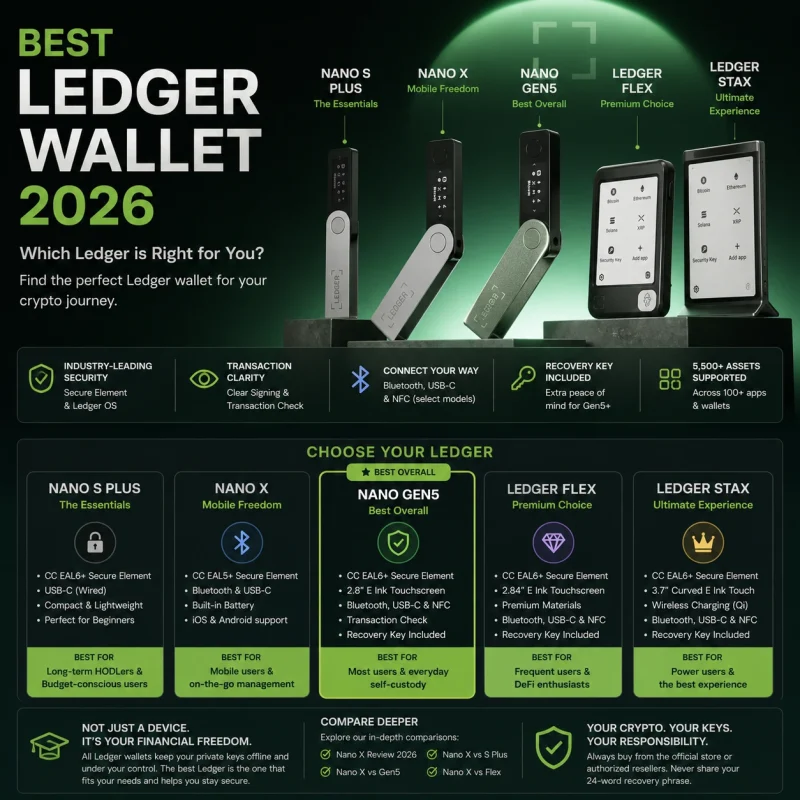
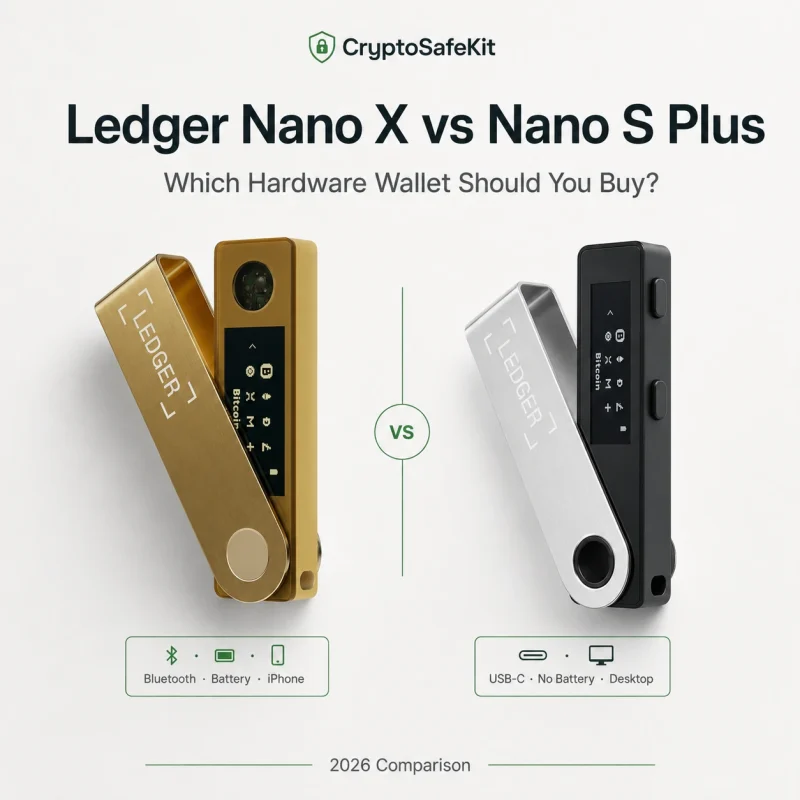
Users who specifically want fewer battery-related lifecycle concerns may also consider battery-free hardware such as the Ledger Nano S Plus for certain long-term storage workflows.
That is a design tradeoff, not proof that one model is universally safer.
Why Taking a Hardware Wallet to a Random Repair Shop Is Different
There is another uncomfortable part of the story.
The device reportedly went to a mobile-phone technician.
Even if the person is technically skilled and completely honest, hardware-wallet repair introduces risks that normal phone repair does not.
Physical Custody Changes
Someone else now possesses the security device.
Hardware Integrity Becomes Harder to Assess
Components may be removed, replaced, damaged, or reassembled.
Accidental Reset Becomes Possible
A repair process can create unexpected device behavior even without malicious intent.
Social Engineering Risk Increases
A fraudulent technician could ask for information they do not need.
Never provide a repair technician with:
Secret Recovery Phrase
PIN
BIP39 passphrase
Private keys
A repair technician does not need your recovery phrase to replace physical hardware.
If someone tells you they need your 24 words to repair a battery, stop.
The Most Painful Detail: The Backup Disappeared During a Move
The most valuable part of this case may actually have nothing to do with Ledger technology.
It is the mundane way the recovery backup disappeared.
It was reportedly lost around a house move.
Family members apparently did not understand what they were handling.
This illustrates a security threat that crypto users routinely underestimate:
ordinary life.
Not hackers.
Not malware.
Not a sophisticated supply-chain attack.
Just:
Moving house
Cleaning
Renovating
Throwing away old paperwork
Family reorganizing belongings
Flood damage
Fire
Moisture
A document being mistaken for trash
A paper recovery phrase can contain the keys to substantial digital wealth while looking like a meaningless handwritten note.
That mismatch creates risk.
Paper Is Offline—but Offline Does Not Mean Durable
Paper has one major security advantage:
It can remain completely offline.
That makes it appropriate for many recovery strategies.
But paper has physical weaknesses.
It can be:
Burned
Soaked
Torn
Misplaced
Discarded
Damaged by humidity
Accidentally destroyed
For someone storing significant crypto holdings over many years, moving from paper to a durable physical medium can improve resilience.
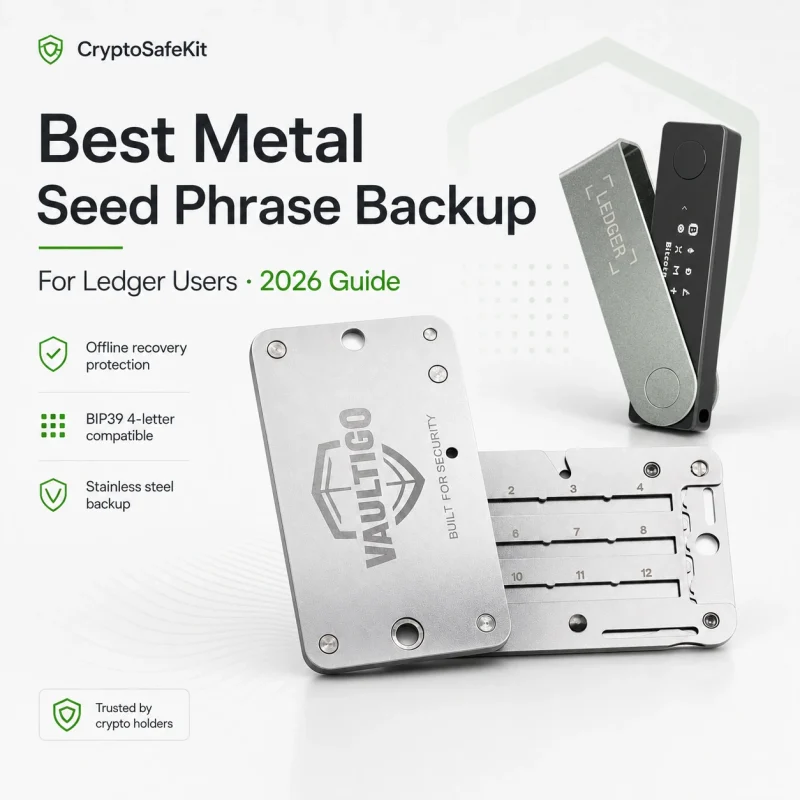
A metal backup such as the VAULTIGO metal seed phrase backup is intended to create a more durable offline recovery record than ordinary paper.
But metal does not solve every problem.
A metal plate can still be:
Stolen
Photographed
Discovered
Misplaced
Handed to the wrong person
Metal improves physical durability.
Location strategy and access control protect confidentiality.
You need both.
The Security Stack This Owner Needed
This story can be reduced to four layers.
Layer 1: Hardware Wallet
Purpose:
Protect private-key operations during normal use.
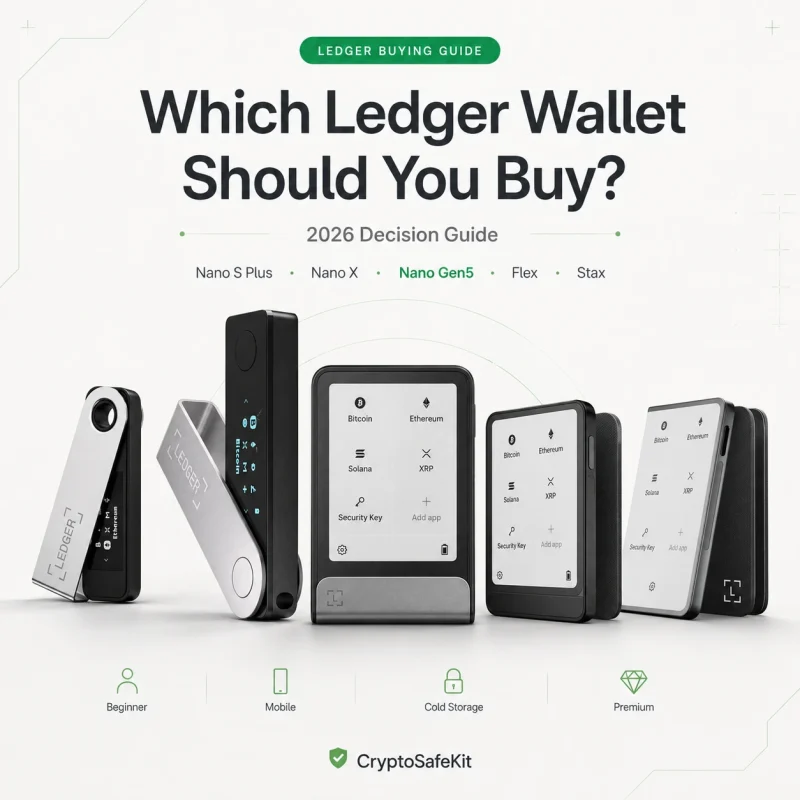
Examples include Ledger Nano X, Nano S Plus, Flex, or Stax.
Layer 2: Recovery Backup
Purpose:
Restore access when the hardware device fails.
This is the layer that reportedly failed in the incident.
Layer 3: Physical Protection
Hardware should also be protected from ordinary transport and storage damage.
A dedicated hardware wallet protective case can help protect the physical device from impacts, scratches, and storage wear.
A case does not protect against a stolen seed phrase.
Layer 4: Recovery Location Strategy
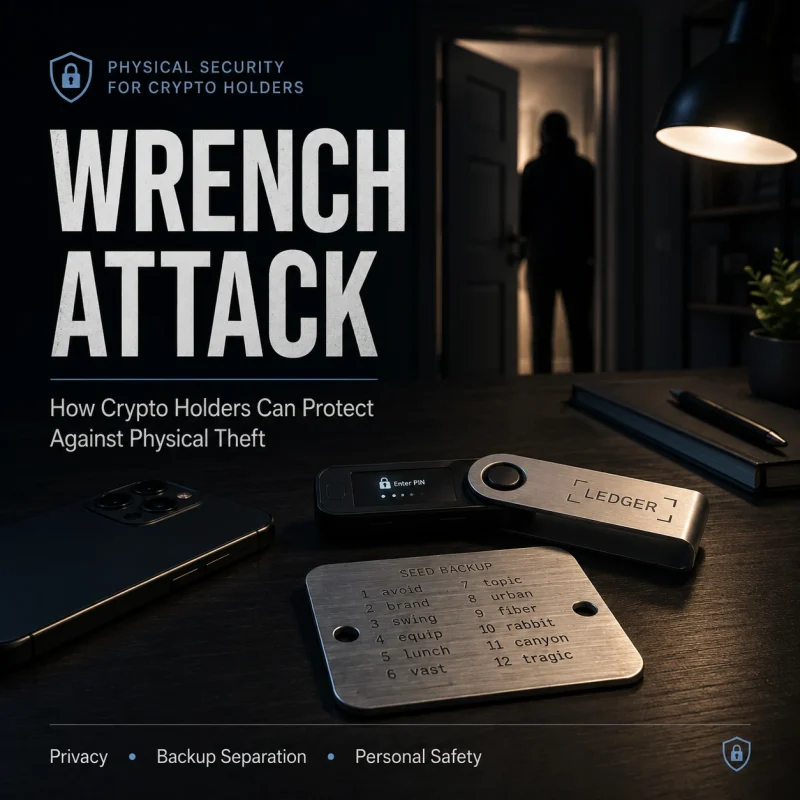
The hardware device and complete recovery backup should not depend on exactly the same physical location.
Otherwise:
One fire.
One burglary.
One house move.
One accidental clean-out.
One family misunderstanding.
Can eliminate both layers.
Three Mistakes Turned One Hardware Problem Into a Disaster
Looking at the case as a security system, the failure chain becomes clear.
Mistake 1: The Recovery Phrase Was No Longer Accounted For
This was the most important failure.
The owner apparently did not discover the missing backup until the hardware was already unusable or reset.
Mistake 2: Hardware Repair Happened Before Recovery Was Confirmed
Before doing anything invasive to a hardware wallet, establish whether you have a valid recovery path.
If you do not, every unnecessary change to the functioning device becomes higher risk.
Mistake 3: Long-Term Storage Was Treated as “Forget About It”
Cold storage should reduce unnecessary activity.
It should not eliminate periodic security review.
The 10-Minute Annual Check That Could Prevent This
Long-term holders do not need to expose their recovery phrase every month.
But a periodic security audit is sensible.
Once or twice per year, ask:
Do I know where my recovery backup is?
Has anyone else gained access to the location?
Has the storage environment changed?
Has my hardware wallet suffered physical damage?
Does a battery-powered wallet require maintenance?
Do I still understand how recovery works?
Would my family know what not to throw away?
Has my inheritance plan become outdated?
Do not type the seed phrase into websites or cloud services while performing this check.
The goal is simply to confirm that your recovery architecture still exists.
One Technical Correction From the Original Story: 12 Words vs 24 Words
The video reportedly ended with the idea that having “those 12 words” would allow the owner to buy a new wallet and recover.
That requires clarification.
Ledger devices can restore compatible BIP39 phrases of several supported lengths, including 12, 18, or 24 words. However, a newly initialized Ledger Nano X normally generates a 24-word Secret Recovery Phrase.
So the general principle is correct:
The correct recovery phrase can restore access.
But users should preserve the exact recovery format generated by their wallet rather than assuming every Ledger backup contains 12 words.
What This Story Should Teach Every Ledger Owner
The most important sentence in this entire case is simple:
Your hardware wallet is replaceable. Your recovery plan is not.
If a Ledger battery fails, that can be solved.
If the screen breaks, hardware can be replaced.
If you lose the physical wallet but retain the correct recovery information, there is a recovery path.
If a device resets, the wallet can normally be restored when the correct Secret Recovery Phrase or another previously configured supported backup remains available.
But when the device fails and the recovery backup is gone, self-custody reaches one of its hardest failure states.
That is what happened in this reported case.
The technology did not need to be hacked.
There was no sophisticated phishing operation.
No malware needed to steal the seed.
No criminal needed to extract a private key.
A battery problem, an uncertain repair process, a missing physical backup, and ordinary household events were enough.
That is why good crypto security is not just cybersecurity.
It is also disaster recovery.
Final Security Checklist
If you currently use a Ledger hardware wallet:
Confirm you know where your legitimate recovery backup is stored.
Never photograph or upload the recovery phrase.
Never provide it to a repair technician.
Never provide it to “Ledger Support” through chat, email, or a website.
Treat a missing seed phrase as urgent even if the device still works.
Confirm recovery status before repairing or resetting hardware.
Follow current battery-maintenance guidance for battery-powered devices.
Consider durable physical recovery storage for long-term holdings.
Keep hardware and recovery backups in appropriately separated locations.
Make sure family members do not unknowingly discard critical recovery material.
Review your recovery architecture periodically.
Design the system so that losing one device does not mean losing the wallet.
Conclusion
The most frightening part of this story is also the most useful.
Nothing extraordinary had to happen.
A Ledger sat unused.
The battery developed a problem.
The owner wanted a faster repair.
The wallet later appeared reset.
Then everyone discovered that the recovery phrase was already gone.
That sequence transformed an ordinary hardware problem into a potential permanent loss of wallet access.
The correct lesson is not:
“Never trust a Ledger.”
It is not:
“A dead battery deletes your crypto.”
And it is not:
“Opening a Ledger automatically wipes everything.”
The lesson is much more important:
Never allow a single physical hardware wallet to become the last surviving route to your assets.
Use the hardware wallet to protect signing.
Use a properly secured recovery phrase to survive device failure.
For significant long-term holdings, consider a durable offline backup such as VAULTIGO to reduce physical deterioration risk.
And periodically confirm that your recovery system still exists before you actually need it.
Because the worst time to discover that your seed phrase is missing is the moment your hardware wallet stops working.
Security Disclaimer
This article is for educational purposes only and is based in part on an anonymized anecdotal case described in a user-provided video. The exact Ledger model, repair procedure, wallet balance, cause of the reported device reset, and final recoverability of the assets were not independently verified. The case should therefore be understood as a reported user scenario rather than a independently confirmed Ledger security incident.
Hardware wallets and physical backup systems can significantly reduce common security risks, but no method eliminates every failure scenario. Always follow current official manufacturer guidance. Never disclose your Secret Recovery Phrase, private keys, PIN, or passphrase to CryptoSafeKit, repair personnel, support impersonators, websites, cloud services, or other third parties.