

Ledger PIN Code Security: How to Protect Your Wallet From Physical Theft

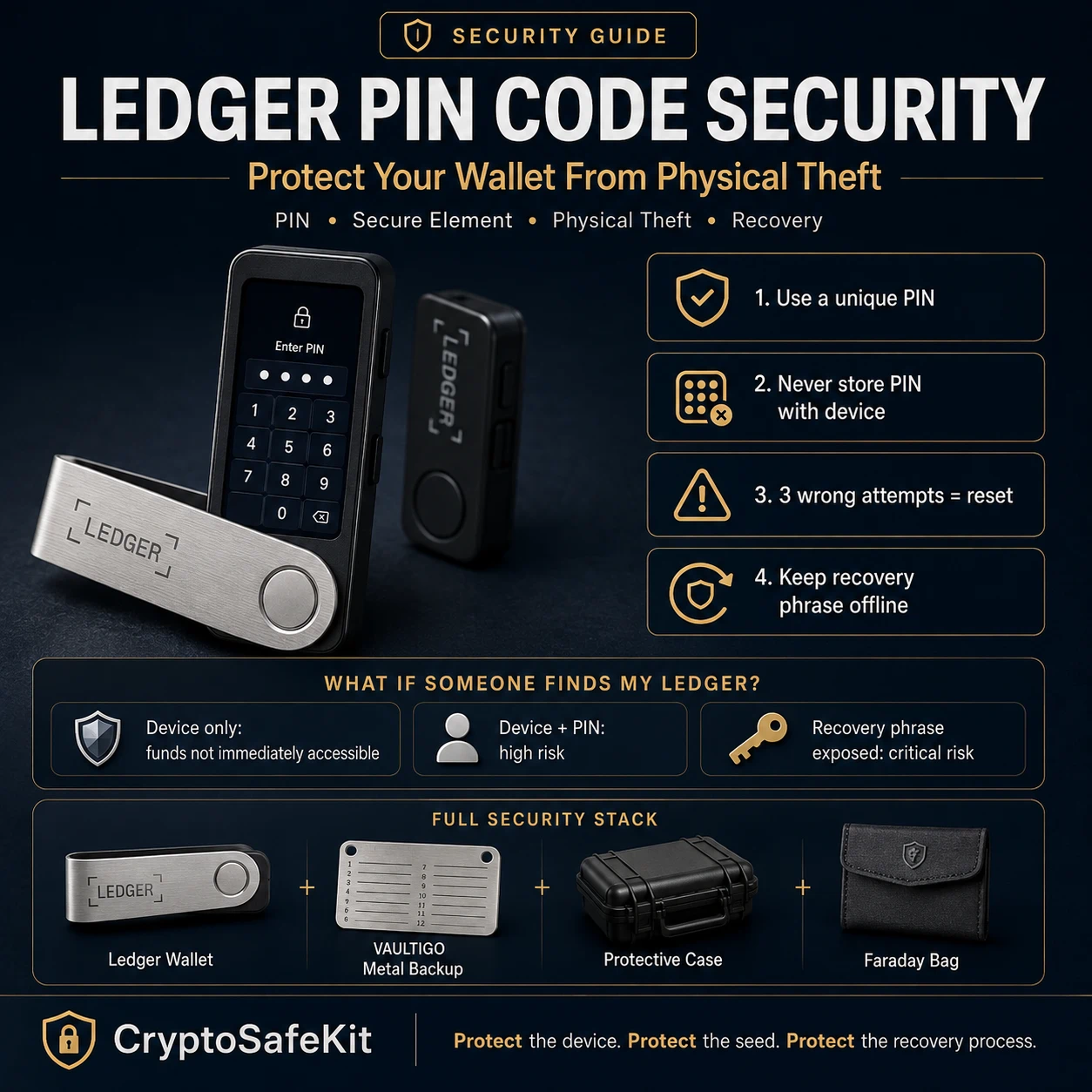
A hardware wallet is designed to keep private keys isolated from internet-connected devices, but many users forget one important layer of protection: the PIN code.
Understanding Ledger PIN code security is essential because a stolen hardware wallet does not automatically mean stolen cryptocurrency. The attacker still needs to overcome multiple security barriers, including the device PIN, hardware protections, and your recovery phrase security.
The correct mindset is:
Your Ledger device protects your private keys. Your PIN protects your physical device. Your recovery phrase protects your ability to recover the wallet.
These are different security layers.
From hands-on experience helping users design cold-storage setups, the most common misunderstanding is believing that someone who finds a Ledger wallet can immediately access the funds. In reality, the situation depends on whether the attacker has only the device, the PIN, or the recovery phrase.
This guide explains how Ledger PIN protection works, what happens if someone finds your Ledger, how to reduce physical theft risks, and how professional long-term holders build a stronger self-custody system.
How Ledger PIN Code Security Works
What Is a Hardware Wallet PIN?
A PIN (Personal Identification Number) is a local authentication code used to unlock your Ledger hardware wallet.
Simple explanation:
- The PIN proves you are allowed to use the physical device.
- The PIN does not create your wallet.
- The PIN does not replace your recovery phrase.
- The PIN does not directly protect blockchain assets.
Your cryptocurrency ownership is ultimately controlled by private keys derived from your recovery phrase.
The Ledger PIN controls access to the hardware that stores and uses those keys.
Ledger Security Architecture Explained
To understand PIN security, you need to understand the device architecture.
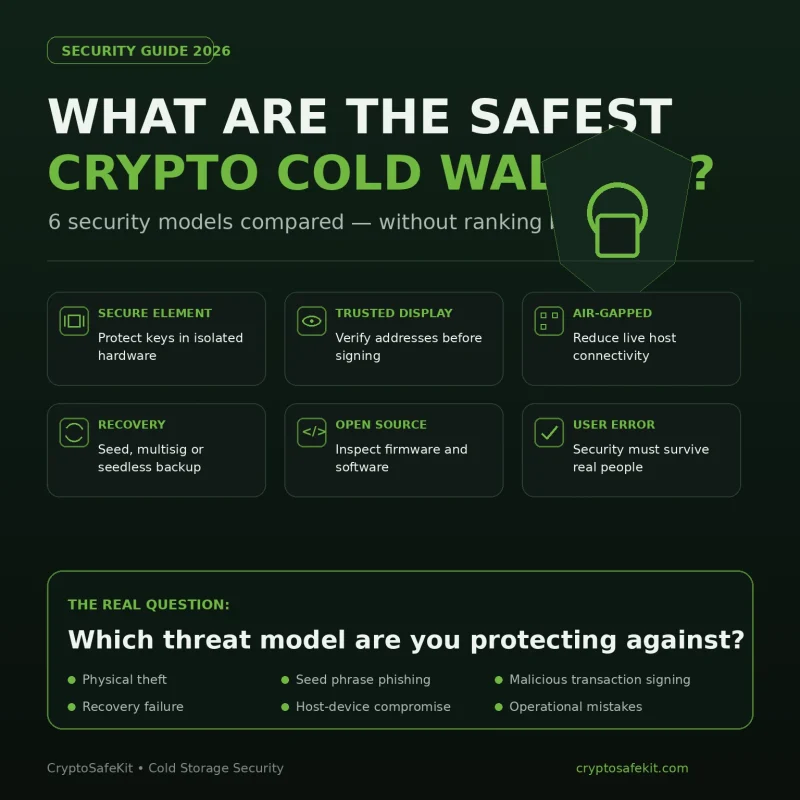
Secure Element: The Hardware Security Component
Secure Element means a specialized security chip designed to protect sensitive information against physical attacks.
Ledger devices use Secure Element technology to isolate sensitive cryptographic operations.
According to Ledger’s official security documentation:
- Private keys are generated and stored inside the Secure Element.
- Transactions require approval through the physical device.
- The Secure Element is designed to resist certain hardware extraction attacks.
【FACT CHECK】
The Secure Element is not a guarantee that every possible attack is impossible.
Security depends on the complete system:
- Hardware design
- Firmware
- User behavior
- Recovery phrase protection
- Physical storage practices
A strong chip cannot protect a recovery phrase that has been photographed and uploaded online.
What Happens If Someone Finds My Ledger?
This is one of the most common questions from hardware wallet users.
The answer depends on what the attacker has.
Scenario 1: Someone Finds Only Your Ledger Device
Example:
Hypothetical Example
A user travels with a Ledger Nano X inside a backpack. The backpack is stolen, but the recovery phrase is stored separately at home.
The attacker has:
- Ledger device
- USB cable
- Possibly the protective case
The attacker does not have:
- PIN code
- Recovery phrase
In this situation, the attacker cannot simply open the wallet and transfer funds.
The device requires PIN authentication.
Scenario 2: The Attacker Has Your Ledger and PIN
This situation is much more serious.
If someone knows:
- Your Ledger device
- Your PIN
They may be able to access the wallet and approve transactions.
This is why PIN confidentiality matters.
Never store:
- Ledger device + PIN together
- PIN inside the same case
- PIN in your phone notes
- PIN in cloud documents
A hardware wallet should not become a single-location security system.
Scenario 3: The Attacker Has Your Recovery Phrase
This is the most critical scenario.
A recovery phrase can recreate wallet access.
An attacker with your recovery phrase may not need:
- Your Ledger device
- Your PIN
- Your physical wallet
They may restore the wallet using another compatible wallet.
This is why seed phrase protection is usually more important than device protection.
How Many PIN Attempts Does Ledger Allow?
A common search query is:
“How many PIN attempts does Ledger have?”
Ledger devices include a protection mechanism that limits repeated incorrect PIN attempts.
According to Ledger documentation:
- After 3 incorrect PIN attempts, the device resets and wipes its data.
This means an attacker cannot simply continue guessing indefinitely.
【FACT CHECK】
A device reset does not destroy your cryptocurrency.
Your crypto remains on the blockchain.
You can restore access using your recovery phrase.
However:
If you lose both the device and recovery phrase, the wallet cannot be recovered.
Ledger PIN Code Best Practices
A strong PIN is one part of a complete security model.
Use a Unique PIN
Avoid:
- Birth years
- Phone numbers
- Repeated numbers
- Common combinations
Examples of weak PIN choices:
- 123456
- 000000
- 111111
- Personal dates
A PIN should not be predictable.
Avoid Storing Your PIN Digitally
Do not store your Ledger PIN in:
- Notes applications
- Email drafts
- Cloud documents
- Password screenshots
Digital storage creates additional attack paths.
Do Not Share Your PIN
Legitimate Ledger support will never ask for:
- PIN
- Recovery phrase
- Private keys
A support request asking for these details is a strong phishing indicator.
Ledger PIN Security vs Recovery Phrase Security
Many beginners confuse these two.
They solve different problems.
| Security Layer | Protects Against |
|---|---|
| PIN | Unauthorized use of physical Ledger device |
| Secure Element | Certain hardware extraction attacks |
| Recovery phrase | Wallet recovery after device loss |
| Passphrase | Additional wallet separation |
| Physical storage | Theft and environmental risks |
A professional cold-storage setup does not rely on only one layer.
Protecting Ledger From Physical Theft
Physical theft is not only about losing the device.
It is about controlling what information an attacker can obtain.
Separate Your Security Components
A stronger setup separates:
- Hardware wallet
- PIN information
- Recovery backup
Avoid keeping everything together.
Bad setup:
Drawer:
Ledger device
PIN written on paper
Seed phrase backup
This creates a single point of failure.
Better approach:
- Ledger stored securely
- Recovery backup stored separately
- PIN protected independently
Hardware Wallet Protection Cases
A protective case does not improve cryptographic security.
However, it can reduce physical damage risks.
A quality hardware wallet case can help protect against:
- Scratches
- Drops
- Dust
- Storage damage
- Transport damage
For users carrying Ledger devices regularly, a dedicated hardware wallet protection case can become part of a broader physical-security strategy.
CryptoSafeKit provides protective solutions designed for users who want an additional physical layer around their hardware devices.
Faraday Bags and Ledger Storage
A Faraday bag is a signal-blocking enclosure designed to reduce electromagnetic communication.
It is often misunderstood.
A Faraday bag does not:
- Encrypt your wallet
- Protect your PIN
- Protect your recovery phrase
- Make stolen hardware impossible to access
Its role is limited.
For wireless-capable devices such as Ledger Nano X, reducing unnecessary radio exposure during storage may be considered an additional physical-security measure.
However:
The strongest protection remains proper PIN management and recovery phrase protection.
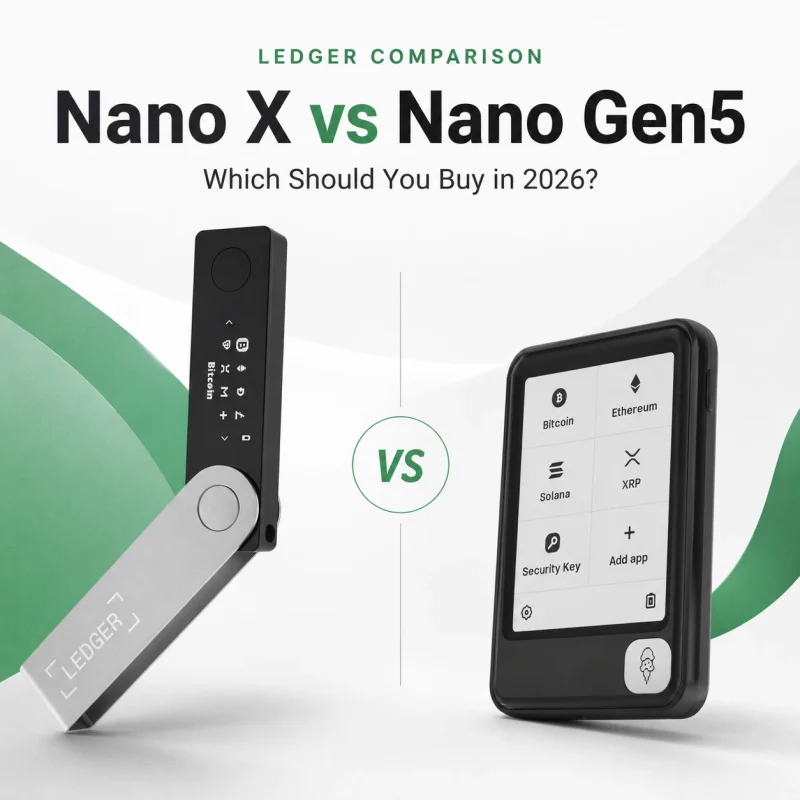
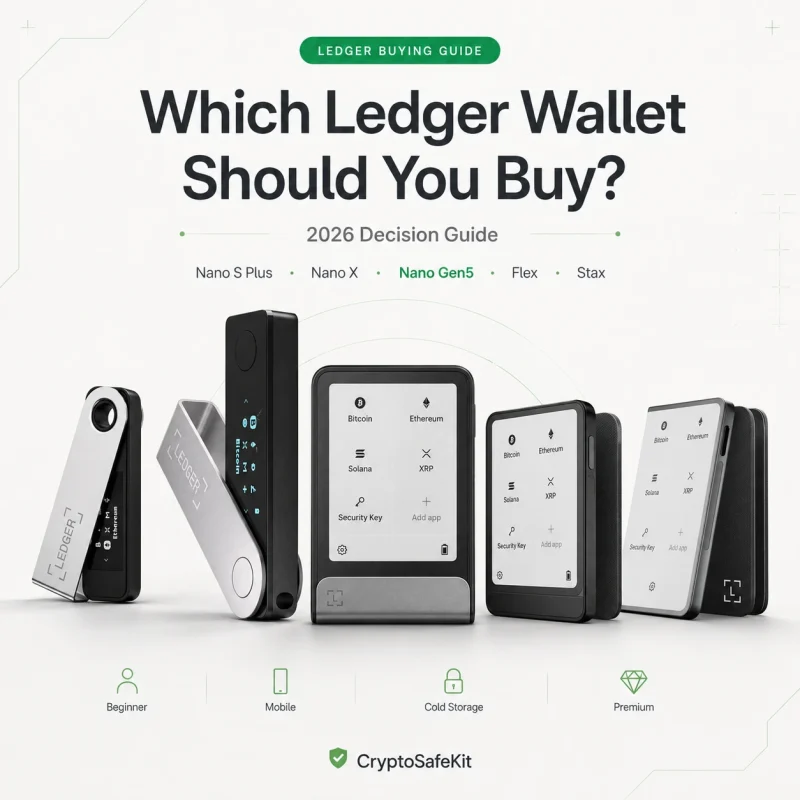
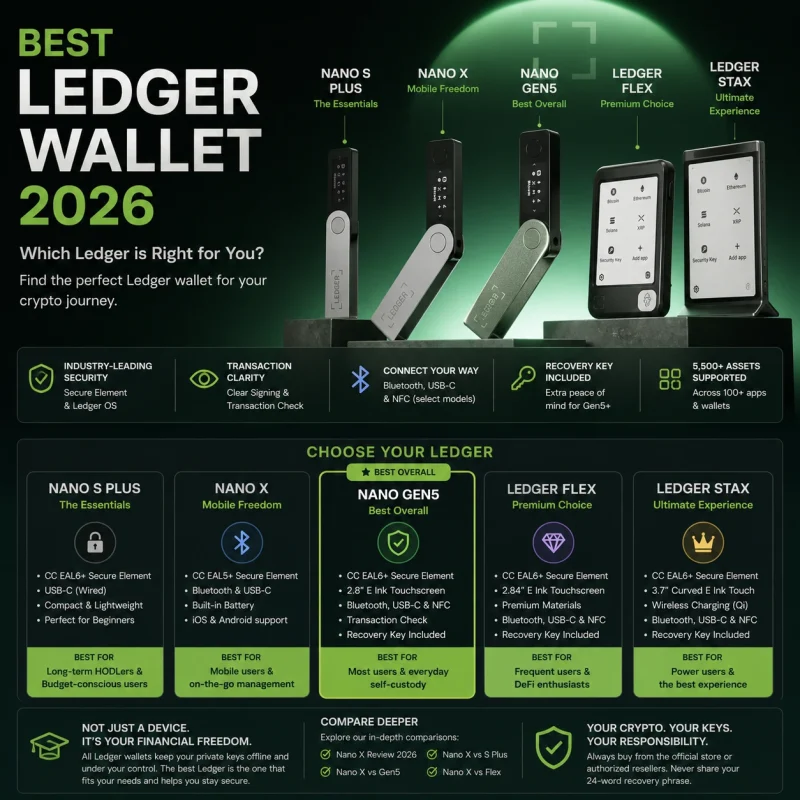
Ledger Nano S Plus, Nano X, Stax and Flex: PIN Security Differences
Ledger currently offers several hardware wallet models, including Nano S Plus, Nano X, Stax, and Flex.
Although their designs differ, the fundamental security principle remains the same:
The PIN unlocks the device. The recovery phrase restores the wallet.
The PIN should always be treated as a confidential authentication credential.
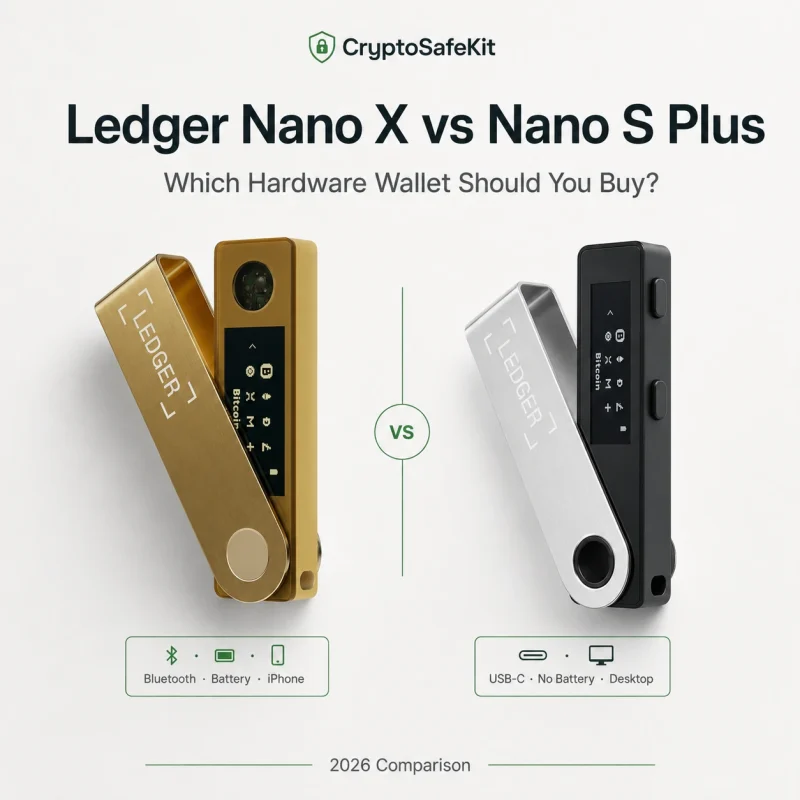
Ledger Nano S Plus PIN Security
The Ledger Nano S Plus is designed primarily for users who want a simple cold-storage workflow.
Key characteristics:
- Secure Element security architecture
- On-device transaction confirmation
- USB connection
- No internal battery
- No Bluetooth
For long-term storage users, the simpler design can be an advantage.
Fewer components can mean fewer potential maintenance concerns over many years.
Typical users:
- Bitcoin long-term holders
- Investors who rarely move funds
- Users prioritizing simplicity
Security considerations:
- The device still depends on correct PIN management.
- The recovery phrase remains the ultimate recovery mechanism.
- Physical storage location matters.
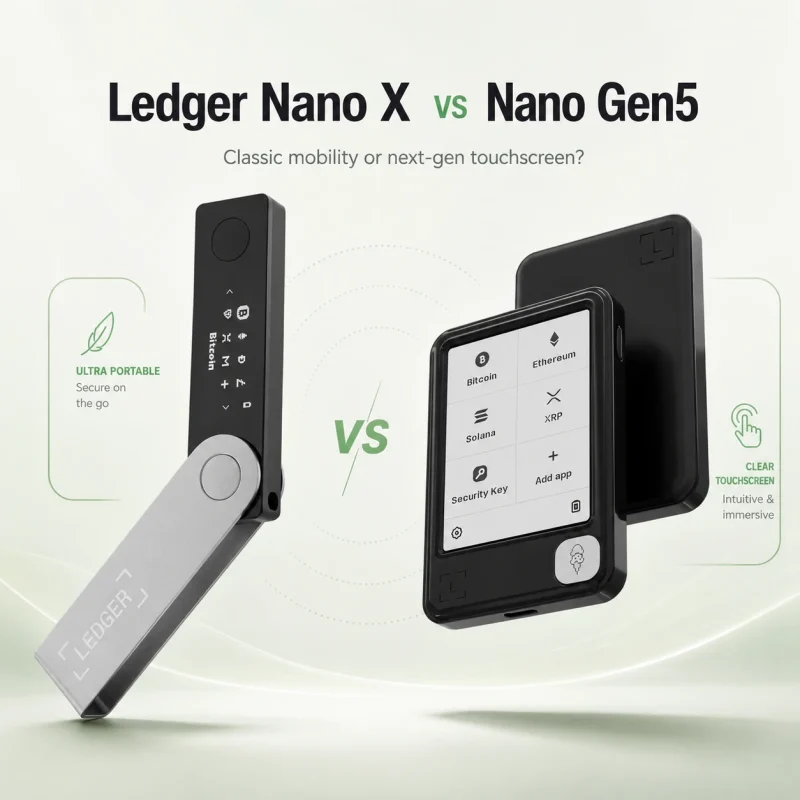
Ledger Nano X PIN Security
The Ledger Nano X adds:
- Bluetooth connectivity
- Larger application capacity
- Mobile compatibility
- Built-in battery
These features improve convenience.
However, convenience does not automatically equal stronger cold-storage security.
For active users:
- Bluetooth can make daily transactions easier.
- Mobile connectivity improves flexibility.
For deep cold storage:
- Battery aging becomes another hardware lifecycle consideration.
- Wireless features may not provide meaningful value if the wallet is rarely used.
The PIN protection model remains the same.
Ledger Stax and Ledger Flex PIN Security
Ledger Stax and Ledger Flex introduce:
- Larger touchscreen displays
- More advanced user interaction
- Premium hardware design
The larger screen can improve usability because users can review transaction information more comfortably.
This matters because transaction verification is one of the most important defenses against malware-based address replacement.
A bigger display does not make a wallet automatically safer.
The security advantage comes from:
- Correct device verification
- Careful transaction approval
- Recovery phrase protection
- Proper PIN practices
Advanced Protection: Using a Ledger Passphrase
A passphrase is an advanced wallet-security feature based on BIP39.
Simple explanation:
A passphrase creates an additional hidden wallet derived from your recovery phrase.
Example:
Recovery phrase:
Your 24-word seedWith passphrase:
Your 24-word seed + additional secretThe result is a different wallet.
Why Users Use Passphrases
A passphrase can help reduce the impact of certain threats.
Example:
A thief discovers your recovery phrase but does not know your passphrase.
The attacker may restore the standard wallet but not the passphrase-protected wallet.
Passphrase Risks
A passphrase introduces another responsibility.
If you lose:
- Recovery phrase
- Passphrase
The wallet cannot be recovered.
A passphrase should only be used when you have a reliable recovery strategy.
Do not create unnecessary complexity.
Security systems fail when the owner cannot successfully recover them.
What To Do If Your Ledger Is Stolen
A stolen hardware wallet requires a calm, structured response.
Do not immediately assume your crypto is lost.
Follow this process.
Step 1: Determine What Was Stolen
Ask:
Do I still have my recovery phrase?
Do I know whether the attacker has my PIN?
Do I know whether the device was unlocked?
The answers determine your risk level.
Step 2: Move Funds If You Suspect Seed Exposure
If you believe your recovery phrase may have been compromised:
Example:
- Seed backup was stored with the Ledger.
- Someone accessed the storage location.
- You suspect the words may have been photographed.
Treat the wallet as compromised.
Create a new wallet with a new recovery phrase.
Move assets to the new wallet after verifying the new setup.
Step 3: Replace the Hardware Device
A lost Ledger device does not permanently prevent access if your recovery phrase remains secure.
You can restore your wallet using:
- Replacement Ledger device
- Compatible wallet software supporting the same standards
The important asset is not the physical device.
It is the recovery information.
Common Ledger PIN Security Mistakes
Mistake 1: Writing the PIN Next to the Wallet
Why this fails:
An attacker who steals both obtains two security layers at once.
Better:
Store the PIN separately.
Mistake 2: Using an Easy PIN
Examples:
- Birthday
- Year
- Repeated numbers
- Sequential numbers
Why this fails:
People close to you may guess predictable choices.
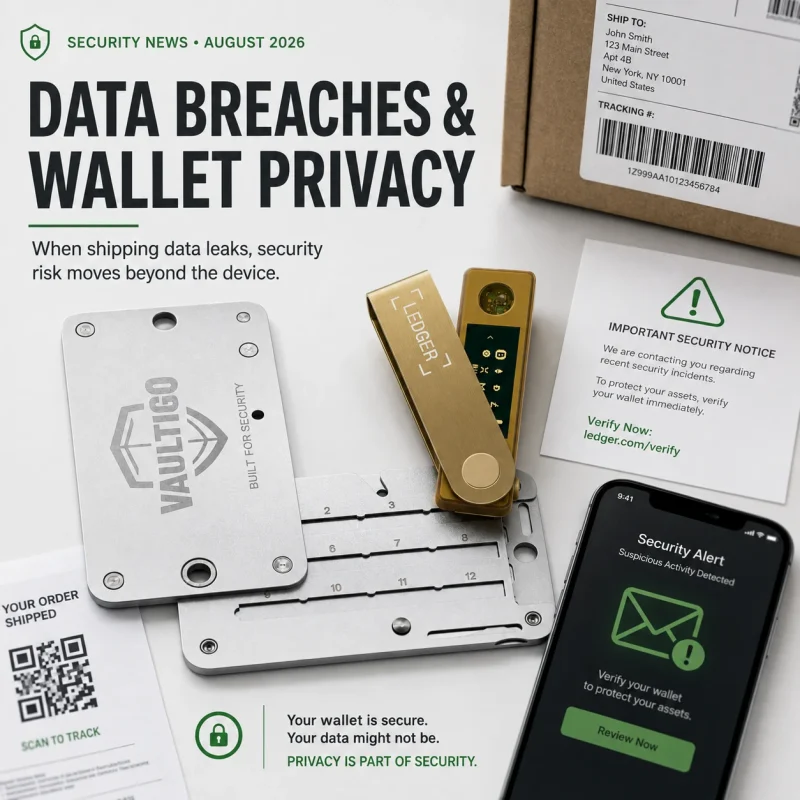
Mistake 3: Sharing PIN During Support Requests
Scammers often impersonate:
- Ledger support
- Exchange employees
- Security teams
They may claim:
“Your wallet needs verification.”
Legitimate support does not need your PIN or recovery phrase.
Mistake 4: Believing the PIN Protects Your Recovery Phrase
The PIN protects the device.
It does not protect:
- Paper backups
- Metal backups
- Photos
- Digital copies
If the recovery phrase leaks, the PIN is irrelevant.
Mistake 5: Storing the Seed Backup With the Ledger
Example:
A user keeps:
- Ledger Nano X
- VAULTIGO plate
- PIN card
Inside one safe.
The safe is physically secure, but the security model has one failure point.
A professional setup considers:
- Fire risk
- Theft risk
- Access risk
- Geographic risk
Building a Strong Ledger Physical Security Setup
A complete long-term security system usually combines several layers.
Layer 1: Hardware Wallet
Purpose:
Protect private-key operations.
Examples:
- Ledger Nano S Plus
- Ledger Nano X
- Ledger Flex
- Ledger Stax
Layer 2: Device Protection
Purpose:
Reduce physical damage.
A protective case helps against:
- Scratches
- Drops
- Transport damage
It does not replace proper wallet security.
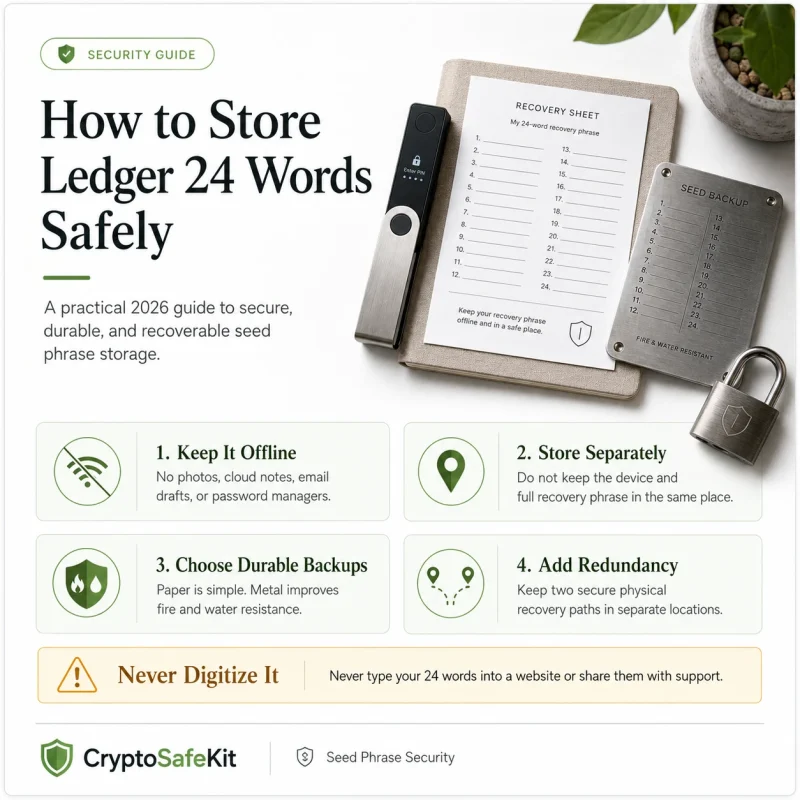
Layer 3: Recovery Phrase Protection
Purpose:
Maintain access after:
- Device loss
- Device failure
- Hardware replacement
For users storing significant crypto long term, a metal backup solution such as VAULTIGO provides a durable offline medium designed for long-term recovery phrase preservation.
The important principle:
A durable backup improves availability.
It does not make the recovery phrase safe if someone can read it.
Layer 4: Location Strategy
A professional storage plan considers:
- Who can access the location?
- What happens during fire?
- What happens during theft?
- What happens during relocation?
- How would heirs recover access?
Security is not only about preventing attacks.
It is also about preventing accidental permanent loss.
Security Checklist: Ledger PIN Protection
Before storing significant cryptocurrency:
- Your Ledger PIN is unique and private
- PIN is not stored with the hardware wallet
- Recovery phrase is stored offline
- Recovery phrase is not photographed
- Device was initialized personally
- Ledger Wallet was downloaded from official sources
- Hardware authenticity was checked
- Firmware updates are reviewed periodically
- You understand your recovery process
- You have considered physical theft scenarios
- You have a plan if the Ledger device is lost
- You have a plan if the recovery phrase is compromised
FAQ
Q: What happens if someone finds my Ledger?
A:
If someone finds only your Ledger device and does not know your PIN or recovery phrase, they generally cannot immediately access your funds.
However, physical theft should still be taken seriously.
Your response depends on whether your recovery information remains secure.
Q: How many PIN attempts does Ledger allow?
A:
Ledger devices include protection against repeated incorrect PIN attempts.
According to Ledger documentation, after three incorrect PIN attempts the device resets and removes wallet data from the device.
Your cryptocurrency is not destroyed because blockchain ownership depends on your recovery phrase.
Q: Can someone hack my Ledger PIN?
A:
The Ledger PIN system is designed to resist casual guessing attempts.
However, no security system should be considered completely immune to every possible attack.
Physical access, hardware vulnerabilities, user mistakes, and recovery phrase exposure all affect overall security.
Q: Should I use a longer Ledger PIN?
A:
A longer PIN can improve resistance against guessing attacks.
The most important factors are:
- Avoid predictable numbers.
- Keep it private.
- Do not store it with the device.
Q: Does a Faraday bag protect my Ledger?
A:
A Faraday bag can reduce wireless communication while storing compatible devices.
It does not protect against:
- Recovery phrase theft
- PIN exposure
- Phishing
- Social engineering
It should be considered an additional physical layer, not the main security control.
Q: Is Ledger Nano S Plus safer than Ledger Nano X?
A:
Neither device should be described as universally safer.
The better choice depends on your usage.
Nano S Plus:
- Simpler
- No battery
- Storage-focused
Nano X:
- Mobile-focused
- Bluetooth
- More convenient
For deep cold storage, many users prefer simplicity.
For active management, Nano X may be more practical.
Q: Can I recover my crypto if my Ledger breaks?
A:
Yes, if your recovery phrase is correctly preserved.
The hardware wallet is replaceable.
The recovery phrase is the critical backup.
Conclusion
Ledger PIN code security is an important part of protecting cryptocurrency from physical theft, but it is only one layer of a complete self-custody strategy.
A secure setup combines:
- Strong PIN practices
- Hardware wallet protection
- Offline recovery backup
- Physical storage planning
- Awareness of social engineering risks
The most important lesson:
A thief with only your Ledger device faces significant barriers.
A thief with your recovery phrase has a completely different level of access.
Protect the recovery phrase first.
Protect the device second.
Protect the entire recovery process.
For users holding significant crypto long term, combining a Ledger hardware wallet with durable recovery storage such as VAULTIGO metal backup solutions and appropriate physical protection accessories creates a stronger, more resilient self-custody approach.
Security Disclaimer
This article is provided for educational purposes only and does not constitute financial, investment, legal, or tax advice.
Hardware wallets, PIN protection systems, and physical security solutions can significantly reduce common attack risks, but no security method eliminates every possible threat. Users should evaluate their own risk environment and follow official manufacturer documentation.
Never share your recovery phrase, private keys, PIN code, or passphrase with anyone. Legitimate wallet support services will never request these secrets.